
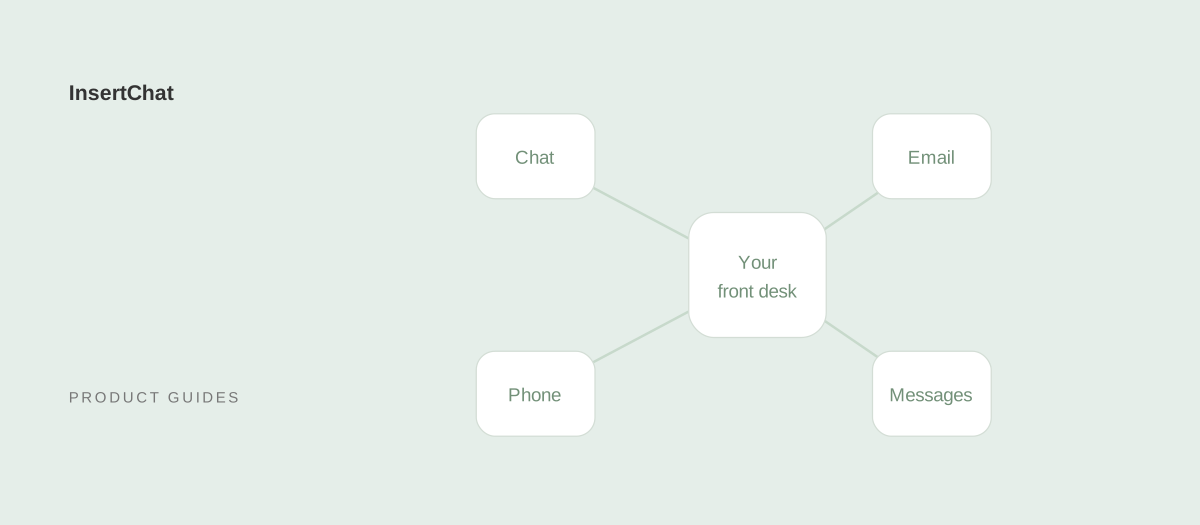
Connect one customer channel first, test the complete conversation, then add the next. This guide covers what to prepare for website chat, phone, email, SMS, and WhatsApp in InsertChat.
Choose the first channel
Start where your team already receives the most questions. Each channel needs its own setup:
- Website chat: use the installation code from your assistant’s website settings. You can add it to your existing site; Shopify has a storefront installation guide.
- Phone: follow the number or call-forwarding setup in your workspace. Check regional availability before routing your business calls. See AI receptionist setup.
- Email: authorize your Gmail or Outlook account and complete the mailbox setup.
- SMS or WhatsApp: configure the supported messaging channel in your workspace and check its account, number, and regional requirements. Review email and messaging.
Provider accounts and connected services may have their own charges. Review the channel costs before enabling a connection.
Prepare the assistant before connecting customers
Add your opening hours, service area, service descriptions, and common questions to the knowledge base. Wait for sources to finish processing, then test the assistant’s answers.
Configure its name, tone, and handoff behavior. Decide which requests it can handle and which should reach your team. Use the knowledge preparation guide if your sources need work.
Connect the tools behind the conversation
A customer channel receives the conversation. A connected tool lets your assistant act on it. For example, a phone call can lead to an appointment when you connect Google Calendar and enable the relevant scheduling actions.
Authorize the required account, choose the actions, and decide which need approval. Test those permissions with the specific workflow your customers will use.
Test the complete customer journey
Before going live, work through this checklist:
- Open the website widget, place a test call, or send a message through your configured channel.
- Ask a routine question and compare the answer with your business information.
- Confirm the conversation appears in the shared inbox, with the details your team needs.
- Ask a question that should trigger human handoff. Check that a teammate can find and continue the request.
- If tools are connected, check the proposed action, any required approval, and the result.
Resolve missing information or connection issues before opening the channel to customers. Once the flow works, add another channel and repeat these checks.