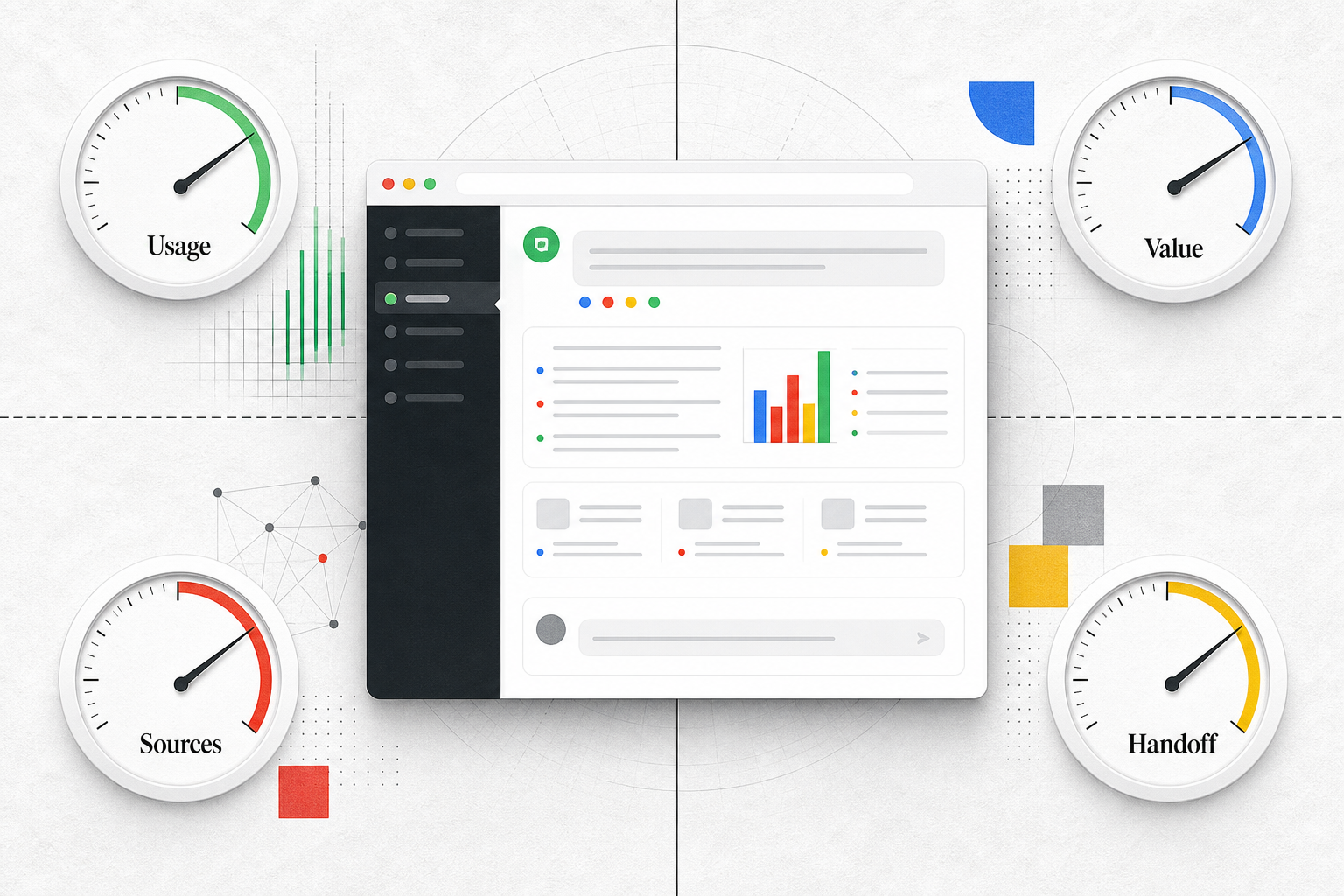
TL;DR
- Start with one branded deployment brief, not a feature list.
- Define client experience, approved knowledge sources, workflow handoffs, data rules, analytics, and ownership before build or vendor review.
- Treat branding as a user experience requirement, not only a logo or color setting.
- Separate must-have capabilities from later-stage options so the first deployment can launch with clear risk controls.
- Turn unresolved questions into vendor questions or internal owner assignments before rollout.
You already know the basic idea behind white label conversational AI. The harder step is deciding what the branded assistant must support before you choose a platform, scope an internal build, or promise a client rollout. A useful requirement list should say what the visitor sees, what content the assistant can use, what happens after a conversation, what data is allowed, who owns changes, and how the deployment will be reviewed.
Key Takeaways
A useful white-label conversational AI requirement is specific enough to test. It names the user-visible behavior, the approved source of truth, the person or team responsible for changes, the risk it controls, and the measurement point.
Branding is only one part of the requirement set. Client experience, source control, handoff paths, data handling, analytics, and account management all affect whether the deployment can be supported after launch.
Must-have capabilities should protect the first deployment. If a requirement affects trust, data safety, workflow completion, client ownership, or measurement, it belongs in the first scope. If it only improves scale later, keep it visible but do not let it block the first rollout.
Security and data handling questions should be answered before a client-facing launch. If the context you have does not confirm retention, workspace separation, audit logs, compliance coverage, or role behavior, treat those as open questions for vendor review or internal legal review.
Start With the Branded Deployment, Not the Feature List
The planning unit should be one branded assistant or chatbot experience, not a generic platform wish list. A feature list gets long quickly: models, channels, sources, forms, routing, dashboards, embeds, custom domains, API access, and more. A deployment brief forces those features to earn their place.
Start with these fields:
- Client or brand name
- Audience using the assistant
- Surface where the assistant appears, such as a website widget, embedded page, full-page assistant, in-app embed, custom domain, or API-backed experience
- Approved knowledge sources
- Allowed actions and blocked actions
- Handoff path when the assistant should stop
- Data the assistant may collect
- Reporting owner
- First review cadence after launch
If your team still needs the ownership definition behind the category, use the deeper explanation of what makes an AI chatbot truly white label before finalizing these requirements. This article assumes that ownership question is already settled enough to define operating requirements.
The goal is not to describe every possible future version. The goal is to write a brief that lets a vendor, engineer, client success lead, or delivery team say, with evidence, whether the first branded deployment can be launched and supported.
Set Branding and Client Experience Requirements First
Branding requirements should describe the experience a visitor and client will actually see. A logo field is not enough. A client-facing assistant also needs rules for language, tone, entry points, suggested prompts, fallback copy, and support expectations.
Write these requirements as testable statements:
- The assistant uses the client-approved name, logo, colors, and welcome message.
- The first prompts match the top visitor intents for this deployment, not generic platform examples.
- The assistant tone follows the client’s support or sales style guide.
- The assistant appears only on approved pages or surfaces at launch.
- The handoff message explains what happens next when the assistant cannot answer or should not continue.
- Client-facing copy changes require an assigned approver.
The risk is client trust. A branded assistant can look polished while still creating support problems if visitors receive vague answers, unclear next steps, or copy that the client never approved. The requirement should name who can update the assistant’s greeting, prompts, answer style, and fallback text.
More client control improves fit, but it also creates approval work. If every microcopy change needs a full stakeholder review, the assistant may become hard to improve. For a first deployment, define which items require client approval and which items the delivery team can adjust during normal optimization.
InsertChat’s indexed site language centers on branded assistants grounded in owned content, visitor questions, lead capture, support routing, and workflow handoff. If you evaluate a platform with similar positioning, do not stop at whether the assistant can carry a brand. Check whether the deployment team can manage the client experience after launch.
Define Knowledge Sources, Workflows, and Handoffs
Knowledge requirements answer a simple operating question: what is the assistant allowed to know from? For branded deployments, the safest starting point is usually approved client-owned content. That can include website pages, documents, FAQs, policies, videos, help articles, and knowledge base material, depending on what the platform supports and what the client has approved.

Your requirements should specify source scope and source control:
- Which website sections are included or excluded
- Which documents, policies, FAQs, or videos are approved
- Who approves new sources
- How outdated sources are removed
- How source gaps are reported
- Whether answers should be grounded in approved content rather than general knowledge
- What the assistant should say when the approved sources do not answer the question
Broader source coverage can improve answer coverage, but it also increases maintenance. If no one owns source updates, the assistant can answer from stale pages, old policy PDFs, retired service descriptions, or content meant for internal use. When ownership is unclear, keep the first source set narrow.
Workflow requirements describe what happens when the conversation needs action. A branded conversational AI deployment may need to collect contact details, route a support question, create a sales follow-up, point someone to booking, trigger a webhook, or hand a conversation to a person. InsertChat’s indexed context references CRM, support, ecommerce, calendar, webhook, and handoff workflows as possible follow-up paths, so these are reasonable categories to include in a planning brief when relevant.
Do not define workflows as vague goals like “capture leads” or “improve support.” Define the trigger, the required information, the destination, and the stop rule.
For example:
- Trigger: visitor asks about implementation help.
- Required information: name, email, company, site URL, short description of need.
- Destination: CRM or assigned sales inbox.
- Stop rule: assistant does not promise delivery timing or commercial terms.
- Human review: sales owner reviews the conversation before follow-up.
If terminology around assistant, chatbot, or agent becomes a client conversation, keep it separate from the requirement list. The requirement is what the system may do, where it must ask for approval, and when it must hand off. Naming questions belong in a separate decision, such as the discussion of white-label AI agent vs white-label AI chatbot.
Ask Data Handling, Security, and Analytics Questions Early
Data handling requirements should be settled before the assistant is visible to client visitors. Start by defining the types of data the assistant may collect, the types it should avoid, and the routing path for sensitive requests.

Ask these questions before rollout:
- What personal data may the assistant request?
- What data should the assistant never ask for?
- Which sensitive topics require immediate handoff?
- Who can access conversations?
- Are client workspaces, sources, and conversations separated in the way this deployment requires?
- How long are conversations retained?
- Can roles limit who edits sources, branding, workflows, and reporting?
- Is there an escalation record with enough context for a human follow-up?
Some security details may not be available in the planning context. Compliance certifications, retention controls, audit logs, data residency, and legal requirements should be treated as open confirmation items unless you have official documentation for the exact platform and plan being evaluated. Do not assume them from category language.
Stricter data limits may reduce what the assistant can complete without a person, but they lower client risk. A first deployment can still be useful if it answers approved questions, captures non-sensitive intent, and routes sensitive or account-specific requests to a human.
Analytics requirements define how the deployment will be improved. The first version does not need a complex reporting program, but it does need enough visibility to answer basic operating questions:
- What are visitors asking?
- Which questions are unanswered or weakly answered?
- Which sources are missing or outdated?
- How many conversations require handoff?
- Which handoffs are useful to sales, support, or operations?
- Which prompts or pages produce the best conversations?
- Who reviews conversation quality and how often?
Useful measurements include unanswered questions, repeated visitor intents, source gaps, handoff volume, lead quality notes, and client review cadence. Avoid invented benchmarks. The first goal is not to claim a universal conversion lift. It is to learn whether the assistant is answering the right questions, using the right sources, and creating follow-up that the client can manage.
Separate Must-Have Requirements From Later-Stage Capabilities
A requirement becomes must-have when it protects the first branded deployment. Use this rule: a capability is must-have now if missing it would damage visitor trust, create data risk, break the handoff workflow, prevent client ownership, or make performance impossible to review.

Everything else can be listed as later-stage. Later-stage does not mean unimportant. It means the capability should not block the first launch unless the client’s actual deployment depends on it.
| Requirement area | Must-have now | Later-stage | Risk controlled |
|---|---|---|---|
| Branding and experience | Approved assistant name, logo, colors, welcome message, tone, prompts, and fallback copy | More surfaces, deeper client-specific styling, custom domain if not needed for launch | Visitor trust and client approval |
| Knowledge sources | Approved pages, documents, FAQs, policies, or knowledge base scope with an owner | Larger source library, more content types, more granular source routing | Incorrect or stale answers |
| Workflows and handoffs | Clear trigger, required fields, destination, and stop rule | More integrations, automation across more teams, expanded webhook logic | Lost follow-up or unsupported promises |
| Data handling | Allowed data, blocked data, access roles, sensitive-topic handoff | Additional governance controls after official review | Client data exposure and unclear accountability |
| Analytics | Conversation review, unanswered question tracking, source gaps, handoff review | Client dashboards, deeper segmentation, multi-assistant reporting | No feedback loop after launch |
| Technical flexibility | Deployment surface required for the first assistant | Model choice, BYOK, voice, vision, API expansion, or additional channels if not required yet | Overscoping before the workflow is proven |
Be careful with later-stage items that sound impressive. Model choice, more channels, custom domains, voice, vision, and API access can matter, but they should be tied to a real deployment requirement. If the first assistant lives on a client website and answers from approved support pages, the must-have list should focus on the website experience, source control, handoff, data rules, and reporting.
Scenario: Turn a Client Website Assistant Into Requirements
A client wants a branded website assistant that answers visitor questions from approved website content, captures high-intent sales questions, and routes support issues to the right inbox. The team is tempted to ask vendors for “white label conversational AI with integrations and analytics.” That is too broad to evaluate.
A better requirement brief would look like this:
Branding and client experience: the assistant uses the client-approved name, logo, colors, welcome message, and suggested prompts. The assistant appears on product, help, and contact pages at launch. The fallback message tells visitors when a person will follow up, without promising a response time the client has not approved.
Knowledge sources: the assistant may answer from selected website pages, the public FAQ, current policy pages, and a reviewed product overview document. It must not answer from archived PDFs, internal sales notes, or unapproved blog drafts. The client marketing owner approves source changes.
Workflow and handoff: if a visitor asks about buying, implementation, or account-specific support, the assistant collects the agreed fields and routes the conversation to the correct destination. If the visitor asks for legal, billing, medical, financial, or account-sensitive advice, the assistant stops and sends the request to a human review path.
Data handling: the assistant may collect name, business email, company, website, and a short message for sales follow-up. It should not request passwords, payment information, government identifiers, or confidential account data. Role access, retention, audit logs, and any compliance claims remain open vendor-confirmation questions until official documentation is reviewed.
Analytics and client management: the delivery owner reviews conversations weekly for unanswered questions, repeated visitor intents, missing sources, and handoff quality. The client receives a short review showing what visitors asked, what sources need updates, and which handoffs need process changes.
Priority: launch cannot proceed without approved branding, source scope, handoff rules, allowed data, role ownership, and a basic review cadence. Additional channels, advanced model selection, more assistants, and custom reporting can wait unless the client’s first deployment requires them.
This scenario is intentionally narrow. If your team still needs to decide which first workflow is worth offering, use a separate use-case planning process, such as the guide to white-label AI chatbot use cases for client-facing teams. Once the workflow is chosen, the requirements brief should keep the team focused on setup, ownership, risks, and measurement.
Turn the Checklist Into a Planning Brief
The final output should be a brief that a vendor, engineer, client success owner, or operations lead can use. Keep it short enough to review, but specific enough to test.
Include these fields:
- Deployment goal
- Client and audience
- Launch surface
- Branding and experience requirements
- Approved knowledge sources
- Excluded sources
- Workflow triggers
- Handoff destinations
- Allowed and blocked data
- Role and access needs
- Reporting owner
- Review cadence
- Must-have requirements
- Later-stage capabilities
- Open questions for vendor or internal review
Use the brief to control the evaluation conversation. Instead of asking whether a platform “does white-label conversational AI,” ask whether it can support this branded deployment with these sources, this client experience, these handoffs, these data rules, and this reporting process.
Open questions are not failures. They are the items that need confirmation before launch. If a vendor cannot answer a security question, a workflow owner is missing, or the client has not approved source scope, record the gap and decide whether it blocks launch. The next decision is practical: vendor review, internal build scoping, or a smaller first deployment with fewer risks.
FAQ
What should a white-label conversational AI requirements list include? It should include branding and client experience, approved knowledge sources, workflow triggers, handoff rules, allowed and blocked data, role access needs, analytics, client reporting, owners, must-have capabilities, later-stage capabilities, and open confirmation questions.
Who should own the requirements before vendor selection? Assign one business owner for the deployment brief, then name owners for each area. Marketing or client success may own branding and source approval. Operations may own workflow handoffs. Security, legal, or IT should review data handling questions when the deployment touches sensitive information. The exact owner depends on the client and risk level, but every requirement needs someone accountable.
When is a capability must-have instead of later-stage? Make it must-have when the first launch depends on it for trust, data safety, client ownership, workflow completion, or measurement. If the capability mainly helps future scale, additional channels, broader automation, or deeper reporting, keep it in the later-stage list until the first deployment proves what needs to expand.