TL;DR
- The best first white-label AI chatbot use case is narrow, repeatable, and tied to a workflow buyers already care about.
- Agencies, SaaS teams, consultants, affiliates, and service providers should not package the same assistant offer.
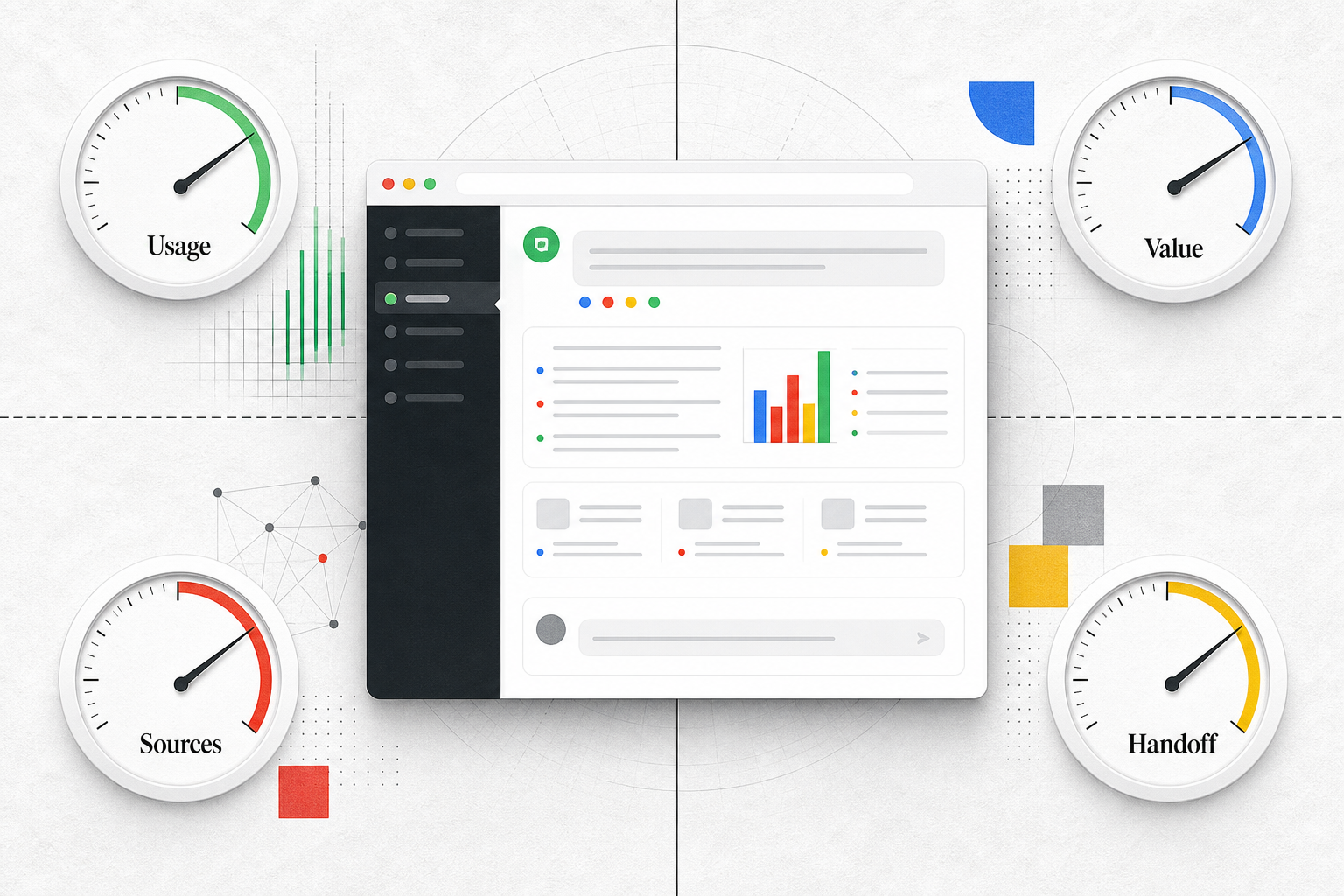
- Score each use case by buyer urgency, repeatability, setup effort, service scope, and caution.
- Email, SEO, content, and business workflow assistants can all work when the buyer, source boundary, and handoff path are clear.
- Avoid selling a vague all-purpose chatbot. It usually creates unclear expectations and custom delivery work.
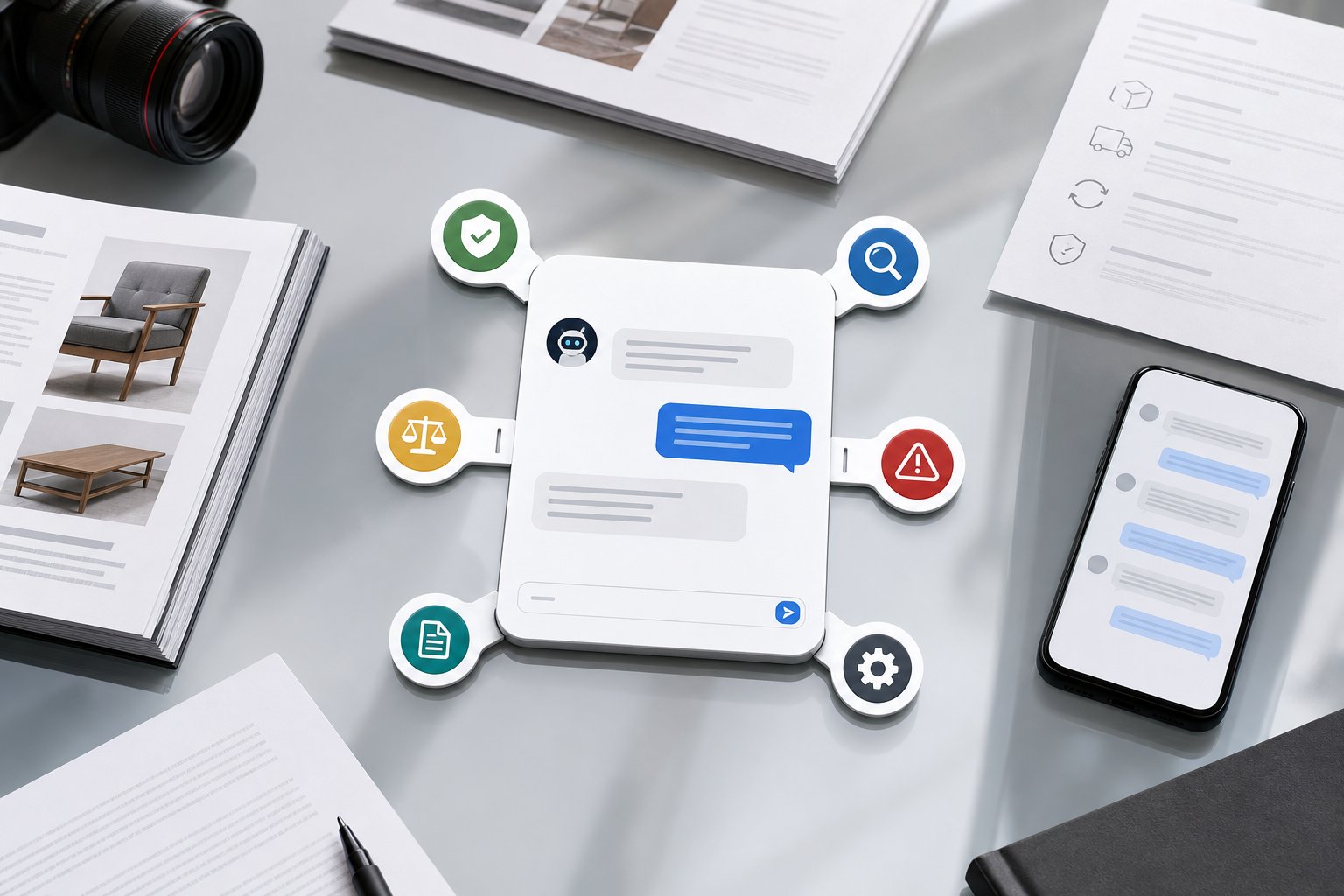
If you are comparing white label ai chatbot use cases, the hard part is probably not understanding what a branded chatbot is. The harder decision is choosing the first offer that is specific enough to sell, repeatable enough to deliver, and useful enough that a buyer has a reason to care now. A broad assistant that can “help with anything” sounds flexible, but it often hides several different projects inside one promise.
Key Takeaways
- Choose the first use case by buyer access and workflow fit, not by the longest feature list.
- A repeatable offer is easier to package than a custom assistant for every client department.
- Buyer urgency matters. If the problem is not visible to the buyer, the use case may be hard to sell even if it is easy to build.
- Setup effort matters. A use case that requires messy data cleanup, unclear approvals, or many integrations may be a poor first offer.
- Service scope matters. The buyer should understand what the assistant does, what it does not do, and when a human takes over.
Start with the buyer team, not the chatbot category
The first decision is not “Which chatbot can we build?” It is “Which team can sell, deploy, or operate this assistant without turning every client into a new invention?”

An agency that already manages client websites, landing pages, SEO, or demand generation has a natural path into content assistants, SEO assistants, email support assistants, and lead capture assistants. The agency already understands the client’s pages, calls to action, traffic sources, and form flows. The assistant becomes an extension of work the agency can explain.
A SaaS team may own product docs, onboarding content, FAQs, support content, pricing pages, and customer workflows. A product education assistant or support triage assistant may be easier to explain than a broad sales assistant.
A consultant or service provider may know a client’s operating process better than the client’s website stack. That points toward business workflow assistants: intake, onboarding, recurring questions, policy Q&A, document search, or routing follow-up to the right person.
An affiliate may not own the product or the sales process. That makes a focused recommendation assistant more realistic than a full support or sales assistant. The use case should help visitors navigate owned comparison content, buyer-fit criteria, and next steps without inventing claims.
The practical rule: pick the use case that sits closest to the team’s current expertise and buyer relationship. If the seller already owns the content, workflow, or client conversation where the assistant will live, the first offer is easier to define.
Use this scoring lens for the first use case
Compare possible use cases with five factors:
| Factor | What to look for | Watch out for |
|---|---|---|
| Buyer urgency | The buyer already feels the pain: missed leads, repeated questions, content gaps, slow handoff, or support load. | A nice-to-have assistant with no clear reason to buy soon. |
| Repeatability | The same setup can work across similar clients or products. | Every client needs a different workflow, source set, or approval path. |
| Setup effort | Content, sources, routing rules, and handoff paths are available enough to start. | The assistant depends on messy internal knowledge or many custom integrations. |
| Service scope | The offer has a clear boundary: answer, collect, route, recommend, or guide. | The buyer expects the assistant to run sales, support, operations, and strategy. |
| Caution | The risk can be managed with approved sources, limits, and human handoff. | The use case crosses into regulated, high-stakes, or unsupported advice. |
A use case with high urgency but low repeatability can become custom consulting. A use case with high repeatability but weak urgency may be hard to sell. The best first option is usually important enough for the buyer to notice, but bounded enough that you can deliver it more than once.

For example, “AI assistant for your business” is too wide. “A branded website assistant that answers visitor questions from approved service pages and routes qualified leads to the right inbox” is easier to sell and operate. That kind of use case also fits the language many buyers already understand: a branded assistant grounded in approved website content, with source-backed answers and a defined handoff path.
Agency use cases: content, SEO, email, and lead capture assistants
Agencies often have the clearest path to early white label ai chatbot use cases because they already package client-facing work. The strongest first offers usually connect to content, SEO, email, and lead capture.

A content assistant can answer visitor questions using approved pages, FAQs, guides, policies, or product content. The agency’s service scope can include organizing the source content, shaping the assistant’s first prompts, reviewing unanswered questions, and recommending content updates. Buyer urgency is stronger when the client already gets repeated questions, has a large content library, or knows visitors struggle to find the right page.
An SEO assistant should be framed carefully. It should not promise rankings or become a full SEO strategy tool. A better offer is a visitor-facing content assistant that answers questions from existing pages and helps reveal missing content topics based on unclear or unanswered questions. That gives the agency a practical bridge between visitor behavior and content planning.
An email assistant can help visitors choose the right newsletter, resource, campaign follow-up, or contact path. For agencies that manage email marketing, the assistant can collect context before a subscriber joins a list or asks for follow-up. The scope should stay focused on routing and qualification, not writing every campaign or replacing the client’s email strategy.
A lead capture assistant is often easier to explain. It can collect details, qualify intent, add context, and route the conversation to the right inbox, CRM, workflow, or person. The caution is scope creep. If the client expects the assistant to redesign sales operations, qualify every lead type, and handle complex exceptions, the offer stops being a simple agency package.
A concrete agency scenario: a small B2B agency packages a “content and lead assistant” for professional service websites. It answers visitor questions from approved service pages, asks a few intake questions when the visitor shows buying intent, and routes the summary to the client’s sales inbox. The agency can repeat that pattern across similar clients because the offer is tied to websites, service pages, visitor questions, and handoff.
SaaS use cases: product education and customer workflow assistants
SaaS teams usually have stronger internal content and clearer product boundaries than agencies, but they also face higher expectations. A chatbot that gives vague answers about the product can create support debt instead of reducing it.

The easiest SaaS use case is product education. The assistant answers common visitor or customer questions from approved docs, FAQs, videos, policy pages, and product pages. This can help prospects understand features, customers find existing instructions, and support teams identify missing or unclear content. It is a good first use case when the SaaS team already has current documentation and a clear path for handoff when the answer is uncertain.
A customer workflow assistant is more valuable but usually more demanding. It may guide users through account steps, onboarding flows, support routing, booking, ecommerce, calendar, webhook, or internal workflow handoff. The setup effort rises because the assistant needs stronger control over what it can say, what context it must collect, and when a human or system should take over.
For SaaS teams, the tradeoff is simple: product education is usually easier to bound; workflow guidance can carry more operational value but needs clearer rules. A SaaS team should not start with the most impressive workflow if the source content, routing logic, or handoff path is still unclear. In practice, many AI assistant solutions for content-rich websites begin with owned content and expand only when the team knows which visitor or customer questions need follow-up.
Consultant, service-provider, and affiliate use cases
Consultants and service providers often know where clients lose time: intake forms, onboarding steps, recurring questions, document lookup, policy interpretation, internal handoffs, and follow-up. That makes business workflow assistants a strong fit when the workflow is bounded.
A consultant might package an onboarding assistant for a client that repeatedly explains the same process to new customers or employees. The assistant answers from approved onboarding documents, collects missing details, and routes exceptions to the right person.
A service provider might package a document search assistant for a firm with many policies, templates, or internal guides. The assistant helps users find answers from approved material and points to source-backed next steps. The service scope can include organizing the source material and refining the assistant around recurring questions.
A business workflow assistant can also support intake. For example, a provider that handles client operations might offer an assistant that collects basic request details before sending the conversation to the correct team. That is useful when the client gets incomplete requests or spends time asking the same clarification questions.
The caution is risk. Policy Q&A, accounting, legal, healthcare, finance, or HR workflows may involve sensitive or high-stakes information. In those cases, the assistant should stay close to approved sources, avoid unsupported advice, and hand off when the question falls outside the defined scope. This is not a security or compliance checklist; the practical point is that riskier workflows need tighter boundaries before they make sense as a first offer.
Affiliates have a different constraint: they may own the content experience, but they usually do not own the product, support team, or fulfillment path. A better affiliate use case is a focused assistant that helps visitors navigate a recommendation path using owned comparison pages, buying guides, FAQs, or category content.
For example, an affiliate site that compares software categories might offer a branded chatbot that asks what the visitor is trying to do, points them to relevant comparison pages, and explains criteria already covered in the site’s content. The assistant should not invent product claims, guarantee outcomes, or hide incentives. It should make the content easier to use, not pretend to be an independent expert with information the site does not have.
Why vague all-purpose chatbot offers fail the first-use-case test
A vague all-purpose chatbot offer fails because it removes the boundaries buyers and delivery teams need.

The sales message becomes unclear. A buyer may hear “support bot,” “sales assistant,” “knowledge base,” “workflow automation,” “lead capture,” and “AI agent” at the same time. Each of those implies different content, rules, handoff paths, and service expectations.
The setup becomes hard to repeat. One client may need website Q&A, another may need support triage, another may need CRM routing, and another may need internal policy search. If the offer has no narrow workflow, every sale becomes discovery-heavy custom work.
The source boundary becomes weak. A useful assistant needs to know what content it should rely on: approved pages, docs, videos, FAQs, policies, or other sources. Without that boundary, answers become harder to control and review.
The handoff path becomes vague. If the assistant collects a lead, where does it go? If the visitor asks a support question, who owns the next step? If the answer is missing, what should happen? A broad offer often skips these questions until delivery.
The service scope becomes unstable. A client who buys “an AI assistant for the business” may expect ongoing prompt work, content cleanup, integrations, analytics review, sales process redesign, support operations, and training. That may be a valid consulting engagement, but it is not a clean first chatbot package.
After comparing the options, shortlist one or two use cases. For an agency, that may be a content and SEO assistant or a lead capture assistant. For a SaaS team, it may be product education or customer workflow guidance. For a consultant or service provider, it may be onboarding, recurring questions, intake, policy Q&A, or document search. For an affiliate, it may be a recommendation assistant grounded in owned content. The next decision is whether a shortlisted use case deserves deeper validation and platform evaluation, not whether every possible chatbot workflow belongs in the first offer.
FAQ
What is the best first white-label AI chatbot use case?
The best first use case is the one a specific team can sell or operate repeatedly. For many agencies, that means content Q&A, SEO content support, or lead capture. For SaaS teams, it often means product education or customer workflow guidance. For consultants and service providers, it may be intake, onboarding, document search, or recurring question support.
What white label ai chatbot use cases fit agencies?
Agencies usually fit assistants tied to services they already sell: website content, SEO, email marketing, lead capture, and visitor question handling. The offer works best when the assistant uses approved client content and has a clear handoff path for leads or unanswered questions.
How should SaaS teams choose a chatbot use case?
SaaS teams should start with the use case closest to their owned product content and customer workflow. Product education is easier to bound when docs, FAQs, videos, and policies are current. Workflow assistants can be useful, but they need clearer rules and handoff paths.
Can consultants or service providers sell business workflow assistants?
Yes, when the workflow is repeatable and the seller understands the client’s process. Good candidates include intake, onboarding, recurring questions, policy Q&A, document search, and follow-up routing. The caution is to avoid high-risk advice unless the assistant is tightly grounded in approved sources and hands off when needed.
Can affiliates use branded chatbot assistants?
Yes, but the use case should stay focused. A useful affiliate assistant can help visitors navigate buyer-fit questions, comparison content, and recommendation criteria from owned pages. It should not invent product claims, hide incentives, or act like it has access to information the site does not provide.
Why is an all-purpose chatbot offer risky?
It is risky because it creates unclear expectations. The buyer may expect sales, support, content, operations, analytics, and integrations in one package. That makes setup harder to repeat and service scope harder to control.
How do I choose between content, SEO, email, and workflow assistants?
Choose based on the buyer’s urgent problem and your ability to deliver repeatedly. Content and SEO assistants fit when visitor questions and content gaps matter. Email assistants fit when qualification or follow-up routing is the problem. Workflow assistants fit when a repeated process needs guided intake, answers, or handoff.