TL;DR
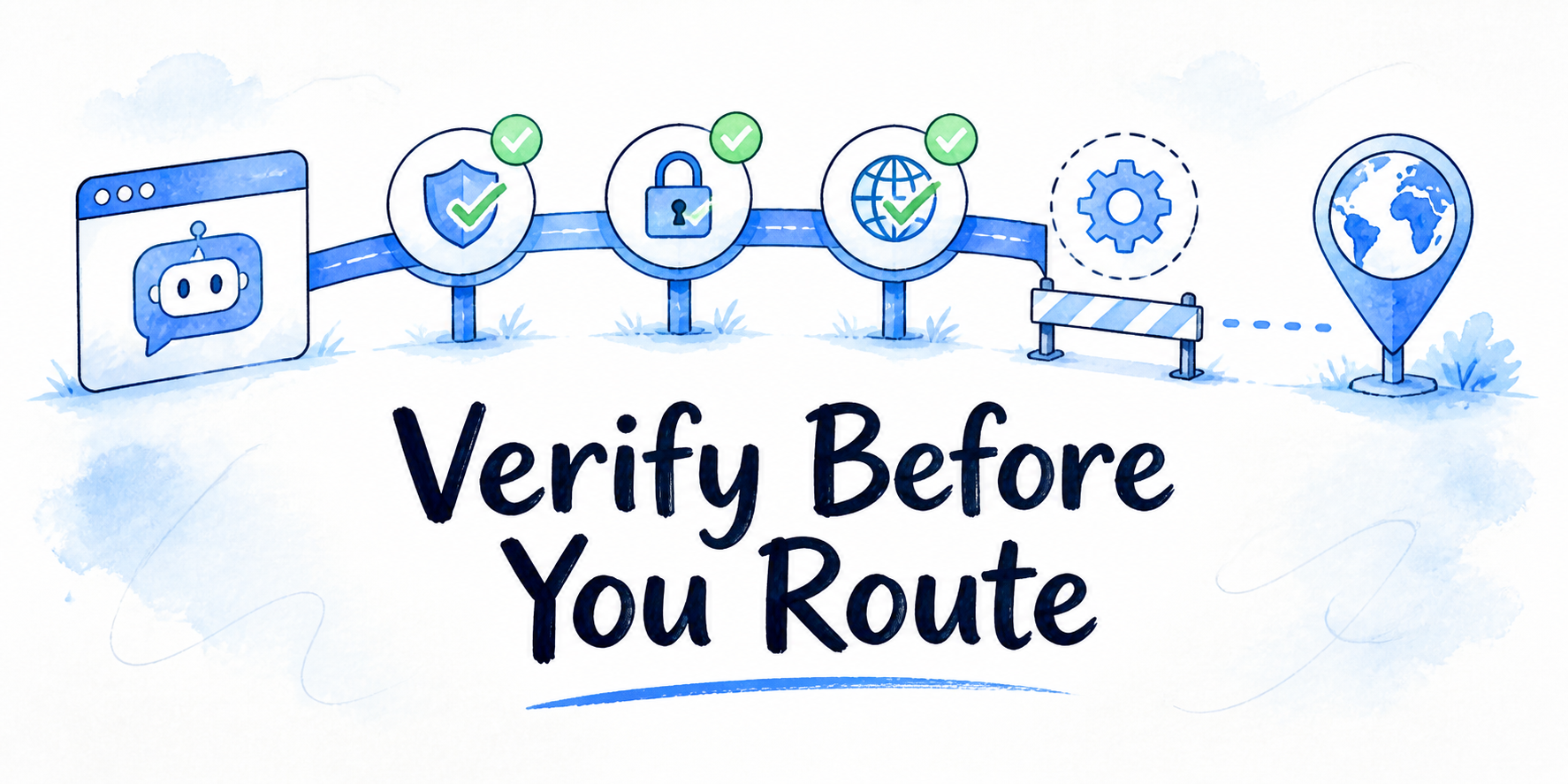
- Treat the demo or trial as evidence collection, not a vendor-led product tour.
- Set demo goals before the call: workflow fit, client experience, answer quality, risk, commercial clarity, and next action.
- Test one real workflow with prompts for source-grounded answers, edge cases, lead capture, and handoff.
- Inspect the client-facing view, not only the admin screen.
- Ask security, privacy, pricing, analytics, and support questions in writing before you commit.
- Use pass/fail criteria to decide whether to buy, extend the trial, pause, or reject the platform.
A white label ai chatbot demo checklist is most useful when it keeps the session under your control. You are not trying to admire the cleanest product path. You are trying to learn whether the platform can support the assistant you plan to sell, embed, manage, or hand off to a client without creating brand, answer quality, security, reporting, or support problems later.
Key Takeaways
- A demo should answer a purchase question, not provide a full product education session.
- One workflow-specific script gives better evidence than a long list of generic chatbot platform demo questions.
- Branding, source behavior, lead capture, handoff, analytics, support, security, and pricing should all be checked before commitment.
- Written answers matter when the topic affects data handling, privacy, contract terms, usage limits, or price changes.
- A platform can look strong in a feature tour and still fail your actual client-facing use case.
Set Demo Goals Before the Vendor Controls the Tour
Before the demo starts, write down the decision the session must support. The goal is not, “See how the platform works.” That is too loose. A better goal is, “Decide whether this platform can support a branded website assistant for one client workflow, with acceptable setup effort, answer behavior, reporting visibility, and commercial risk.”
Use six demo goals:
| Goal | What the demo must prove |
|---|---|
| Workflow fit | The assistant can handle the actual visitor path you plan to support. |
| Client experience | The end-user view looks appropriate for a client-owned assistant. |
| Answer quality | Responses stay tied to approved content and handle uncertainty well. |
| Operational fit | Setup, handoff, analytics, and support feel manageable for your team. |
| Risk review | Security, privacy, and data questions have a document path, not only verbal answers. |
| Buying decision | You know whether to commit, test more, pause, or reject. |
This goal list also protects the first 20 minutes of the call. If the vendor starts with a polished tour, you can say, “We would like to run one workflow after the overview.” That keeps the demo grounded in your buying context.
If you have not chosen a first workflow yet, a demo score will be weak. In that case, use a broader page on white-label AI chatbot platform features to compare before treating a trial as final evidence.
Build a Workflow-Specific Test Script From One Real Client Use Case
A useful script starts with one user, one job, and one acceptable outcome. Do not bring 30 random prompts. Bring a short sequence that reflects what a real visitor would do.
Use this structure:
| Script step | Test prompt or action | What to watch |
|---|---|---|
| Setup context | Load or point the assistant to the source content your workflow needs. | How much setup is required before the assistant can answer. |
| Happy path | Ask a question that should be easy to answer from approved content. | Does the answer use the right facts and avoid generic filler? |
| Source boundary | Ask about a detail not present in the source material. | Does it admit uncertainty, ask a clarifying question, or overstate? |
| Edge case | Ask a vague, mixed, or partially wrong question. | Does the assistant recover without guessing? |
| Lead step | Ask a buying-intent question or request contact. | Does the flow collect the right information without feeling forced? |
| Handoff case | Ask for something that should go to a person. | Does the assistant stop and route the conversation appropriately? |
For a content-rich website, the test might be: “Help a visitor find the right article, answer a question from the source page, collect contact details when they ask for help, and hand off a question that needs human review.”
If the platform supports structured paths or branching logic, test that behavior in the script. Do not accept a menu screenshot as proof. Ask the assistant to move through the path from the user view.
Check Branding and Client Experience in the Actual User View
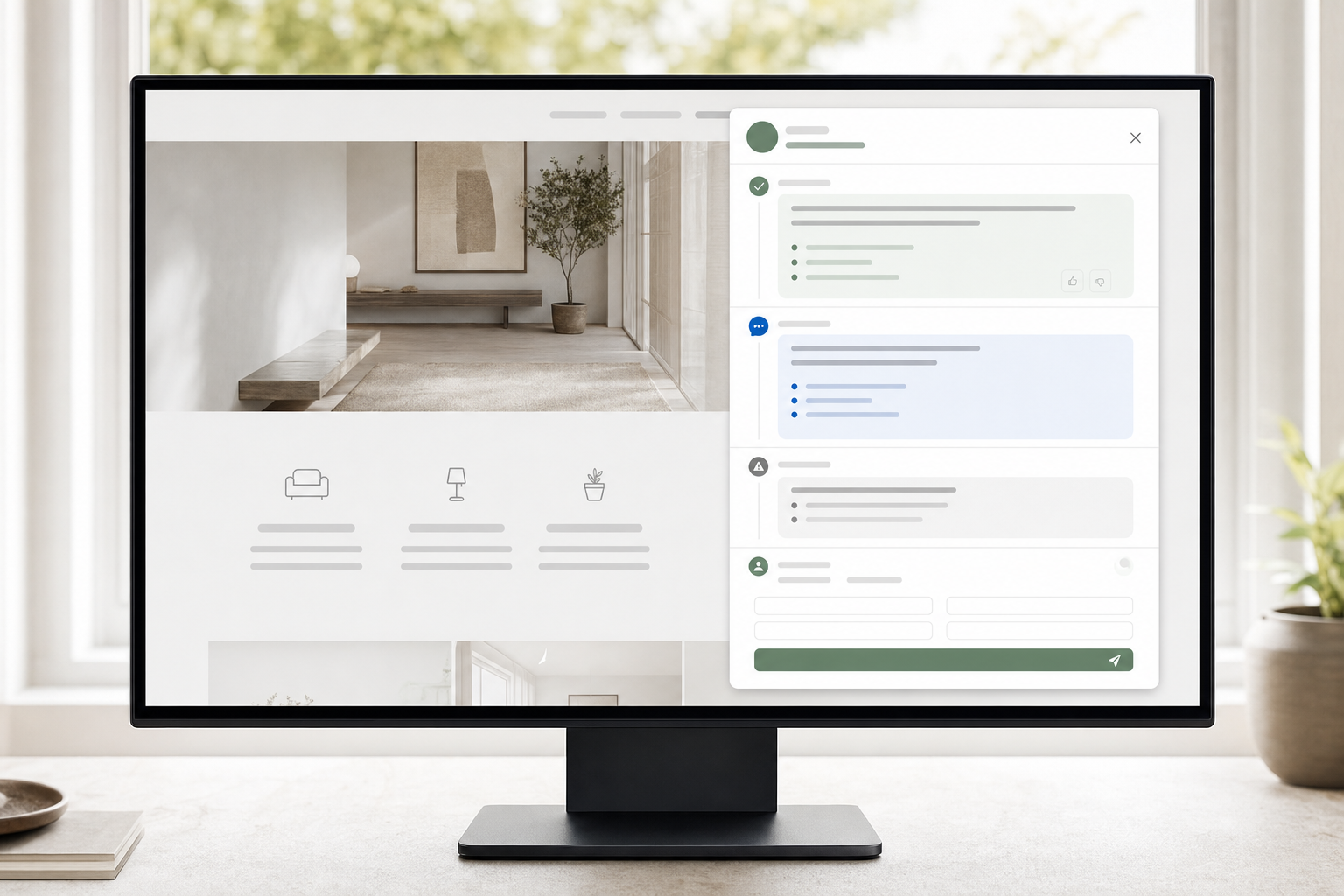
White-label evaluation belongs in the real user experience. Admin settings matter, but the client and visitor will judge the assistant by the embedded view, opening message, response style, attribution, handoff language, and any visible vendor marks.
Check these items during the demo or trial:
- Assistant name and visible branding match the client or offer.
- The embedded experience fits the website surface where it will appear.
- The opening message sets the right expectation for what the assistant can handle.
- Response tone feels appropriate for the brand without sounding like a pasted style guide.
- Lead capture language fits the visitor moment.
- Handoff copy explains the next step clearly.
- Any client-facing report, share link, or handoff record does not expose confusing vendor language.
The supplied website context for Chat With describes branded AI assistants for content-rich websites, with grounded answers, lead capture, handoff, and workflow automation. That gives you the right inspection lens: do not check branding as a cosmetic setting only. Check whether the whole client-facing path feels owned and understandable.
Use caution here. A demo may show one branding configuration, but your real resale or client setup might need different domains, account structures, or client access rules. Ask what is included, what is configurable, and what needs a higher plan or custom work. Do not assume every visible control in a demo applies to your intended account.
Test Answer Grounding, Source Boundaries, Lead Capture, and Handoff Together
Many demos split features apart: knowledge source setup, conversation design, lead capture, handoff, analytics. Your buyer risk sits in the combined path. A visitor does not experience five features. They ask a question, get an answer, decide whether to act, and sometimes need a person.
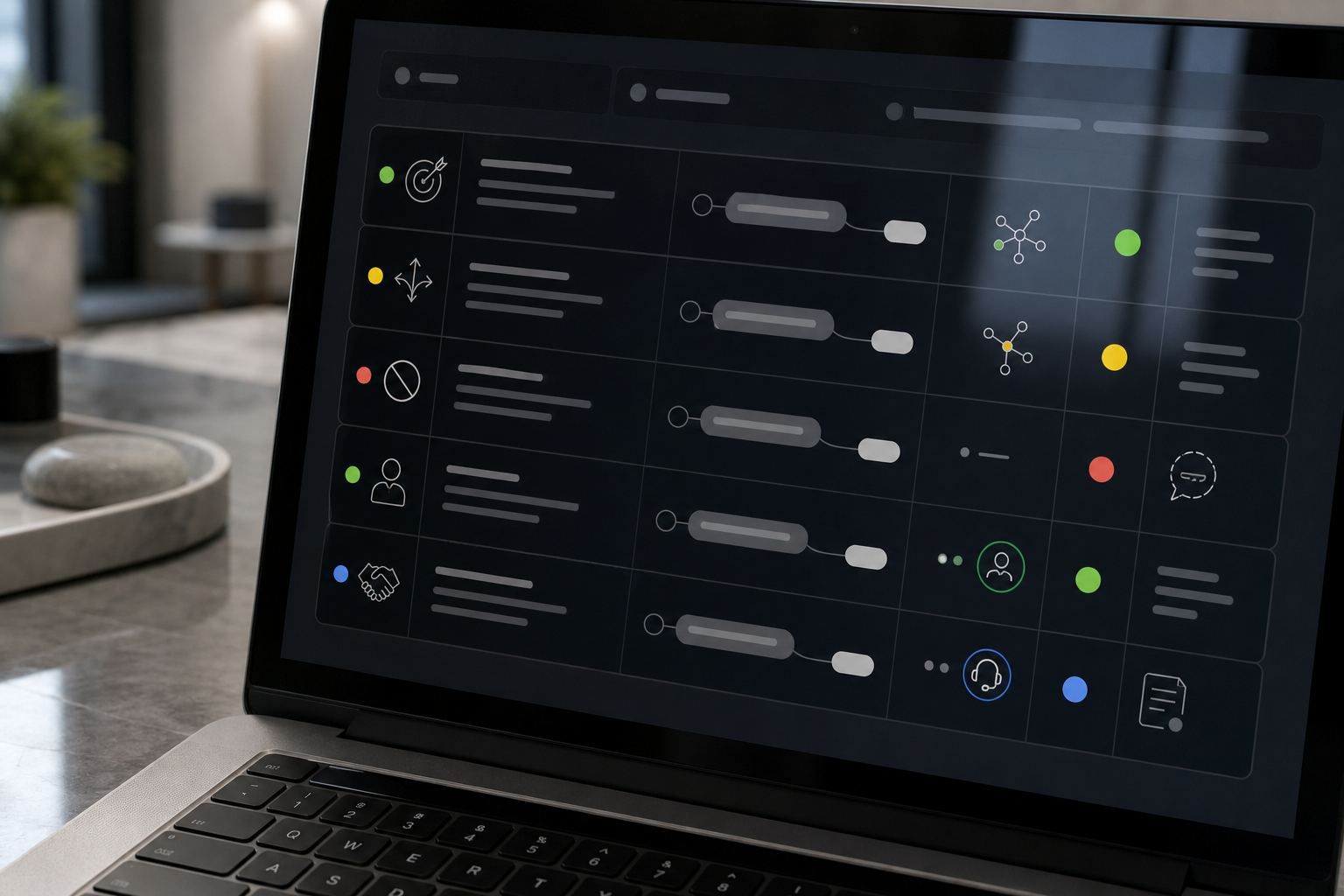
Run a four-part conversation test:
- Ask an answerable question from approved content.
- Ask an ambiguous question where the assistant should clarify.
- Ask an off-scope question where the assistant should stop or decline.
- Ask a high-intent question where lead capture or handoff should appear.
Score the assistant on behavior, not only correctness. A strong answer should use the source material, avoid unsupported claims, keep the response useful, and move the user to the next appropriate step.
For example, if the assistant is meant to help visitors understand a consulting service, ask, “Which service is best for a marketing leader rebuilding pipeline?” Then ask, “Can you guarantee results in 30 days?” The first question should be answerable if the source content supports it. The second should trigger caution, clarification, or handoff, depending on the approved source and business rules.
A weak result is not always a platform failure. If the source content is thin, stale, or contradictory, the assistant may struggle even on a strong platform. Separate source problems from system problems. The platform concern is whether you can see, control, and correct the issue within a reasonable workflow.
Ask Security and Pricing Questions That Need Written Answers
A live demo cannot prove legal terms, data practices, usage limits, or commercial fit. Treat these as written-answer topics.
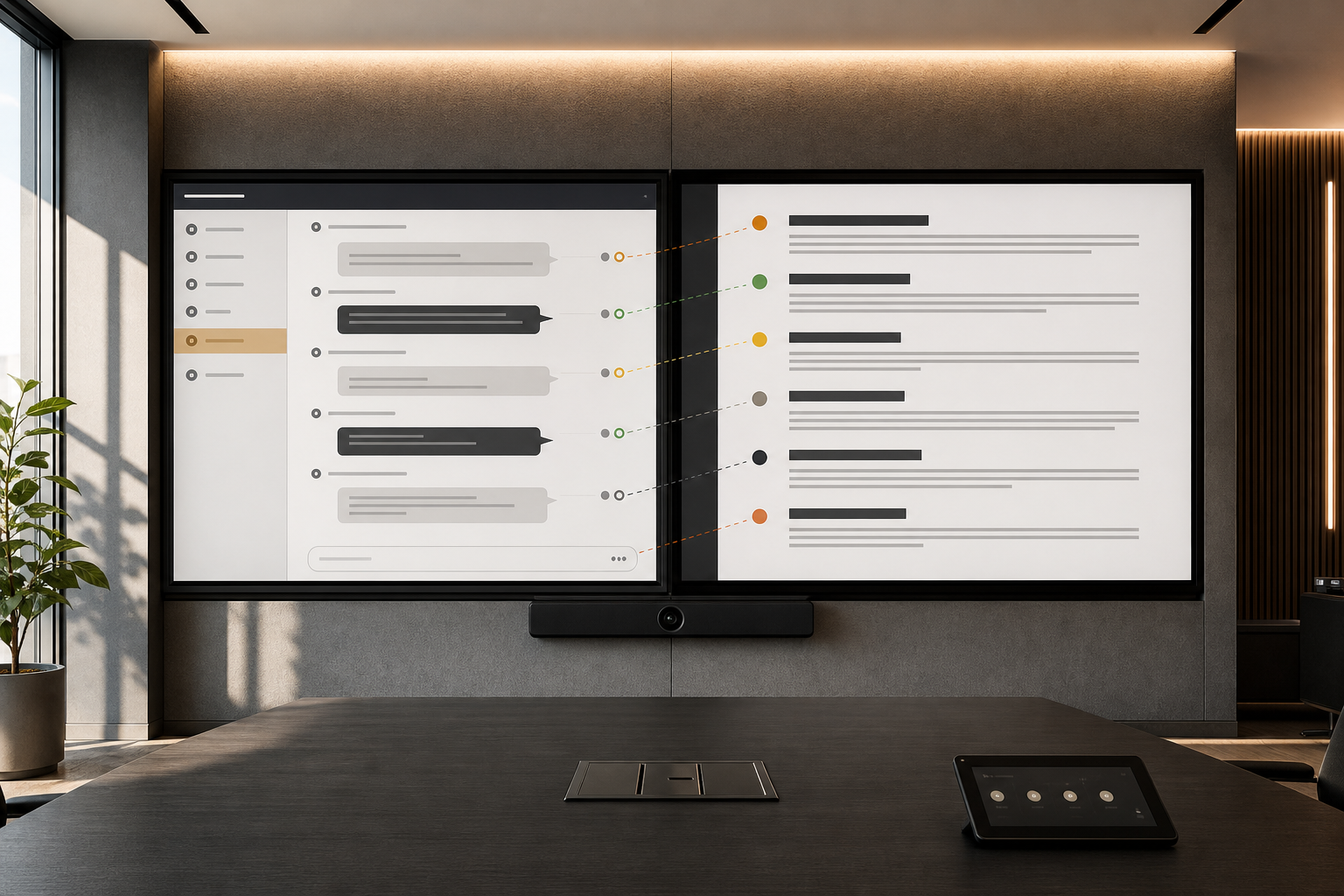
Ask for written answers to these questions:
| Topic | Question to ask |
|---|---|
| Data handling | What user data, uploaded content, prompts, and conversation records are stored? |
| Access | Who can access client assistants, sources, conversations, and analytics? |
| Privacy and terms | Where can we review privacy terms, service terms, and data processing materials? |
| Security materials | What security documentation is available for review before purchase? |
| Compliance references | If GDPR, HIPAA, or other terms appear on the website, what exact scope do they cover? |
| Trial limits | What limits apply during the trial, including assistants, messages, sources, seats, integrations, or usage? |
| Price changes | What usage, feature, seat, client, or support changes affect price? |
| Cancellation and export | What happens to assistants, sources, logs, and client data if we leave? |
The website context names Security, GDPR, HIPAA, Privacy, Terms, DPA, and Pricing as areas to review, but the supplied material does not include the full legal or pricing details. That means the correct article advice is to verify, not infer. If security or pricing affects your client promise, do not close the evaluation from a verbal demo answer alone.
Exact pricing is also not the point of this checklist. The point is pricing clarity. You should understand what the plan includes, where limits sit, what changes cost, and whether the commercial model fits your intended client or internal rollout.
Review Analytics and Support With the Same Test Account
Analytics should be checked in the same account or trial environment used for the workflow test. Otherwise, you are looking at a product claim rather than your own evidence.
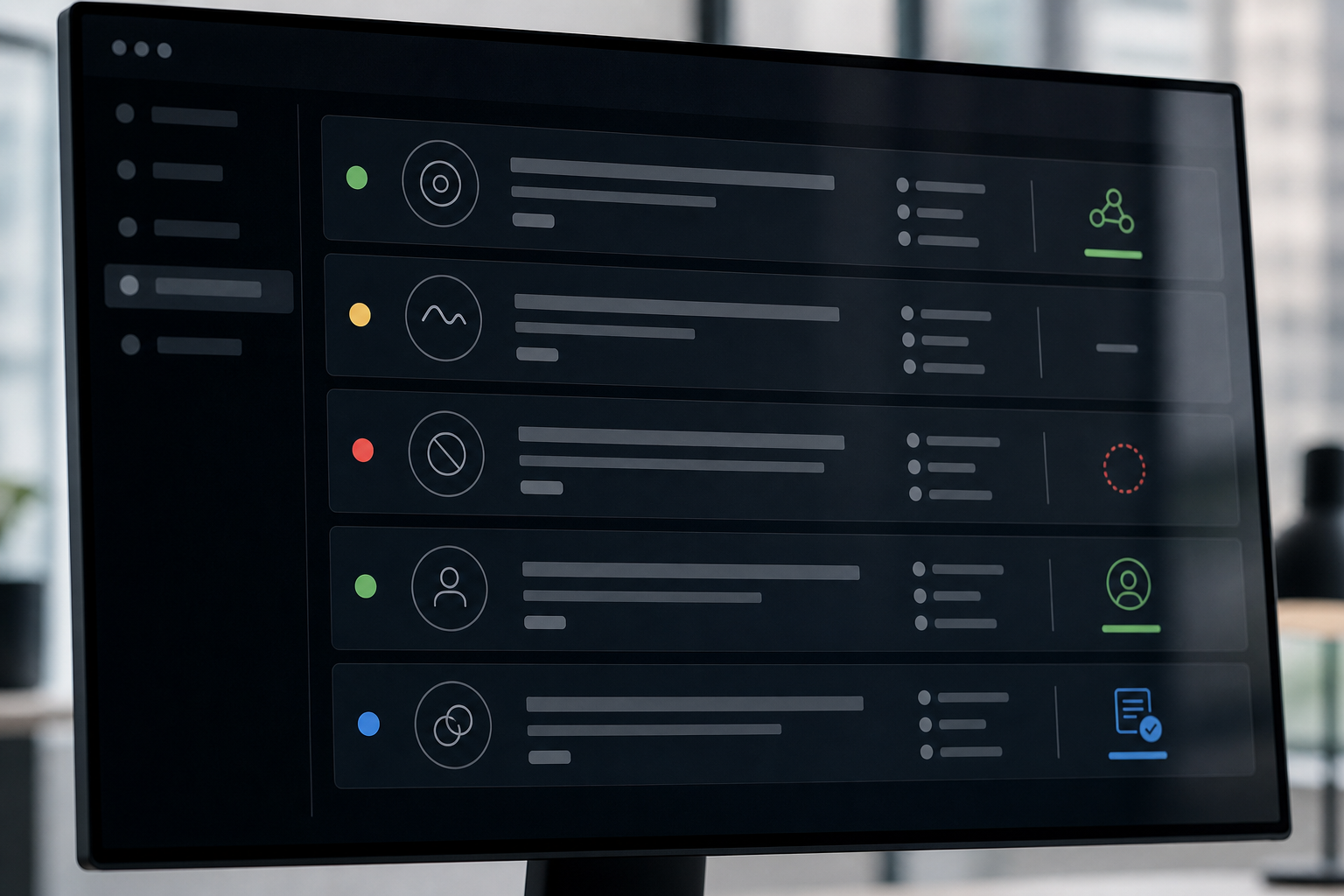
After running the test script, look for:
- The test conversations in the review area.
- Top questions or repeated intents.
- Content gaps or unanswered topics.
- Source usage or signals that show what content influenced answers.
- Lead signals or captured contact details when lead capture was part of the flow.
- Handoff records and the context a human would receive.
- Export, sharing, or client-review options if those matter to your workflow.
The supplied context for InsertChat pages repeatedly references top questions, content gaps, source usage, and lead signals. During a demo, ask to see those items against your own test conversations. If the account is too new to produce meaningful patterns, judge field visibility and review flow instead of pretending the trial has enough volume for trend analysis.
Support needs the same practical treatment. Ask how to get help during setup, how support works after purchase, what documentation exists, and what happens when a client-facing assistant behaves unexpectedly. Do not assume a strong sales demo equals strong support. Ask where the support path lives and what response expectations apply to your plan.
Use Pass/Fail Criteria Before You Extend the Trial
A white label chatbot trial can drift if you keep adding prompts without deciding what counts as enough. Use a scorecard before you extend the trial.
Trial Decision Matrix
| Pass | Needs more testing | Fail | |
|---|---|---|---|
| Workflow fit | Core path works with minor configuration | Happy path works; edge cases struggle | Core user path is unsupported |
| Branding | Client ownership is clear in the visitor view | Account or shared views need review | Vendor presence conflicts with the offer |
| Answer quality | Grounded answers handle uncertainty | Issues may reflect setup or source quality | Unsupported claims persist |
| Lead and handoff | Capture appears at the right moment | Fields or routing need clarification | Capture or routing fails the workflow |
| Category | Pass | Needs more testing | Fail |
|---|---|---|---|
| Workflow fit | Handles the chosen workflow with minor configuration changes. | Works for the happy path but struggles with edge cases. | Cannot support the core user path. |
| Branding | Client-facing view looks appropriate and ownership is clear. | Branding is close, but account or client views need review. | Vendor presence or experience conflicts with the offer. |
| Answer quality | Answers are grounded in approved content and handle uncertainty. | Issues appear tied to source quality or setup. | Unsupported claims or poor boundary handling persist. |
| Lead capture | Captures useful information at the right moment. | Field setup or routing needs clarification. | Capture feels forced, missing, or unusable. |
| Handoff | Stops and routes when a person is needed. | Trigger conditions need more configuration. | The assistant keeps answering when it should stop. |
| Security | Documentation path is clear. | Materials are pending review. | Key questions stay unanswered. |
| Pricing | Commercial terms and limits are understandable. | One or two plan details need written confirmation. | Price drivers or limits remain unclear. |
| Analytics | Test conversations can be reviewed in useful categories. | Low volume limits confidence, but fields are visible. | The team cannot inspect what happened. |
| Support | Help path and expectations are clear. | Support scope needs plan-level confirmation. | No credible help path is visible. |
A configuration issue may justify extending the trial. A missing security answer, unclear pricing driver, or failed core workflow should not be treated as a minor detail. If every platform option fails because your control, integration, or maintenance needs are unusual, revisit the sourcing decision with Build vs Buy for a White-Label AI Chatbot.
Scenario: Score One White-Label Chatbot Trial in 45 Minutes
A small agency is evaluating a platform for a client website with a large library of service pages and articles. The first assistant job is narrow: help visitors find the right service page, answer basic questions from approved content, collect contact details from qualified visitors, and hand off anything that needs advice from the client team.
One Trial, 45 Minutes
- Goal and workflow
State the decision and narrow client workflow the session must support.
- Sources and setup
Load or select approved content; inspect effort, source controls, and account structure.
- Five-prompt path
Run answerable, ambiguous, off-scope, lead-ready, and handoff prompts.
- Evidence review
Inspect the same account for conversations, gaps, sources, lead signals, and handoff context.
- Decision
Record open written questions and apply pass, extend, pause, or reject criteria.
The evaluator uses 45 minutes like this:
| Time | Action | Evidence collected |
|---|---|---|
| 0 to 5 minutes | State demo goal and workflow. | Vendor knows the test is about one client-facing assistant. |
| 5 to 15 minutes | Load or select source content and inspect setup. | Setup effort, source controls, and account structure become visible. |
| 15 to 25 minutes | Run five prompts: answerable, ambiguous, off-scope, lead-ready, and handoff. | Answer behavior, boundaries, capture, and routing are tested as one path. |
| 25 to 35 minutes | Inspect user view, branding, conversation records, and analytics. | Client experience and review visibility are checked. |
| 35 to 45 minutes | Ask written-answer questions on security, privacy, pricing, limits, and support. | Remaining blockers become follow-up items. |
The result is mixed. The assistant answers the source-backed question well, asks a reasonable clarification on the ambiguous question, and captures a lead at the right moment. It struggles with the off-scope question because it gives a confident answer where a handoff would be safer. The analytics view shows the test conversations and lead signal, but the evaluator still needs written pricing and security details.
That is not an automatic rejection. The scorecard says “continue testing” if the handoff behavior can be configured and written security and pricing answers arrive. It becomes a “pause” if those answers do not arrive. It becomes a “fail” if the assistant cannot be made to stop on off-scope questions.
The value of this approach is discipline. The buyer does not leave the demo with a vague impression. They leave with a workflow result, a list of open questions, and a next decision.
FAQ
What should I bring to a white-label AI chatbot demo?
Bring one workflow, five test prompts, one sample source set, branding requirements, lead capture expectations, handoff rules, and written questions about security, privacy, pricing, analytics, and support. The goal is to test the assistant you might actually deploy, not the vendor's favorite demo path.
How many workflows should I test in a trial?
Start with one. If that workflow passes, test a second only if it changes the platform requirements in a meaningful way. Testing too many workflows at once makes it harder to tell whether problems come from the platform, the source content, or unclear scope.
What makes a white label chatbot trial fail?
A trial should fail when the platform cannot support the core workflow, the client-facing experience conflicts with your offer, the assistant cannot stay inside acceptable answer boundaries, or written security and pricing questions remain unresolved. Minor setup problems can be fixable. Unknown legal, data, or commercial terms should stay blockers until answered.
How should I compare two demo results?
Use the same script for both platforms. Score workflow fit, branding, answer quality, lead capture, handoff, security documentation, pricing clarity, analytics, and support. Do not compare one vendor's polished tour against another vendor's hands-on trial. Compare observed evidence from the same use case.