TL;DR
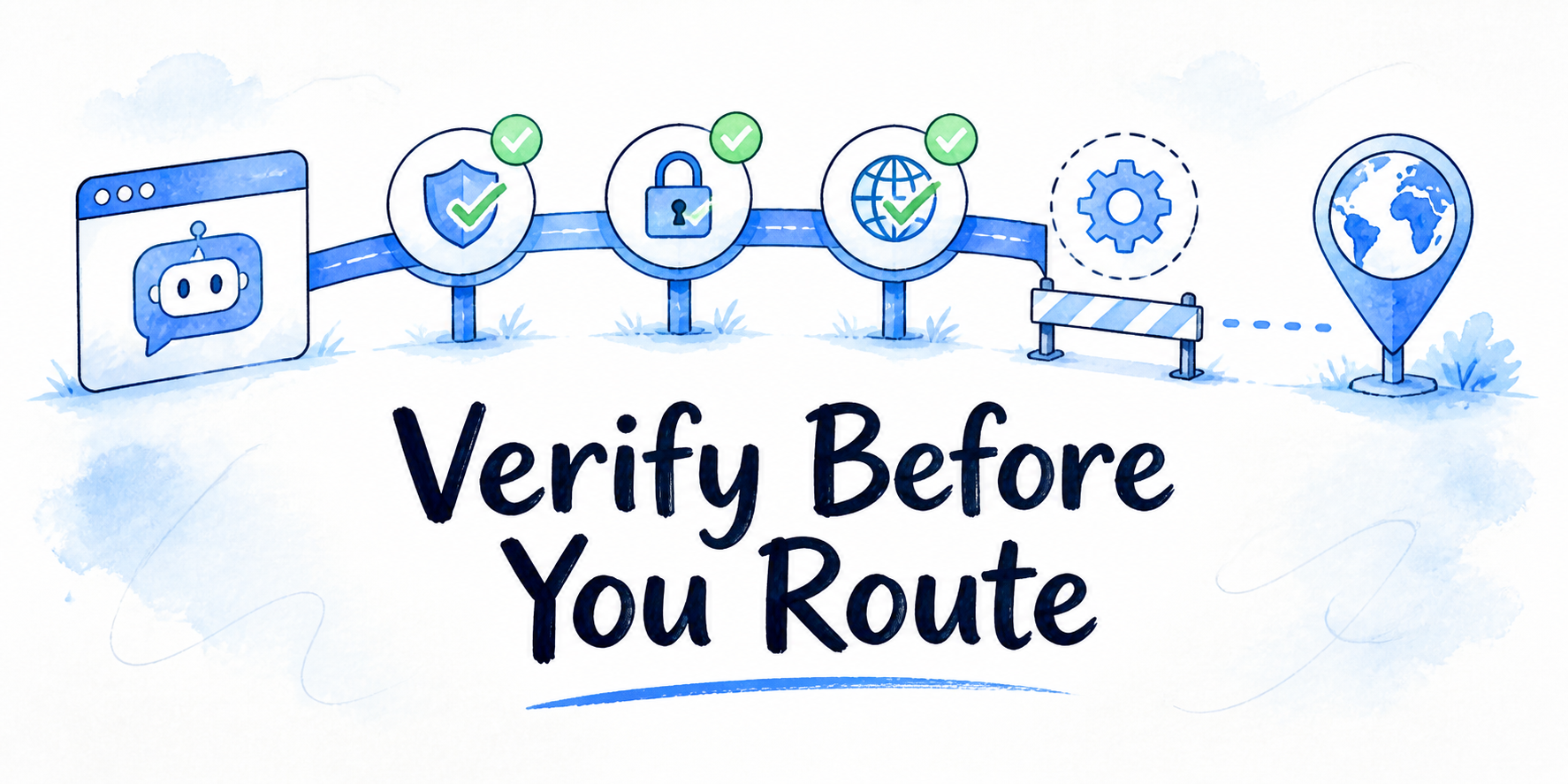
- Compare white label ai chatbot platform features by what each feature proves about your intended branded deployment.
- Branding should prove client-facing ownership: assistant name, logo, colors, domain, tone, and white-label presentation.
- Setup and deployment should match the surfaces where the assistant must run, such as a website widget, embed, full-page assistant, in-app surface, custom domain, or API.
- Knowledge and workflow controls should show how the assistant stays grounded in approved sources and uses only allowed tools.
- Analytics, security, client management, and support should prove whether the platform can be operated across real accounts.
- A longer feature list is not automatically better. Stronger evidence for your actual use case is the comparison that matters.
You are already past the basic category question. The decision now is narrower: which platform has the features that fit the branded chatbot you plan to sell, manage, or embed. Treat every vendor claim as a proof request. A feature should answer one business question: can this platform support the client-facing experience, data boundaries, workflow controls, reporting needs, and support path you will be responsible for after purchase?
Key Takeaways
Compare every feature through three checks: the decision it supports, the evidence the vendor can provide, and the weak-fit signal that should slow commitment. This keeps evaluation focused on fit instead of a generic software inventory.
Branding features are necessary for a white-label chatbot, but they do not prove the platform can support a client account. The same evaluation has to include source controls, workflow limits, analytics, roles, privacy materials, and support paths.
Deployment fit matters because the same assistant may need to appear on a marketing site, product page, portal, full-page assistant, or custom domain. The platform should make clear which surfaces are supported and whether one setup can be reused.
Analytics should help you find what needs attention. Usage totals alone are weak evidence if you cannot inspect conversations, source usage, lead signals, unresolved questions, or account-level views.
This article is a feature-fit framework. The broader platform-selection path includes sourcing, demos, alternatives, value readiness, and implementation planning, but those are separate decisions.
Start With the Feature Decision, Not the Longest Feature List
A useful comparison starts with one question: what decision does this feature let us make with confidence?
Feature Evidence Matrix
| Feature category | Decision it supports | Evidence to look for | Weak-fit signal | |
|---|---|---|---|---|
| Branding | Branding | Can this look like our or our client's assistant? | Name, logo, colors, domain, tone, white-label presentation | Vendor branding remains prominent or controls are cosmetic |
| Deployment | Deployment | Can it run where the assistant needs to appear? | Widget, embed, full-page, custom domain, in-app, API options | One surface only or unplanned engineering work |
| Knowledge and workflows | Knowledge and workflows | Can it answer from approved sources and take allowed actions? | Source controls, tool permissions, integrations, handoff paths | Unclear source limits, tool limits, or escalation path |
| Analytics | Analytics | Can we see what needs review? | Conversation logs, source usage, lead signals, exports, client views | Only top-level usage totals |
| Security and privacy | Security and privacy | Can we review data and access risk before rollout? | Security docs, privacy terms, DPA, roles, compliance materials | Broad claims without accessible documentation |
| Client management and support | Client management and support | Can this be managed across accounts? | Workspaces, roles, assistant separation, support routes | Manual separation and unclear ownership |
Use this frame for each category:
| Feature category | Buyer decision it supports | Evidence to look for | Weak-fit signal |
|---|---|---|---|
| Branding | Can this look and feel like our or our client's assistant? | Brand controls, domain options, white-label presentation | Vendor branding remains prominent or controls are cosmetic only |
| Deployment | Can it run where the assistant needs to appear? | Widget, embed, full-page, custom domain, in-app, API options | Works on one surface only or needs unplanned engineering work |
| Knowledge and workflows | Can it answer from approved sources and take allowed actions? | Source controls, tool permissions, integrations, handoff paths | No clear limits on sources, tools, or escalation |
| Analytics | Can we see what needs review? | Conversation logs, source usage, lead signals, exports, client views | Only top-level usage totals |
| Security and privacy | Can we review data and access risk before rollout? | Security, privacy, DPA, access, role, and compliance materials | Broad claims without accessible documentation |
| Client management and support | Can this be managed across accounts? | Workspaces, roles, assistant separation, support routes | Manual separation and unclear ownership |
The comparison should be tied to your intended deployment. A platform can be a strong fit for a branded website assistant and a weak fit for a portal-based assistant with account actions. Another platform may have fewer visible brand controls but stronger role separation, source control, and reporting. The right feature set depends on the business fit it proves.
InsertChat's public feature context describes deployment and branding feature options such as widget, embed, full-page assistant, custom domain, in-app embed, API, visual builder setup, assistant name, logo, colors, welcome message, suggested prompts, and tone. Those are useful proof points when deployment and client-facing presentation are part of the decision. They still need to be weighed alongside workflow, analytics, security, account, and support evidence.
Branding Features Should Prove Client-Facing Ownership
White-label branding criteria should answer one question: can the assistant appear as part of your or your client's experience without forcing the end user to think about the platform underneath?
Useful evidence includes controls for assistant name, logo, colors, welcome message, suggested prompts, tone, domain, and white-label presentation. If a custom domain matters, confirm whether it is available for the account type and deployment you are evaluating. Some platforms may support custom domains only in certain plans or enterprise arrangements, and the supplied context here does not support exact plan or pricing claims.
Strong branding evidence shows more than a logo upload. It shows how the assistant is named, how the interface appears, how opening messages and suggested prompts match the use case, and whether the domain or page context supports client-facing ownership. InsertChat's public model context describes assistant branding and model options, including customizable assistant name, logo, UI, domain, and white-label presentation.
Weak-fit signals include vendor branding that remains prominent, brand controls that do not affect the actual conversation surface, limited domain options, or unclear separation between your brand and the platform brand. Branding should not dominate the evaluation. A platform with clean visual branding can still be a poor fit if it cannot control sources, limit tools, separate client accounts, or show conversation evidence.
Setup and Deployment Features Should Match the Surfaces You Need
Deployment features should prove where the assistant can run and how much reuse you get from one setup. This is not an implementation checklist. At the buying stage, you are verifying surface fit.
Common evidence includes widget deployment, website embed, full-page assistant, custom domain, in-app embed, API access, visual builder setup, and whether an embed uses a simple JavaScript snippet. If the same assistant has to appear in more than one place, ask whether one setup can be reused across surfaces or whether each surface becomes a separate configuration burden.
A marketing-led team may care most about a website widget, full-page assistant, and no-code builder. A SaaS team may care more about in-app embed, API access, and account-aware routing. A client-facing agency may need both.
Weak-fit signals include deployment that works only on one surface, unclear reuse across surfaces, domain limitations that affect the client-facing experience, or setup that depends on engineering work your team has not planned. Vague "easy setup" claims are useful only when tied to the actual surface you need.
Knowledge and Workflow Controls Should Keep Answers Inside Approved Boundaries
Knowledge and workflow criteria should answer two linked questions: what content can the assistant use, and what actions can it take after the answer?
Evidence for knowledge fit includes support for approved sources such as owned website content, documents, videos, FAQs, policies, and knowledge base material. The key is not simply whether a platform can ingest content. The key is whether the platform gives you a clear way to know which sources are active for a given assistant and whether those sources can be kept separate by account or use case.
Workflow evidence includes integrations and tool controls. The supplied website research supports broad integration language for CRM, support, ecommerce, calendar, webhook, and handoff workflows when visitor conversations need follow-up. That level of evidence is enough to evaluate integration categories, but not enough to assume specific third-party connectors, permission models, or automation depth.
If model choice is part of your workflow evaluation, look for whether the platform can match model behavior to task type. InsertChat's model context mentions model choices for different workflows, such as using a faster model for common questions and a stronger model for complex reasoning. That capability is useful only when the rest of the workflow boundary is clear.
Weak-fit signals include unclear source controls, no way to limit tools, no handoff path, or no distinction between answer content and action permissions. Broader integrations can help complex workflows, but only if the vendor shows how permissions, context, and handoff boundaries are controlled.
Analytics and Reporting Features Should Show What Needs Attention
Analytics and reporting criteria should prove whether you can see enough to manage the assistant after it is live. Do not judge analytics only by dashboard volume. A crowded dashboard can still fail if it does not show the conversations and source signals needed to find problems.
Useful evidence includes conversation logs, usage patterns, source usage, lead signals, unresolved or low-confidence conversations, exports, account-level views, and client-facing visibility where needed. For a client-facing team, account separation matters as much as the metric itself. If data from multiple assistants or clients is mixed together, reporting becomes harder to trust.
Strong analytics help answer practical questions: Are visitors using the assistant? Which sources are being used? Which questions are not being resolved? Are lead capture flows producing usable signals where the assistant has a lead job? Can the buyer or client inspect the conversation evidence behind the summary?
Weak-fit signals include vanity totals only, no conversation review path, no export option, unclear client access, no source usage visibility, or analytics that cannot be separated by assistant or account. Analytics are less useful when conversation volume is too low or the assistant has not been scoped tightly enough for the data to mean much.
Security and Privacy Features Should Be Verifiable Before Account Rollout
Security and privacy criteria should be handled as evidence, not as trust language. Before a platform is used for client data, account access, or regulated content, the buyer needs reviewable materials.
Evidence to ask for includes security documentation, privacy terms, a data processing addendum where relevant, role and access controls, workspace structure, and any compliance references that apply to the intended account. Supplied website context references Security, GDPR, HIPAA, Privacy, Terms, and DPA pages or footer links, but it does not provide detailed certification scope, encryption methods, retention terms, audit reports, or exact compliance coverage. Do not assume those details without vendor documentation.
Roles and access also belong in this category. If multiple team members, clients, or assistants are involved, you need to know who can view conversations, edit sources, change branding, adjust tools, and access analytics.
Weak-fit signals include broad security claims without accessible materials, unclear data handling, vague compliance language, missing role documentation, or no clear support path for security-related questions. A vendor may have relevant materials available on request, but security should stay marked as unverified until those materials are reviewed.
Client Management and Support Features Should Hold Up Across Accounts
Client management features should prove whether the platform can support more than one branded assistant without operational confusion. This matters for agencies, SaaS teams, partnerships teams, and any buyer managing multiple client or product experiences.
Evidence includes workspace structure, roles and access, assistant separation, white-label presentation by account, account-level analytics, and support ownership. Look for whether each assistant can have its own branding, sources, tools, analytics, and permissions. If clients need any access, confirm what they can and cannot see or change.
Weak-fit signals include shared settings that may affect multiple clients, unclear client permissions, manual account separation, analytics that cannot be viewed by account, or support responsibilities that are not defined. Shared templates and reusable setup can save time, but only if the platform prevents one account's changes from affecting another account by accident.
Support belongs in the same buyer decision because the platform has to be operated when something breaks. Evidence includes a status or support page, clear contact routes, service areas covered, and the issue details the support team expects. Supplied context references support for workspace, API, and website assistant issues, and asks for context such as service area, timeframe, workspace URL, affected assistant, and visible error details. That routing language is useful because it shows how a buyer would report a specific issue. It is not the same as an uptime guarantee or service-level promise.
Scenario: Compare Two Anonymous Platforms by Feature Evidence
A SaaS partnerships team is comparing two white-label chatbot platforms for customer education assistants. The assistants need branded presentation, website and portal placement, approved-source answers, basic lead signals, account separation, and a clear support path.
Platform A has a longer public feature list. It highlights broad integrations, a polished widget, and visual customization. The buyer can see name, logo, color, and welcome message controls. Deployment looks strong for a website widget, but the vendor materials do not clearly show whether the same setup can be reused in a portal, whether each assistant can have separate tool boundaries, or whether analytics can be separated by account.
Platform B has fewer visible feature claims, but the evidence is clearer. It shows website embed and full-page deployment, explains assistant separation, documents source controls by assistant, describes workflow boundaries, and provides support routing for workspace and assistant issues. Its branding controls are less polished on the sales page, but the buyer can verify the core ownership and operating controls needed for the intended deployment.
The decision is specific: Platform B has stronger evidence for the buyer's required deployment and account model. Platform A might still be a better fit for a single branded marketing-site assistant where visual polish and broad integration categories matter more than multi-account operation. The framework keeps the choice tied to business fit.
When a Feature Comparison Is Not Enough
A feature comparison is the right tool when you are already comparing platforms and need to judge fit. It is not the right tool for every decision.
If your team has not decided whether to buy a platform or build a custom system, this comparison is premature. If you need hands-on validation, a demo or trial checklist should own that work. If you are deciding whether the platform is worth paying for, feature fit is only one input and should not be stretched into an ROI case. If your launch scope, sources, workflows, or reporting operations are not defined, those planning tasks need their own process before feature evidence can carry the purchase decision.
Use this article to narrow vendor fit. When a feature category cannot be verified, mark it as unknown instead of filling the gap with assumptions.
FAQ
What white label AI chatbot platform features matter most before buying?
The most important features are the ones that prove business fit: branding ownership, deployment surfaces, approved-source knowledge controls, workflow and tool boundaries, analytics, security and privacy materials, client account management, and support routing. Do not rank features by count alone. Rank them by whether they support the branded assistant you will actually run.
Are branding features enough to choose a white-label chatbot platform?
No. Branding is necessary, but it is not enough. A platform also needs source controls, workflow boundaries, analytics, role and access clarity, privacy materials, client separation, and support paths. A well-branded assistant can still be a weak fit if it cannot answer from approved content or be managed cleanly across accounts.
What should I avoid when comparing AI chatbot platform features?
Avoid generic feature matching, unsupported security assumptions, named competitor claims without evidence, pricing guesses, and demo-style pass or fail tests inside the feature comparison. Keep the evaluation focused on what each feature proves, what evidence is available, and which weak-fit signals should slow the buying decision.