TL;DR
- Choose one bounded workflow before configuration, source prep, testing, or launch.
- Treat sources, brand voice, QA, and post-launch review as phase gates with owners and outputs.
- Use a roadmap table to confirm the owner, input, handoff artifact, risk, and support page for each phase.
- Test for a launch decision: publish, fix, or narrow the assistant's scope.
- Schedule the first post-launch review before the chatbot goes live.
You are ready to launch a branded AI chatbot when the work no longer feels like a pile of setup tasks. The safer pattern is a staged launch plan: pick the first workflow, approve the content base, turn brand standards into response rules, test against the intended job, publish with a named owner, and use real conversations for the first improvement pass. This roadmap keeps the article at orchestration level and points to deeper support pages when a phase needs detailed execution.
Key Takeaways
A launch plan should show the work in order. The chatbot should not move into testing while the workflow is unclear, source material is unapproved, or brand behavior is still being debated.
Each phase needs a named owner and a handoff artifact. Product, marketing, support, digital, content, agency strategy, and client leads may all own different parts of the launch, depending on the deployment.
The first assistant should handle one bounded workflow. A broad assistant is hard to source, test, and improve. A smaller workflow gives the team a cleaner launch decision.
Testing should produce a decision, not a round of subjective comments. At the end of QA, the team should know whether to launch, fix, or narrow the assistant's scope.
The first improvement review should be planned before publishing. Once real users start asking questions, the team needs a clear owner for reviewing gaps, handoffs, and answer issues.
Build the Launch Plan Around Phase Gates
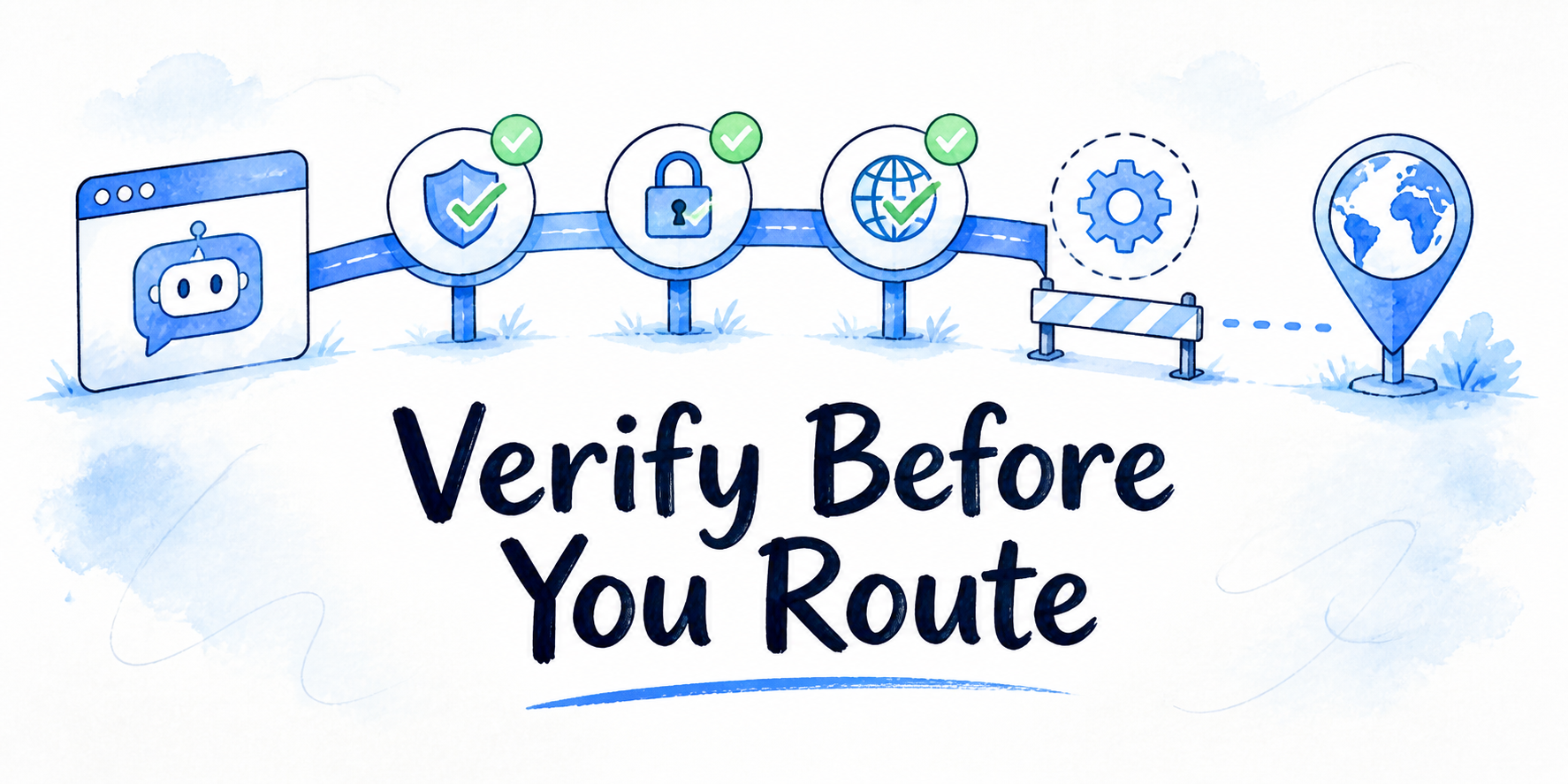
A phase gate is a checkpoint: one phase ends only when the team has made the decision and produced the artifact needed for the next phase. That matters because branded AI chatbot launches often fail in the handoffs. The workflow is chosen late, content is added without approval, brand feedback arrives during QA, and post-launch ownership is left vague.
Six Gates From Scope to Improvement
- 1. Workflow
Choose one bounded job, define exclusions, the next step, and the useful outcome.
- 2. Sources
Approve the website pages, FAQs, policy pages, documents, or other materials allowed for that job.
- 3. Response rules
Define tone, answer shape, directness, review-sensitive wording, and when to hand off.
- 4. QA
Test the approved workflow, sources, rules, and expected visitor paths.
- 5. Launch ownership
Name the person responsible during publishing and the initial live window.
- 6. First review
Inspect real conversations for unclear answers, missing coverage, failed handoffs, and scope violations.
Use six gates for the first launch: workflow, sources, response rules, QA, launch ownership, and first improvement review. Each gate answers a different question. What is the assistant allowed to do? Which sources can it use? How should it answer in the brand's style? Is it ready for real visitors? Who owns the launch window? What will be reviewed after real conversations begin?
This structure prevents false progress. A configured widget can look ready before the team has approved its job, source scope, or handoff path. A phase-gate plan makes missing work visible before it reaches visitors.
InsertChat fits this type of launch planning because the assistant is built around approved website content, branded answers, visitor questions, handoff workflows, and improvement signals. The launch still needs human decisions around scope, sources, voice, QA, and ownership.
Use This Roadmap Before You Configure the Assistant
Use this table as the launch coordination artifact. It does not replace the detailed support pages. It tells you when to use each one and what should be finished before the next phase starts.
| Phase | Likely owner | Required input | Handoff output | Launch risk if skipped | Related support page |
|---|---|---|---|---|---|
| Workflow selection | Product, marketing, support, agency strategist, or client lead | Business goal and real visitor questions | One chosen workflow with boundaries, source needs, handoff path, and measurable outcome | The assistant becomes too broad to test or improve | choose the first workflow for your branded AI chatbot |
| Source approval | Content, support, product, or client subject owner | Pages, docs, videos, FAQs, policies, and other approved materials | Approved source scope for the first workflow | Answer quality is judged against stale, conflicting, or incomplete content | knowledge base preparation |
| Response rules | Brand, marketing, content, or client reviewer | Chosen workflow, approved source scope, and brand standards | Short approved response rules for tone, answer shape, boundaries, and handoff behavior | Answers may be accurate but feel off-brand or inconsistent | AI chatbot brand voice guide |
| Launch readiness testing | QA owner, implementation lead, agency lead, or client reviewer | Workflow, source scope, response rules, and expected user paths | Launch, fix, or narrow decision | Visual approval hides answer gaps, unsupported claims, or failed handoffs | pre-launch testing checklist |
| Launch ownership | Implementation lead, site owner, or account owner | Approved launch decision and publishing scope | Named owner for launch, monitoring, and first review | The assistant goes live with no clear post-launch responsibility | Support topic: launch coordination |
| First improvement review | Marketing, support, content, product, or agency account owner | Real conversations and analytics signals | First improvement backlog and ownership | Random edits replace evidence from user questions | post-launch optimization |
If a row feels unfinished, do not solve every detail inside the roadmap. Go to the support page for that phase, finish the execution work there, then come back to confirm the handoff output.
Gate 1: Choose One Workflow the Chatbot Is Allowed to Handle
The first launch decision is not the widget design or model setting. It is the workflow the chatbot is allowed to handle. For a website assistant, that might mean answering product questions from approved pages, helping visitors find the right resource, qualifying lead intent, routing support questions, or guiding users to a handoff path.
The owner should be the person closest to the business outcome. A marketing lead might own a lead capture workflow. A support lead might own a help workflow. An agency strategist might own the first workflow for a client.
The handoff artifact should be short: the chosen workflow, what it is allowed to answer, what it should not handle, what sources it needs, where it sends users next, and what outcome will show whether the workflow is useful. Keep that artifact at launch-planning level. Detailed scoring criteria, workflow examples, and postpone rules belong in the workflow support page.
If this gate is skipped, the team usually discovers the problem during testing. Prompts feel random, source prep spreads across too many content areas, and reviewers disagree because they are judging different jobs.
Gate 2: Approve the Sources Before Answer Quality Is Judged
A branded AI chatbot can only be judged fairly against the source material it was allowed to use. If the approved source scope is incomplete, stale, or contradictory, answer problems may look like model problems when the real issue is source readiness.
For the first workflow, source inputs may include approved website pages, documents, videos, FAQs, policy pages, product information, help content, or other business materials. The launch gate is not a full content cleanup process. The gate is the decision that says: these are the sources the chatbot can use for this workflow, and these are the people responsible for approving them.
The handoff output is an approved source scope. It should be narrow enough to support the chosen workflow and clear enough for configuration and QA. If reviewers cannot tell which sources are in or out, the assistant is not ready for answer-quality testing.
Use the source-prep support page when you need detailed work: source inventory, cleanup, canonical answers for sensitive topics, exclusions, and review ownership. In this roadmap, the key point is simpler: do not ask QA to judge answer quality until the source base has been approved.
Gate 3: Turn Brand Standards Into Response Rules
Brand voice becomes useful after the workflow and source scope are known. Before that, voice rules tend to become generic. A chatbot that answers support questions, qualifies leads, or points visitors to content may need different response patterns under the same brand.
The launch artifact should be a short set of response rules. It can cover the expected tone, the shape of common answers, how direct the assistant should be, when it should hand off, and which kinds of wording need review. Keep it practical enough for testing.
This is also where teams should separate brand preference from factual accuracy. A response can be on-brand and wrong, or accurate and not suitable for the brand experience. Both need attention, but they are different problems.
Use the brand voice support page for tone rules, answer structure, vocabulary, uncertainty language, escalation behavior, and multi-client consistency. At roadmap level, the launch gate is complete when reviewers have approved the short response-rules artifact and QA can test against it.
Gate 4: Test for Launch Readiness, Not Personal Preference
Pre-launch testing should answer one question: is this assistant ready for the approved scope? That makes QA a launch decision, not a design review.

The inputs are the chosen workflow, approved source scope, response rules, and expected user paths. If those inputs are missing, QA will drift into personal preference. One reviewer may judge whether the assistant sounds friendly. Another may test unsupported questions. Another may focus only on the visual widget.
The output should be one of three decisions. Launch means the assistant is ready for the approved scope. Fix means the scope is still right, but issues need correction before publishing. Narrow means the assistant should launch with a smaller job because the current scope creates too much answer, brand, or handoff risk.
Skipping this gate can leave unsupported claims, unanswered common questions, wrong next steps, or brand problems hidden until visitors find them.
Use the testing support page for detailed QA work. This pillar does not need to repeat prompt construction, accuracy checks, coverage checks, brand checks, sensitive-topic tests, conversion paths, or approval criteria. The roadmap needs the decision and the handoff.
Gate 5: Launch With a Named Owner for the First Review
Publishing is the point where real visitor questions begin to replace assumptions. Before the assistant goes live, name the person who owns the first review.

The launch owner may be the implementation lead, website owner, agency account owner, product owner, or support lead. The right owner depends on the workflow. A lead capture assistant should have someone watching lead quality and handoff. A support assistant should have someone watching unresolved questions and answer gaps. A content discovery assistant should have someone watching whether visitors find the right resource.
InsertChat can support this stage by turning approved content into branded answers and next steps, connecting conversations to handoff workflows, and showing where answers are unclear or missing. The tool can surface signals, but the team still needs an owner who decides what to review and what changes should wait.
The handoff artifact is simple: launch owner, publishing scope, first review milestone, and the signals that matter for the chosen workflow. Do not build a full monthly optimization system at this stage. The detailed first-month process belongs in the optimization support page.
Scenario: One Website Assistant Moving Through the Launch Roadmap
A digital team wants to launch a branded AI chatbot on a content-rich website. Visitors already ask repeat questions about resources, policies, and next steps, but the team does not want a generic assistant that tries to handle every request.

At Gate 1, the team chooses one workflow: help visitors find the right approved resource and collect context when a human follow-up is needed. The workflow excludes account-specific support and sensitive policy exceptions. That gives the team a bounded job to source and test.
At Gate 2, the content owner approves the source scope. The first version uses selected website pages, FAQs, and policy pages that support the resource-finding workflow. Content that is outdated, disputed, or outside the launch scope is left out until a later phase.
At Gate 3, the brand reviewer approves a short response-rules artifact. The assistant should answer directly, cite the relevant source when available, avoid vague claims, and hand off when the visitor asks for a decision that requires a person.
At Gate 4, the implementation lead runs launch-readiness testing against the approved workflow. Several answers pass. One area exposes a gap where the source material does not support a common visitor question. The team decides to narrow the first launch instead of publishing a broader assistant with a known gap.
At Gate 5, the site owner publishes the narrowed assistant and names a first-review owner. The first review will look at real visitor questions, unclear answers, failed handoffs, and source gaps tied to the chosen workflow.
When to Slow Down or Narrow the Launch
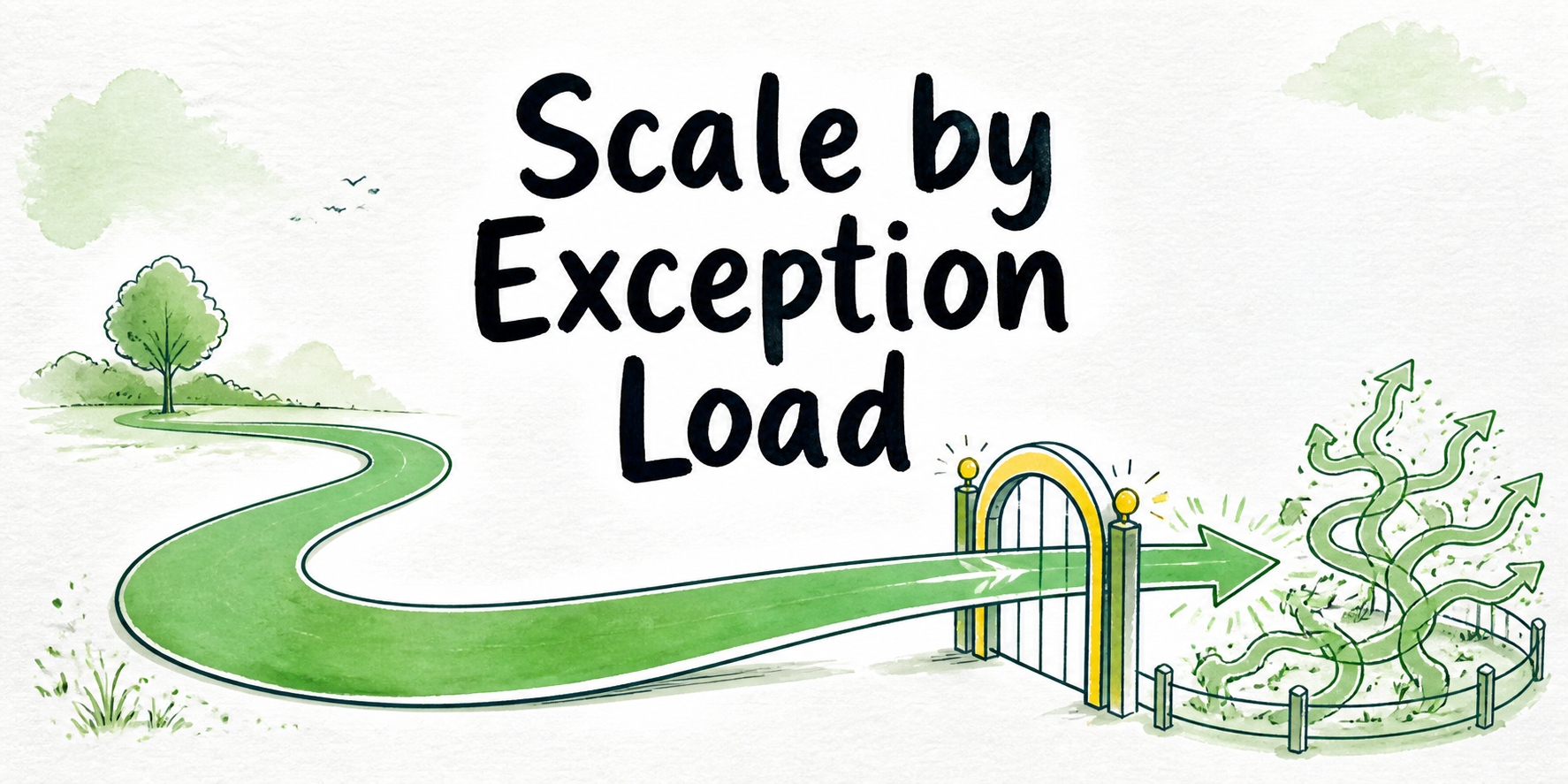
Slow down when the workflow cannot be stated in one clear sentence. If the chatbot is expected to answer sales questions, support questions, policy questions, product questions, and account-specific questions in the first version, the launch scope is probably too broad.
Choose the Readiness Decision
| Launch | Fix | Narrow | Pause | |
|---|---|---|---|---|
| Workflow is clear in one sentence | Yes | No | No | No |
| Sources are approved | Yes | After correction | Only for retained topics | No |
| QA result | Pass | Correctable issues | Risk outside smaller scope | High-risk core gaps |
| Launch and review owner | Named | Name before launch | Name before launch | Unresolved |
Narrow the launch when the sources are not approved. Missing content does not always mean the project should stop, but it may mean the first version should avoid that topic until the source owner approves the material.
Use caution when brand rules conflict with source facts. The assistant should not make answers sound more certain, casual, or persuasive than the approved sources allow. Brand polish cannot repair weak source authority.
Do not publish when QA exposes high-risk gaps inside the approved workflow. A fix or narrowed launch is better than a public assistant that fails on the exact job it was built to handle.
Delay broader rollout when no one owns the first review. Without ownership, teams often make random edits based on isolated comments instead of reviewing real conversations against the launch scope.
FAQ
What is the first step to launch a branded AI chatbot?
Choose one workflow the chatbot is allowed to handle. That decision sets the source scope, brand rules, test paths, handoff behavior, and first improvement review.
How many workflows should the first branded AI chatbot handle?
Start with one workflow. A second workflow can be added later when the first has approved sources, tested behavior, and a clear owner. Multiple workflows at launch make answer quality and ownership harder to judge.
What should be ready before testing starts?
Testing should start only after the workflow, approved sources, and response rules are ready. Otherwise, QA becomes a mix of source review, brand debate, and personal preference.
Who should own the launch plan?
One person should own the full launch plan, but each phase can have a different owner. The workflow owner, source owner, brand reviewer, QA owner, implementation lead, and first-review owner should all be named before publishing.
What should happen after launch?
Review real conversations against the approved workflow. Look for unclear answers, missing source coverage, failed handoffs, and questions the assistant was not meant to handle. Use those signals to decide the first improvements instead of editing at random.