TL;DR
- AI workspace governance controls people, context, model providers, tools, human review, and retained evidence. Centralized model access alone is not governance.
- Complete six boundary fields for each workflow: scope, user role, approved knowledge, provider exposure, enabled tools, and human review.
- Share an assistant or workspace only when every material boundary aligns. Separate it when one boundary differs. Postpone it when ownership or security evidence is missing.
- Begin with one non-sensitive, bounded workflow only after its sources, owners, permissions, exceptions, tests, and review records are defined.
A workspace owner invites revenue operations, support, and an agency partner into the same AI environment. The invitation saves tab switching, but it may also expose prospect notes, client conversations, departmental sources, and action tools to people who do not need them. A six-layer boundary matrix turns that vague concern into a practical decision: share the context, separate it, restrict it, require review, or wait.
Key Takeaways
- A shared workspace is appropriate only when its users, sources, providers, tools, and review obligations can safely follow the same rules.
- Minimum access is based on workflow responsibility and context need, not seniority or a universal job title.
- Multiple model options add flexibility, but they also add provider, procurement, billing, and training considerations.
- Tool-enabled actions require a smaller initial permission surface and clearer evidence than answer-only workflows.
- Missing owners, unclear data classes, or unresolved provider and retention questions are reasons to postpone, not details to settle after launch.
Treat the workspace as six connected boundaries
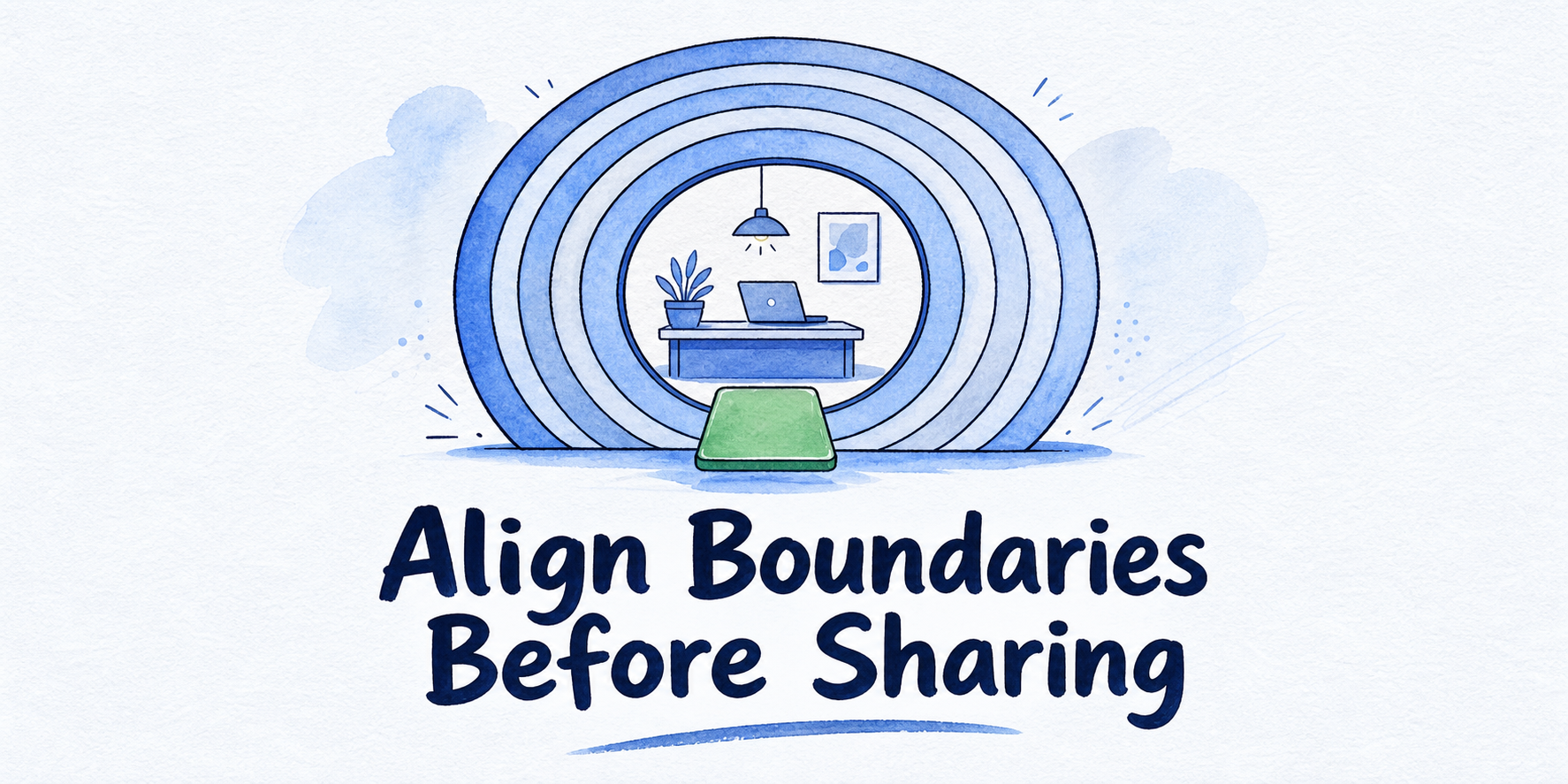
AI workspace governance assigns boundaries to people, context, providers, tools, review, and evidence across AI-assisted work. A workspace may contain assistants, users, sources, conversations, settings, and connected actions. Govern each workflow separately because assistants in the same workspace can handle different information and risks.
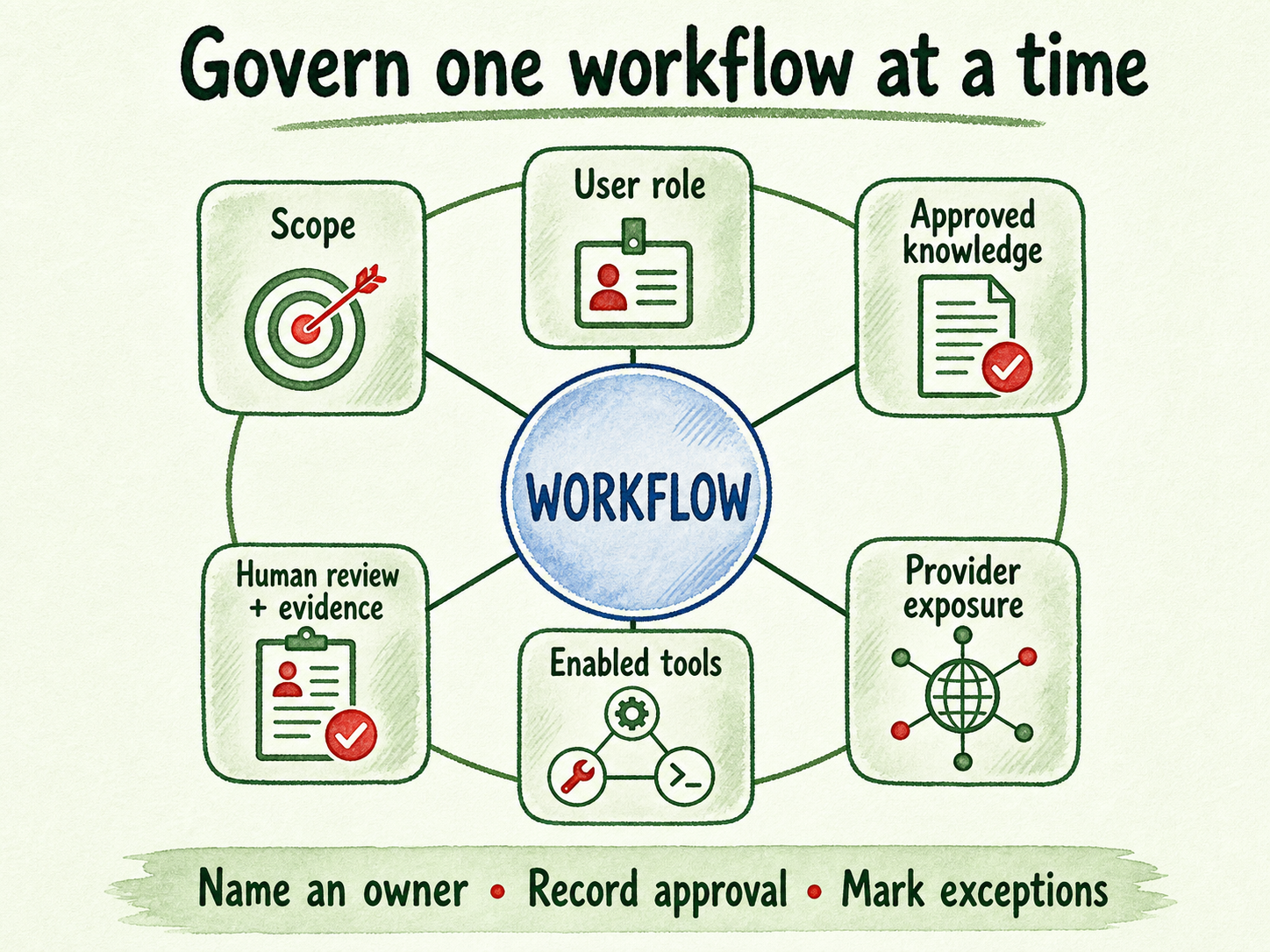
Complete this matrix for one workflow at a time:
| Boundary layer | Decision to record | Named owner | Evidence or approval | Unresolved exception |
|---|---|---|---|---|
| Scope | Exact job, audience, excluded tasks, and included context | Workspace or workflow owner | Approved scope statement | Requests outside the job |
| User role | Who may view or change assistants, sources, conversations, settings, billing, and access | Workspace owner | Role-to-permission map | Temporary or inherited access |
| Approved knowledge | Permitted sources, data classes, and freshness requirements | Source owner | Approved source register | Missing, stale, or disputed guidance |
| Provider exposure | Permitted provider, context it may receive, and key arrangement | Provider or security owner | Current provider-flow approval | Restricted data or unapproved provider |
| Enabled tools | Allowed lookups, writes, messages, payments, and other actions | Tool or integration owner | Tool permission record | Failed, unusual, or prohibited action |
| Human review and retained evidence | Outputs requiring review, escalation path, retained records, and reapproval triggers | Review owner | Test results, review records, and exception log | High-stakes or ambiguous case |
Several terms need precise boundaries. An approved source is a current page, document, policy, or other input authorized for the workflow. Conversation context includes transcripts, retrieved excerpts, metadata, and details used to continue an interaction. An enabled tool allows the assistant to consult or act through a connected system. Human review covers outputs, exceptions, sensitive cases, and material boundary changes. The escalation owner receives cases that cannot remain within the assistant’s assigned job.
A usable matrix depends on local decisions. Map the organization’s actual roles, data classifications, permitted providers, prohibited actions, retention rules, representative tests, exception path, and launch approver. If any material field lacks an owner or approval, mark it unresolved instead of filling it with an assumption.
Use one rule to share, separate, or postpone
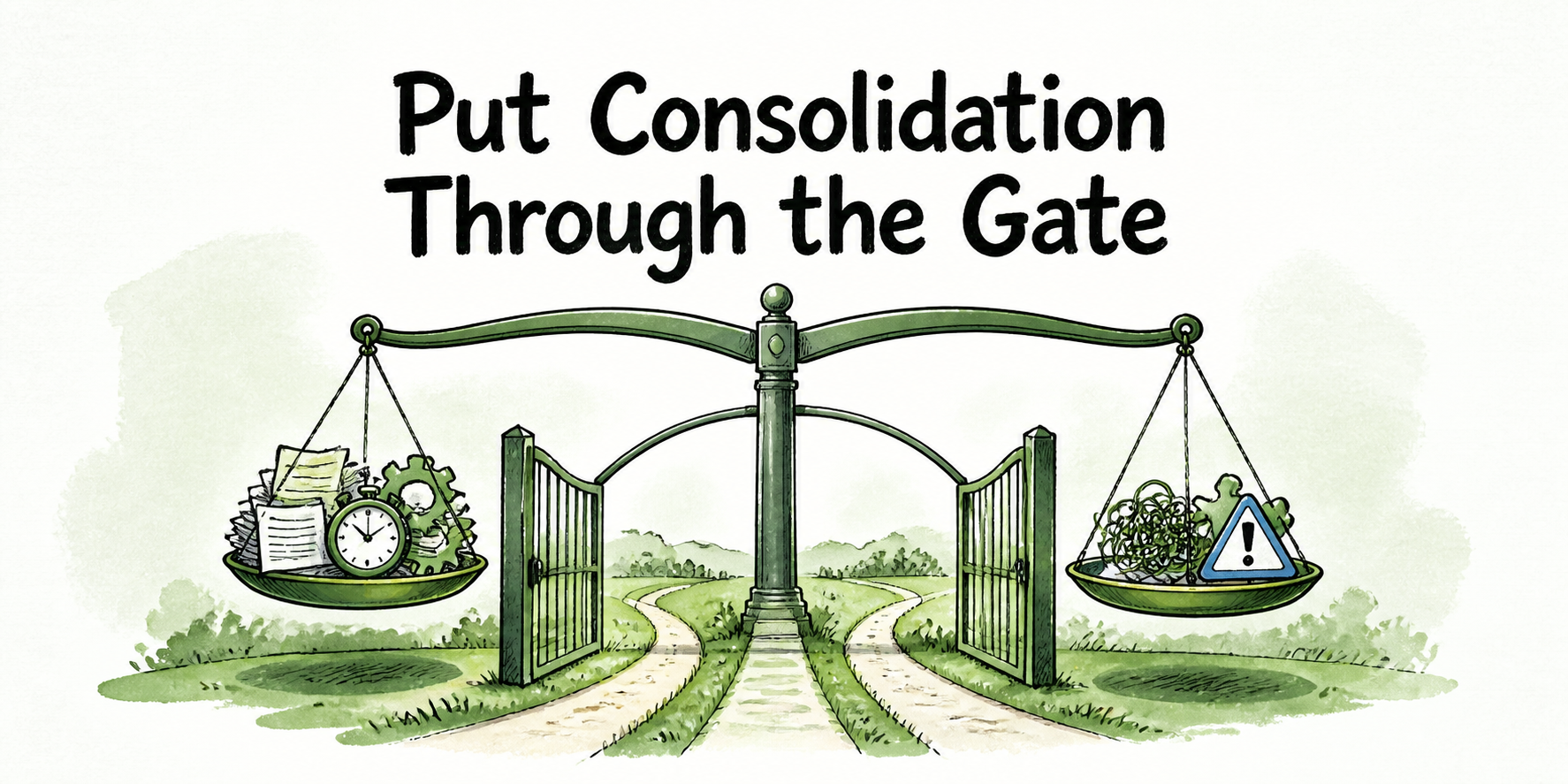
Apply a conjunctive rule: share only when all six material boundaries align.
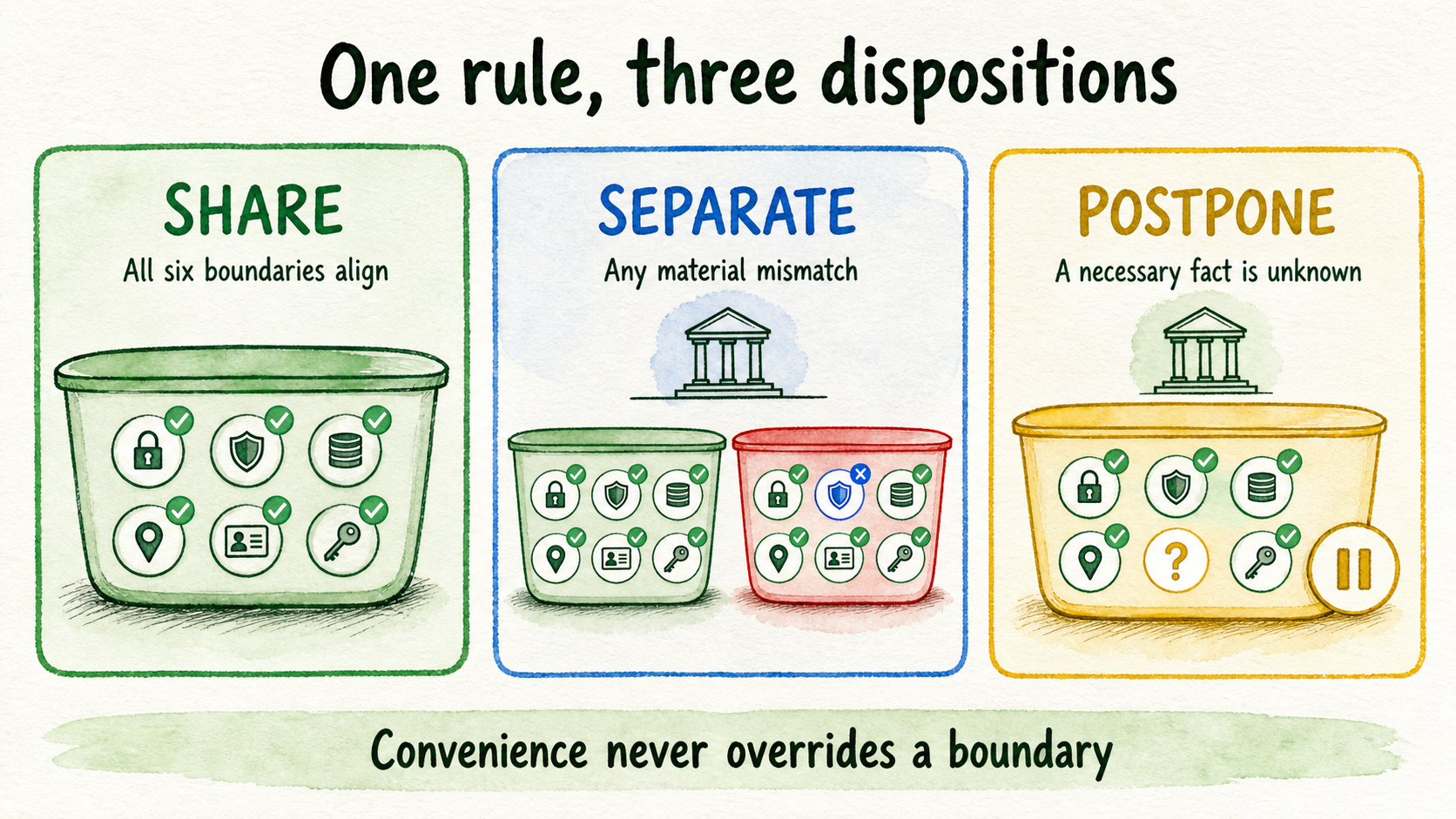
Two workflows may share an assistant or workspace when they have compatible owners, permitted users, approved knowledge, provider exposure, tool permissions, human-review rules, and evidence requirements. Shared context can reduce repeated setup and tab switching, but convenience does not outweigh a consequential boundary mismatch.
Choose a separate assistant when the workspace administration may remain common but the workflow needs different sources, prompts, tools, reviewers, or users. Choose a separate workspace when people should not see the other group’s assistants, conversations, source libraries, integrations, settings, or commercial administration.
A material difference in any of these areas is enough to require separation:
- One client must not see another client’s sources or conversations.
- A department uses a restricted data class that another department is not authorized to access.
- A sensitive launch has a smaller audience, different source owners, or a distinct approval date.
- One workflow may take actions while another is answer-only.
- A provider is approved for public information but not for account, prospect, employee, or customer context.
- High-stakes answers require a reviewer or retained evidence that routine answers do not.
Choose postpone when a necessary fact is unknown. Examples include an unnamed source owner, no approved provider, unclear retention rules, missing access-control evidence, or no person willing to own exceptions. Postponement avoids creating a shared boundary whose safety depends on assumptions.
Centralized governance and separate containers can coexist. A workspace owner may apply one governance method across several assistants or workspaces while keeping their context apart.
Give each role the minimum access its work requires
Minimum access is the intersection of two questions: what responsibility does this person hold, and what context or control is necessary to perform it? Access that answers only one of those questions is too broad.
The following labels are illustrative. Map them to the organization’s actual job titles, data classes, prohibited actions, and separation-of-duty requirements:
- Owner: approves workspace boundaries, high-risk settings, unresolved exceptions, and launch disposition. Billing or provider administration may remain here if no separate owner exists.
- Administrator: implements approved users, assistants, sources, settings, and integrations. Administrative capability does not automatically grant authority to approve the underlying policy.
- Manager: coordinates a bounded workflow, reviews performance, and assigns work without receiving unrestricted infrastructure or billing control.
- Operator: uses assigned assistants and conversations for daily work. Operators should not edit source scope, provider settings, tools, or access unless that change is part of their named responsibility.
- Reviewer: inspects selected outputs, failures, escalations, and evidence. Read access may be sufficient when the reviewer should not alter the system being assessed.
- Client-scoped teammate: sees only the assistants, sources, conversations, and delivery context for the assigned client. Billing visibility and integrations should be granted only when required.
InsertChat documents role-based access, manager access, private assistants, and client-scoped permissions. It also describes controls for restricting access to assistants, sources, conversations, billing, integrations, and other workspace areas. These capabilities provide control surfaces, but the organization still has to decide which person needs each permission for the chosen workflow. Review Team Workspaces and review security controls.
Broader access can make collaboration simpler, but it also increases the context exposed by a mistaken invitation and makes accountability harder to trace. Start with the smallest useful role, test whether the person can complete the assigned job, and add a permission only when a named responsibility requires it.
Record provider exposure, including BYOK
A model provider is the external provider selected to process a prompt and relevant context and return a response. Provider exposure belongs in the matrix because restricting workspace users does not prevent an approved prompt or source excerpt from leaving the workspace for processing.
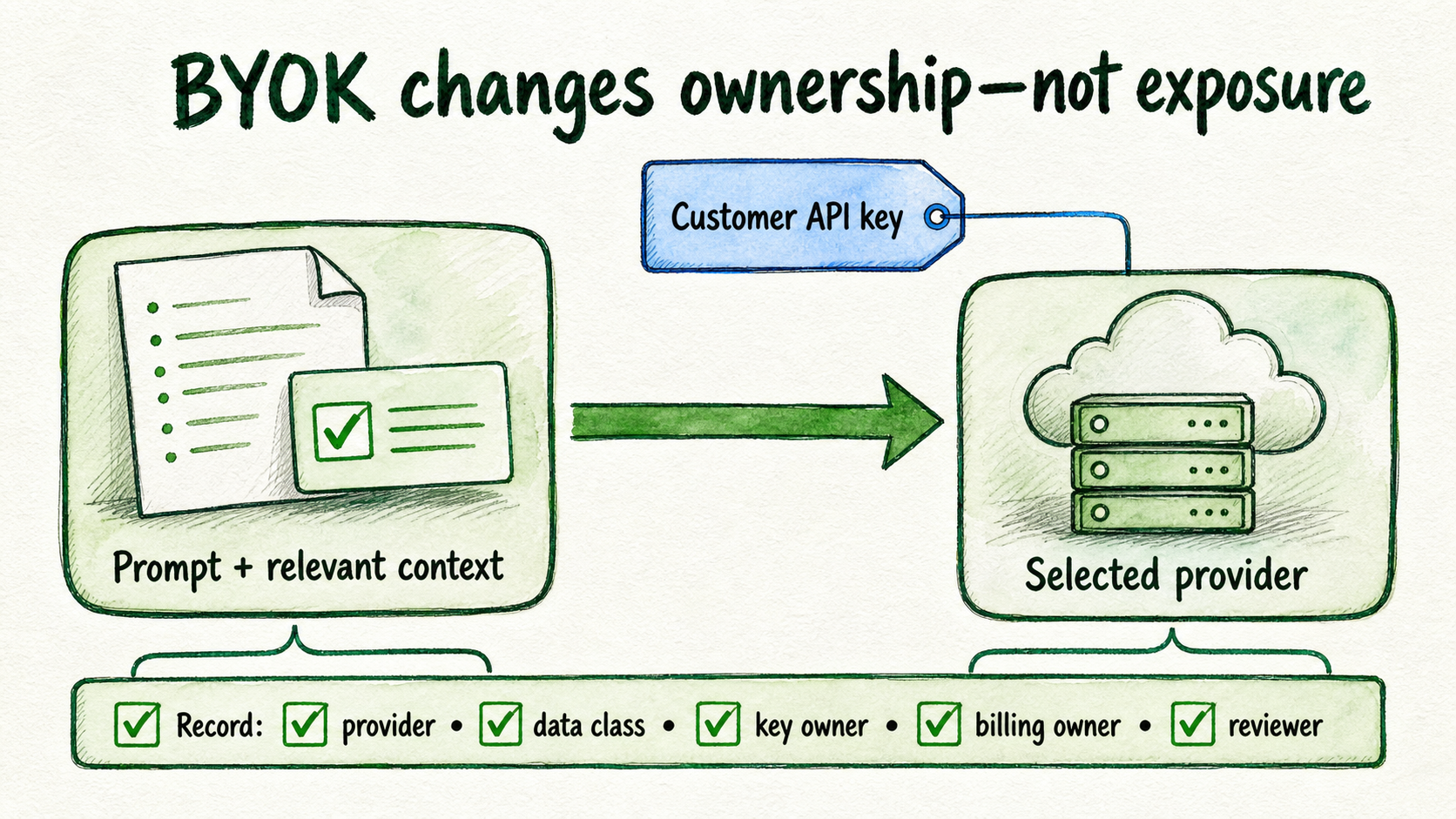
InsertChat states that a prompt and relevant context excerpts from connected sources are sent to the selected model provider. Record which provider families are permitted, which data classes may be included, which region or contract requirements apply, and who must approve a change. Deployment-specific retention, access, and provider-flow details require current review. Review current security and privacy information.
Bring Your Own Key, or BYOK, means the customer supplies a model-provider API key. It changes key management and places provider usage billing under the customer’s direct provider relationship. It does not stop prompts and context from reaching that provider. It also does not remove the InsertChat subscription or the work of governing users, sources, tools, reviews, exceptions, and evidence.
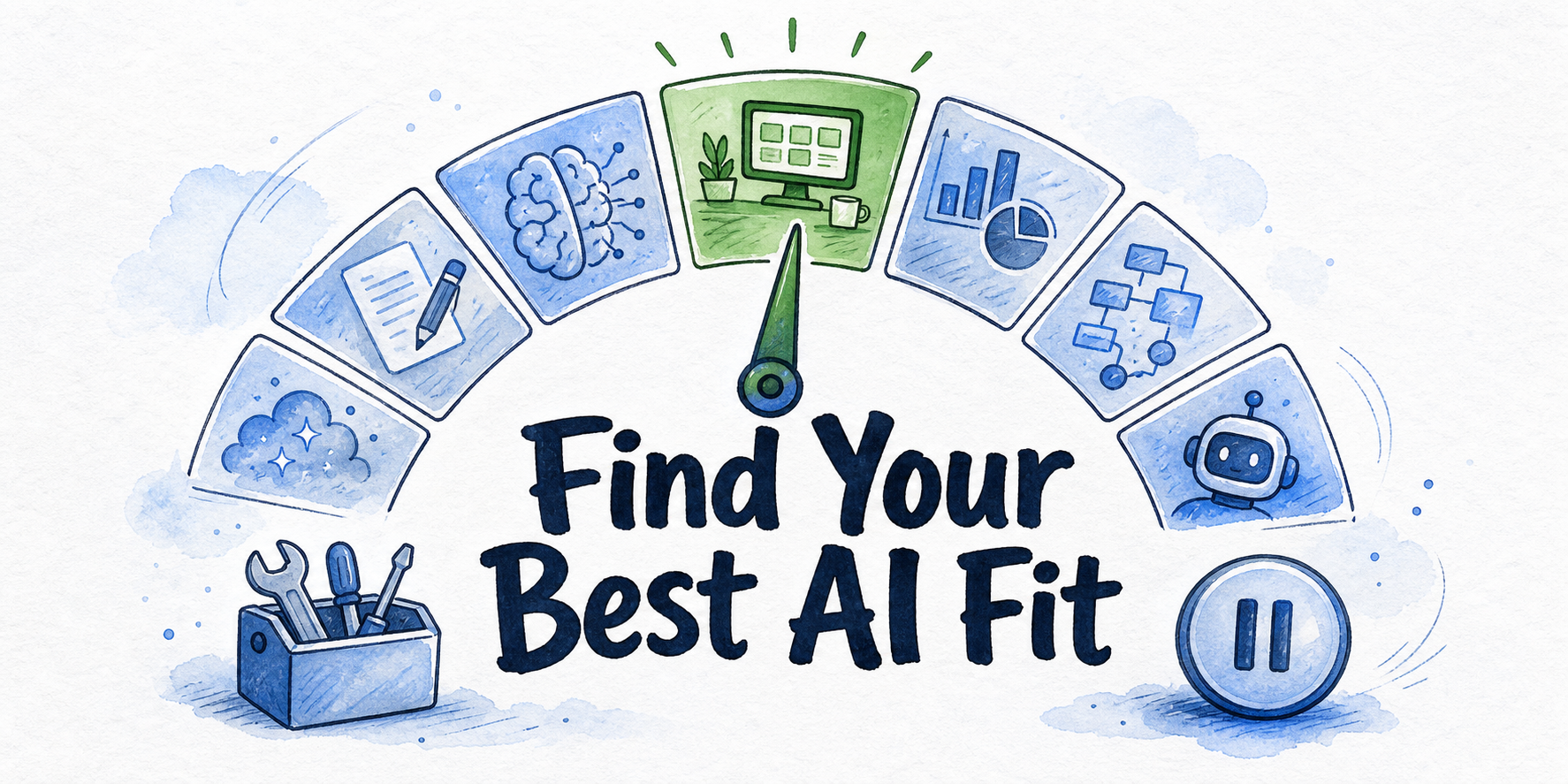
InsertChat supports multiple provider families, context-preserving model changes, routing controls, and BYOK. Those options can preserve an assistant’s knowledge and conversation context while the serving model changes, but each approved provider path still needs an owner and review boundary. Model availability and BYOK terms can change, so recheck them before relying on a specific configuration. Review model and BYOK controls.
Consider an illustrative support question that retrieves an approved return-policy excerpt. The provider field should identify the selected provider, the key owner, the billing owner, the data class of the excerpt, and the person responsible for reviewing provider-policy changes. “BYOK enabled” is not a complete entry.
Apply the matrix to three business workflows
These examples show how the same decision method changes with the context. They are illustrative, not customer results or deployment policies.
| Workflow | Scope and users | Knowledge and provider exposure | Tools, review, and disposition |
|---|---|---|---|
| Revenue operations | Prepare first-pass sales briefs for authorized account teams. Prior prospect notes are limited to assigned revenue roles. | Approved account notes and current product material only. Provider path must be approved for the data class involved. | Begin without write actions. A revenue manager reviews briefs before use. Share within the authorized team, separate from general marketing access. |
| Agency client delivery | Support one client’s approved sources and conversations. Client teammates see only their assigned work. | Each client has a distinct source set and provider approval. Client A’s context cannot be retrieved for Client B. | Keep client integrations and billing visibility scoped. Use separate assistants, and use separate workspaces when administrative or conversation visibility must also differ. |
| Support reply drafting | Draft replies from approved support policies for an operator to review. | Current support documentation only. Account-specific or sensitive details follow a separately approved path. | Drafting is allowed, autonomous sending is not. Sensitive, high-stakes, or unsupported cases go to a named person. Approve as a review-required pilot. |
The revenue-operations example preserves useful prior prospect context while avoiding general workspace exposure. The agency example applies only the six-layer matrix. Client approval systems, change logs, incident procedures, and agency-wide operating cadence require their own governance process.
The support example shows why an assistant boundary is often narrower than a department. Routine draft replies may share approved policies and one review path. Identity disputes, contractual commitments, refunds outside policy, or other high-stakes cases may require different sources, tools, and owners, so they should be excluded or separated.
Pass the launch gate, then review boundary changes
A launch gate converts the matrix into a disposition. InsertChat’s feature guidance recommends starting with one assistant and one visitor job, connecting approved sources, controlling who can edit prompts and settings, enabling only needed tools, and testing real questions before launch. Review the feature guidance.
Approve a bounded pilot only when every statement below is true:
- The workflow has one clear job, named exclusions, and a non-sensitive initial context.
- Sources are current, approved, and assigned to source owners.
- The workspace, workflow, provider, tool, review, escalation, exception, and launch owners are named.
- Users receive only the assistants, sources, conversations, settings, and actions their work requires.
- Tools are restricted to the minimum action surface needed for the workflow.
- Representative questions include common requests, missing-answer cases, boundary probes, and escalation cases.
- Exception handling states what the assistant stops doing, who receives the case, and what evidence is retained.
- Review records have an owner, storage location, retention rule, and reapproval trigger.
The gate should produce one of five outcomes: approve the constrained pilot, restrict users or sources, require human review, request current security documentation, or postpone. Passing it approves only the bounded workflow assessed. It does not approve unrelated data, providers, tools, departments, clients, or channels.
After launch, run a monthly boundary review as a baseline. Higher-risk work may require more frequent or event-triggered review. Check access changes, stale sources, failed answers, unusual tool events, human handoffs, provider changes, and permissions no longer used. Record the finding, decision, owner, and due date.
Searchable transcripts, metadata, resolution states, and handoff context can support this review. Review Conversation Inbox capabilities. Questions, answer outcomes, source use, weak answers, and content gaps provide another inspection input. Review Visitor Analytics. Neither surface proves that a workflow is safe, and analytics cannot supply business guidance the organization has not approved.
When the completed matrix and launch gate support approval, begin one non-sensitive, bounded pilot. If provider flow, retention, access, deployment, legal, or procurement evidence remains unresolved, contact InsertChat for the relevant security documentation, DPA, compliance questionnaire, or deployment review, then postpone the affected workflow until the responsible owner accepts the evidence.
FAQ
Can one AI workspace serve several departments?
Yes, when the departments can follow the same material rules for users, sources, provider exposure, tools, review, and evidence. Use separate assistants when workflow boundaries differ but workspace administration may remain shared. Use separate workspaces when assistant, conversation, source, integration, or administrative visibility must be isolated.
What evidence should a launch approver retain?
Retain the completed matrix, named approvals, representative test results, permission decisions, source versions or approval references, tool restrictions, recorded exceptions, and the final launch disposition. The organization must decide where those records live, who owns them, and how long they are retained.
When should security documentation block a pilot?
Postpone when an unresolved security fact could change whether the intended users, data class, provider, tool, retention setting, or deployment is acceptable. A non-sensitive pilot may proceed only if its own boundary is approved. It should not be used to bypass review for a sensitive future workflow.
Can analytics compensate for missing approved knowledge?
No. Analytics can reveal repeated questions, weak answers, and source gaps. A source owner must still create, correct, or approve the missing business guidance before the assistant can rely on it.