TL;DR
- A chatbot should ask only for information that changes appointment eligibility, appointment type, routing owner, or human-review status.
- Name, email, phone, and consent details may be required for contact or compliance, but they are not automatically qualification questions.
- Every qualifying answer should produce one of four outcomes: stop, clarify, book, or human review.
- A subject-matter owner must approve the real disqualifiers, service areas, territories, capacity limits, appointment types, and exceptions before the chatbot receives calendar access.
A suitable prospect may abandon a long chatbot intake, while a poor-fit visitor reaches the calendar because nobody asked the one question that mattered. The practical fix is a smaller set of chatbot booking qualification questions, each tied to a specific route change rather than curiosity, future segmentation, or a desire to collect more data.
Key Takeaways
- Curiosity is not a valid reason to delay calendar access. A question must affect a defined booking decision.
- Every retained question needs a business-owned rule explaining what different answers change.
- Contact and consent details belong in separate field classes unless they also affect qualification.
- Calendar access should appear only after the applicable rules resolve to a book outcome.
- Before connecting a calendar, mark every proposed question approve, remove, or rewrite.
Keep a question only when its answer changes the route
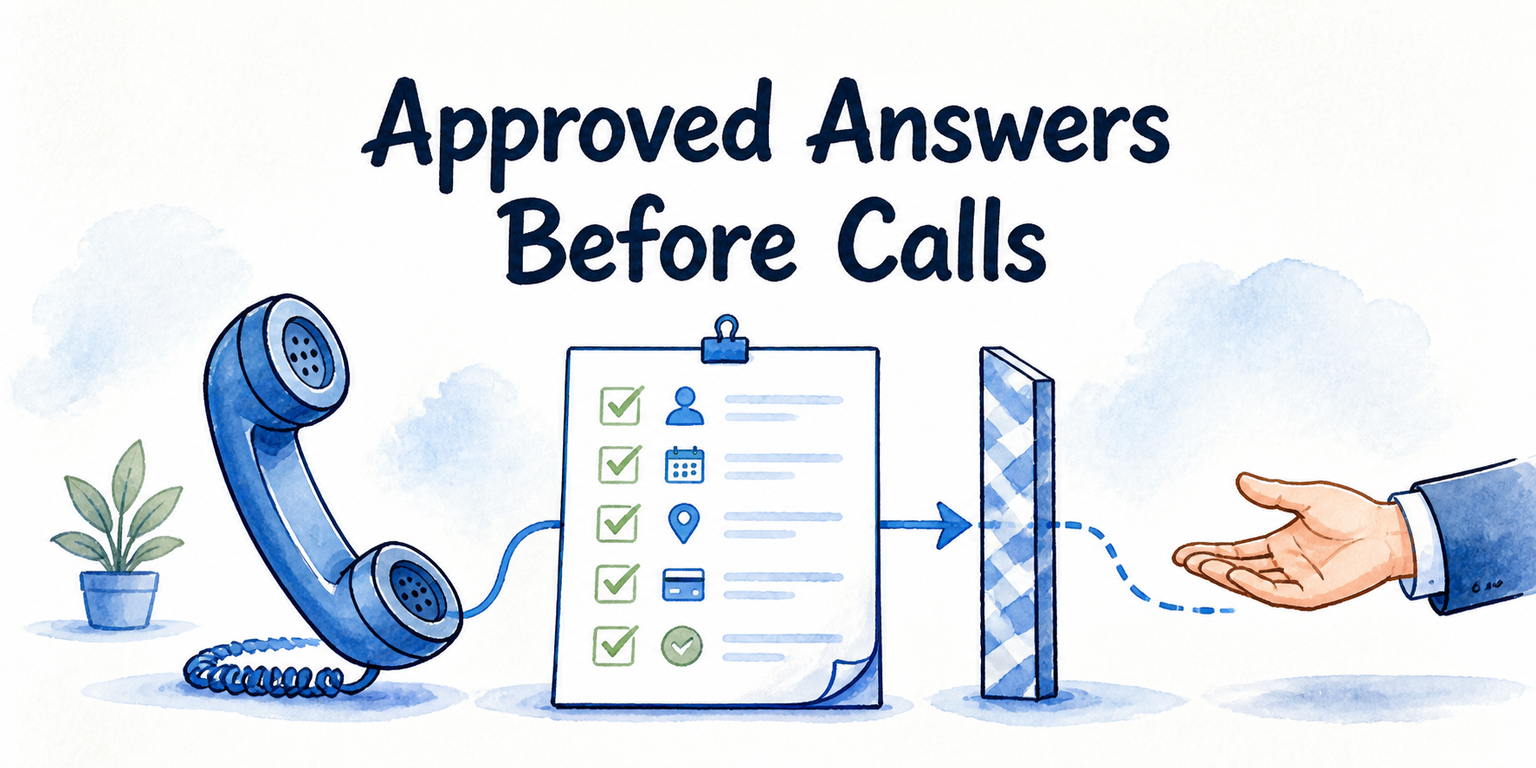
What should a chatbot ask before booking an appointment? Ask for the smallest amount of information needed to decide whether the visitor may book, which appointment they need, who should receive it, or whether a person must review the request first.
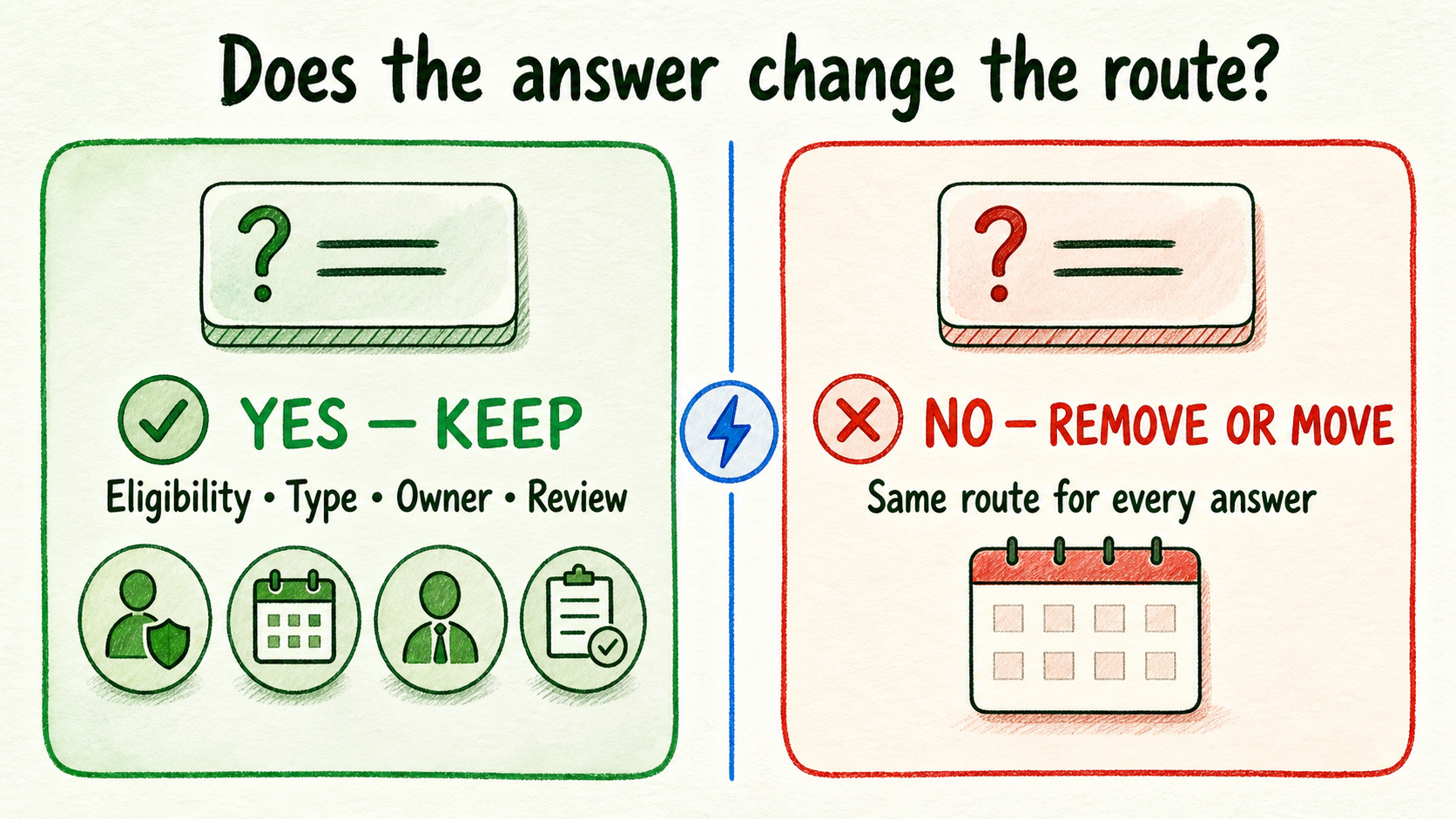
Apply one test to every proposed qualification question:
Could at least one possible answer change appointment eligibility, appointment type, routing owner, or human-review status?
If the answer is no, remove the question from the pre-booking conversation or move it until after booking. Information that might help a future campaign, enrich a contact record, or satisfy internal curiosity does not justify standing between a suitable visitor and the calendar.
Suppose a team wants to ask, “What is the best time to contact you?” If every answer still leads to the same appointment type, owner, and calendar, this is not a qualification question. It may be useful after the visitor books, but it does not earn a place before calendar access.
A broad question may also need rewriting. “Tell us about your business” creates work for the visitor and produces answers that are difficult to route consistently. If the actual rule assigns meetings by use case, ask for the use case through a short set of business-approved choices. The revised question connects directly to a routing owner.
This test balances two real costs. Too many questions create unnecessary effort. Too few can expose scarce appointment capacity to visitors the business cannot serve or send suitable prospects to the wrong meeting. The right minimum is not a fixed number. It is the fewest questions required to resolve the approved routes.
Separate qualification questions from contact and consent fields
A required field is not necessarily a qualification field. Classify each field by what the business does with the answer.
- Qualification field: Changes eligibility, appointment type, routing owner, or human review.
- Contact field: Identifies the visitor or enables follow-up, such as name, email, or phone.
- Consent field: Records an approved permission or acknowledgment required for the intended process.
One field can serve more than one purpose, but the relationship must be explicit. A phone number does not become a qualification question merely because the booking form requires it. If every valid phone number leads to the same route, it remains a contact field.
Use this minimum-field worksheet to examine proposed conversational questions separately from contact and consent details:
| Proposed question | Business-owned rule | Eligibility effect | Appointment-type effect | Routing-owner effect | Human-review effect | Resulting action |
|---|---|---|---|---|---|---|
| What service do you need? | Insert approved service rule | Yes, no, or none | Type selected, or none | Owner selected, or none | Yes, no, or none | Approve, remove, or rewrite |
| Where is the service needed? | Insert approved area or territory rule | Yes, no, or none | Type selected, or none | Owner selected, or none | Yes, no, or none | Approve, remove, or rewrite |
| What is your use case? | Insert approved use-case rule | Yes, no, or none | Type selected, or none | Owner selected, or none | Yes, no, or none | Approve, remove, or rewrite |
Keep a separate list for contact and consent fields, noting why each is needed and who approved the requirement. Exact consent obligations depend on the business, intended contact, data collected, and applicable review. Do not turn a generic template into policy.
The worksheet should contain real operating rules, not assumptions written by the chatbot vendor or agency. The relevant operations, sales, or service owner must supply the current disqualifiers, service areas, appointment types, territories, capacity constraints, and sensitive exceptions. Legal or compliance review should own applicable consent requirements.
Turn each answer into one of four booking outcomes
Once a question earns its place, define what each answer does. Limit the qualification model to four current outcomes:
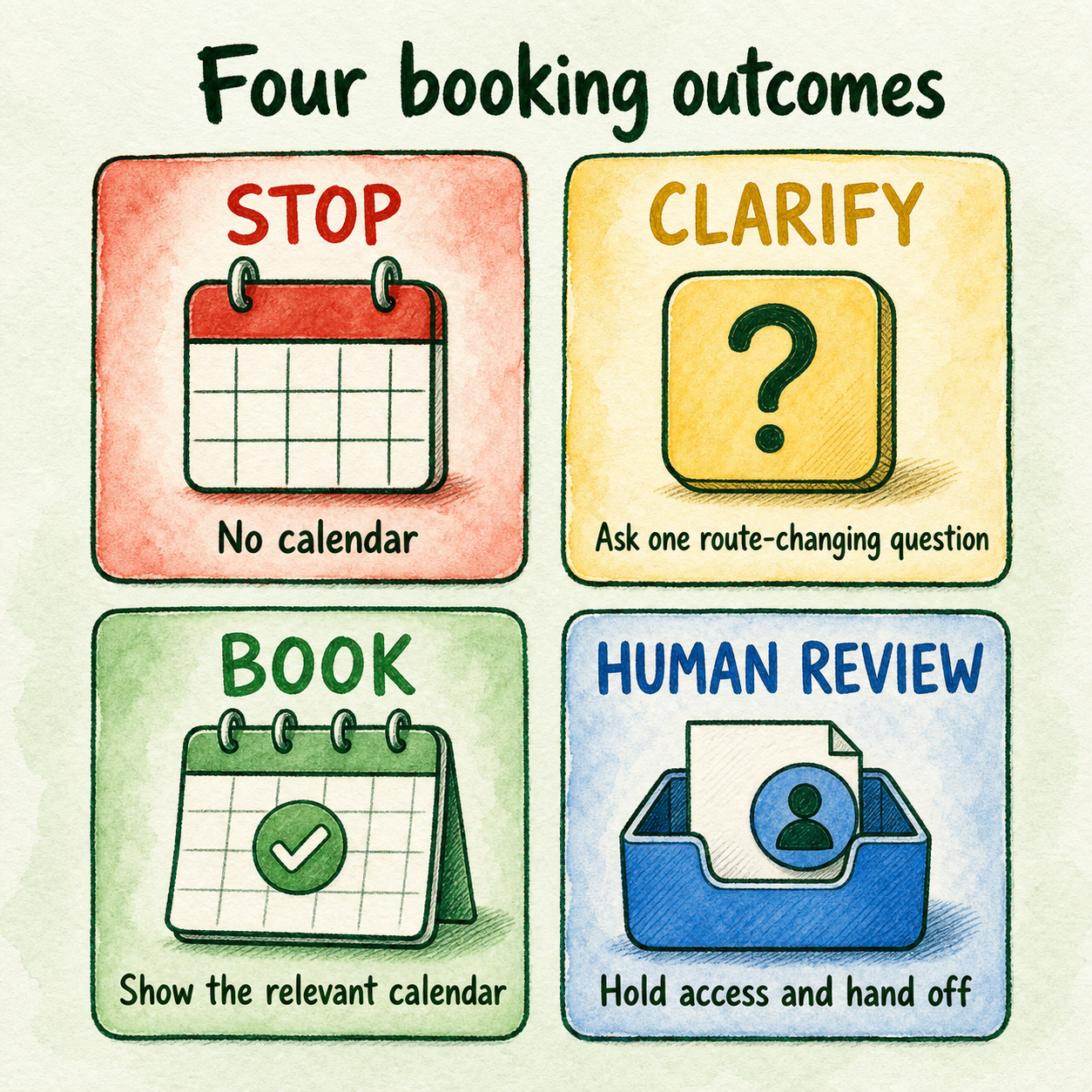
| Outcome | Use it when | Effect on calendar access |
|---|---|---|
| Stop | An approved rule makes the visitor ineligible for the defined appointment | Do not show the calendar |
| Clarify | One missing or ambiguous detail could still resolve to a standard route | Ask the next route-changing question |
| Book | All applicable qualification rules are resolved and permit the appointment | Show the relevant calendar |
| Human review | The request requires judgment, exception handling, or sensitivity review | Hold automated calendar access and use the approved human route |
A stop outcome should come from a rule the business is prepared to apply consistently. A chatbot should not infer poor fit from vague language or invent a disqualifier.
Clarify is useful when one more answer can settle the route. For example, “I need help at my property” may require the chatbot to ask which approved service the visitor needs. Clarification should not become an open-ended interview. Ask only the next unresolved route-changing question.
Book means the visitor has cleared the relevant qualification rules for a defined appointment type and routing owner. It does not mean every optional profile field has been collected.
Human review is the destination for requests that should not receive an automated eligibility decision. This article treats it only as a route outcome. The message, receiving process, context, and ownership need their own approved handoff design.
Work the model through three route-changing examples
The following scenarios are illustrative. Their services, areas, owners, and exception rules are placeholders, not recommended business policies.
Service business: service and location control eligibility. Imagine a property service company that offers some services only within an approved area. “Which service do you need?” identifies the requested service, while “Where is the property?” applies the service-area rule. Neither question is sufficient alone.
If the service and location combination is eligible, the result is book. An incomplete location produces clarify. A combination outside the approved service boundary produces stop or human review, depending on the company’s actual exception policy. This is a valid two-question gate because the answers combine to change appointment eligibility.
The same mechanism can support service-area and service-fit routing, but the local business must still approve its own boundaries and owners.
B2B business: use case changes the meeting owner. Imagine a software company with separate owners for evaluation calls and partnership conversations. Company size may be interesting, but suppose it does not change access, appointment type, owner, or review status. It should not gate the calendar.
The visitor’s use case does change the owner, so that question stays. An evaluation request routes to the approved sales owner. A partnership request routes to the approved partnership owner. A use case that matches neither route may require clarification or human review.
Ambiguous or sensitive request: judgment replaces automated booking. Imagine a visitor describing an issue that could be a routine service request or a sensitive exception. The chatbot cannot reliably classify it using the approved standard choices. Instead of guessing or exposing a calendar, it selects human review.
The key distinction is not the topic alone. The route changes because the business has decided that this type of ambiguity requires judgment. If no such rule exists, the subject-matter owner must create one before the chatbot handles that case.
Approve the decision table before connecting a calendar
A booking tool can execute a rule, but it cannot decide the business’s policy. Before calendar access is connected, assign an operations, service, or sales owner to approve:
- Real appointment disqualifiers
- Service areas and territory boundaries
- Available appointment types
- Routing owners for each appointment type
- Capacity rules that affect access or appointment selection
- Sensitive and ambiguous exceptions
- Contact and consent requirements
Then run a small set of real business cases through the table: clearly eligible, clearly ineligible, incomplete, boundary, and exceptional requests. The purpose is to confirm the logic with the people who make these decisions today. Keep broader booking-flow testing for a separate review.
For each proposed question, make one decision:
- Approve it when an answer changes a defined route and the rule is current.
- Remove it when all answers lead to the same route.
- Rewrite it when the business decision is valid but the wording cannot produce a clear, usable answer.
InsertChat currently states that its assistants can save leads and book meetings. Its homepage also presents lead capture, appointment booking, assignments, workflow actions, and human handoff or takeover capabilities. These product claims should be re-verified by InsertChat’s editorial or product marketing owner on publication day and after relevant capability changes. Review the current InsertChat homepage. The InsertChat Blog also lists published guidance on preparing chatbot knowledge sources, local-business routing, and human handoff decisions.
Once the rules are approved, a bounded trial can show whether the assistant follows the intended qualification model. Start for Free with one appointment path, one approved decision table, and no invented exceptions.
FAQ
Is a contact field also a qualification question?
Only when its answer changes eligibility, appointment type, routing owner, or human-review status. A name, email address, or phone number may be required for contact without affecting calendar access.
When should the chatbot clarify instead of choosing human review?
Clarify when one additional, route-changing answer can resolve the request through a standard approved rule. Choose human review when the business requires judgment, sensitivity handling, or exception approval.
What happens when service areas, capacity, or appointment types change?
The business owner should update and reapprove the affected rules before the chatbot continues using them. Review every question and outcome connected to the changed rule, since one operational change may alter eligibility, appointment selection, or ownership.
When is immediate calendar access appropriate?
It can be appropriate when the business has no fit-based condition that must be resolved before booking. Contact or consent fields may still apply. If appointment capacity is scarce, routes differ by need, or exceptions require judgment, use the qualification table first.