TL;DR
- Map the expected booking states before running a test.
- Exercise the happy path plus unavailable-slot, ineligible, missing-source, incomplete-input, mobile, and handoff paths.
- Compare the visitor-facing conversation with the actual calendar, confirmation, and notification records.
- Log every mismatch against the state that failed, assign an owner, and record the retest result.
- Launch only when all required transitions work as approved and every unsafe path stops or falls back correctly.
A chatbot can sound helpful, display a slot, and say “You’re booked” while the operational journey remains incomplete. The appointment may not exist, the required details may be missing, or the responsible person may never receive a notification. The reliable way to test an appointment booking chatbot is to treat the booking flow as a sequence of state changes and verify each change with direct evidence.
Key Takeaways
- Test states, not just messages. A polished reply does not prove that the next operational state exists.
- Write down the approved result for each scenario before testing it. Otherwise, testers may disagree about whether a result passed.
- Check both sides of the journey: what the visitor sees and what the calendar or notification system records.
- Keep defects open until the repaired scenario has been rerun and its retest result recorded.
- Decide between launch, fix, and pause according to required behavior—not an invented universal pass rate.
1. Write the Expected Booking States Before Testing
Start by defining the terms in your chatbot booking flow checklist. These definitions should describe your approved business workflow, not assumptions about how a particular calendar system behaves.
- Booking flow: The full path from a visitor’s initial question to a confirmed appointment or an approved non-booking outcome.
- Calendar state: The availability or reservation condition that the booking system is expected to show at that moment. This could be available, selected, held, confirmed, or unavailable, depending on your own setup.
- Confirmation: The evidence your business accepts as proof that an appointment was created. Define whether that means a calendar record, booking reference, confirmation message, email, or another recorded event.
- Notification owner: The person, team, or queue expected to receive notice of the booking.
- Mobile test: A repeat of the critical journey on a small screen, including controls, fields, validation, confirmation, and fallback.
- Fallback: The approved response or route used when the chatbot cannot answer safely, cannot complete the booking, or needs a person to intervene.
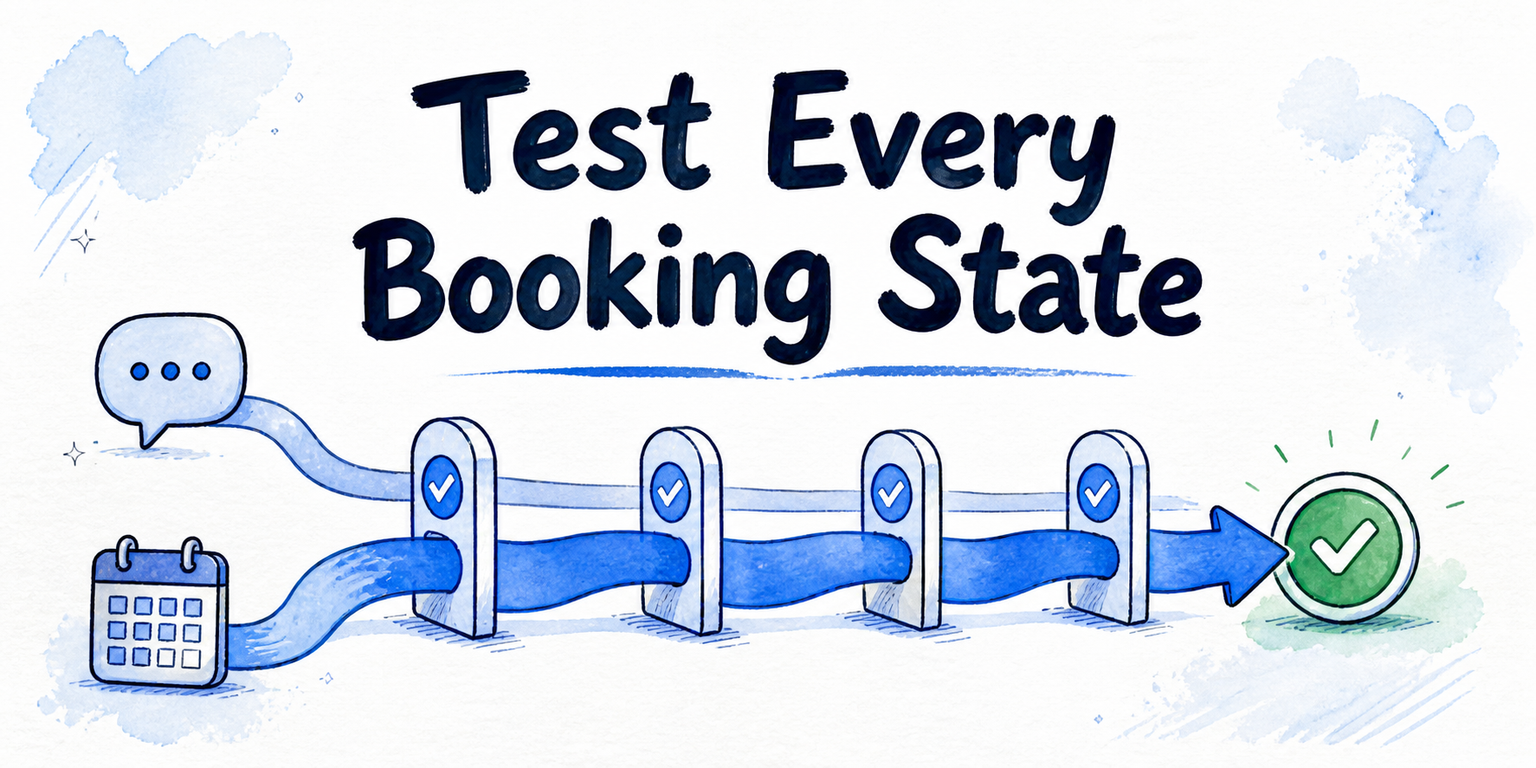
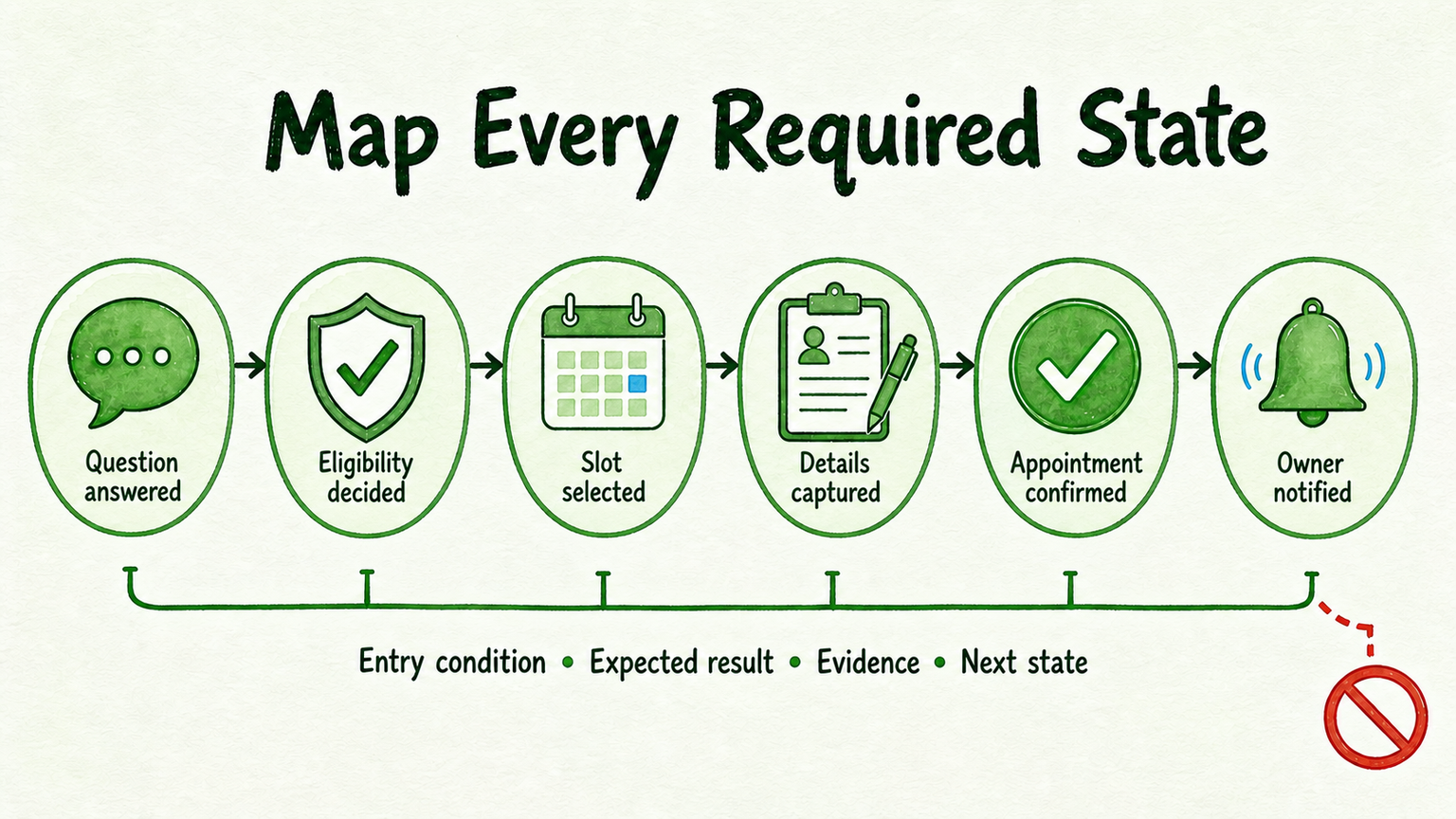
Then map the required state sequence:
- Question answered
- Eligibility decided
- Slot selected
- Details captured
- Appointment confirmed
- Owner notified
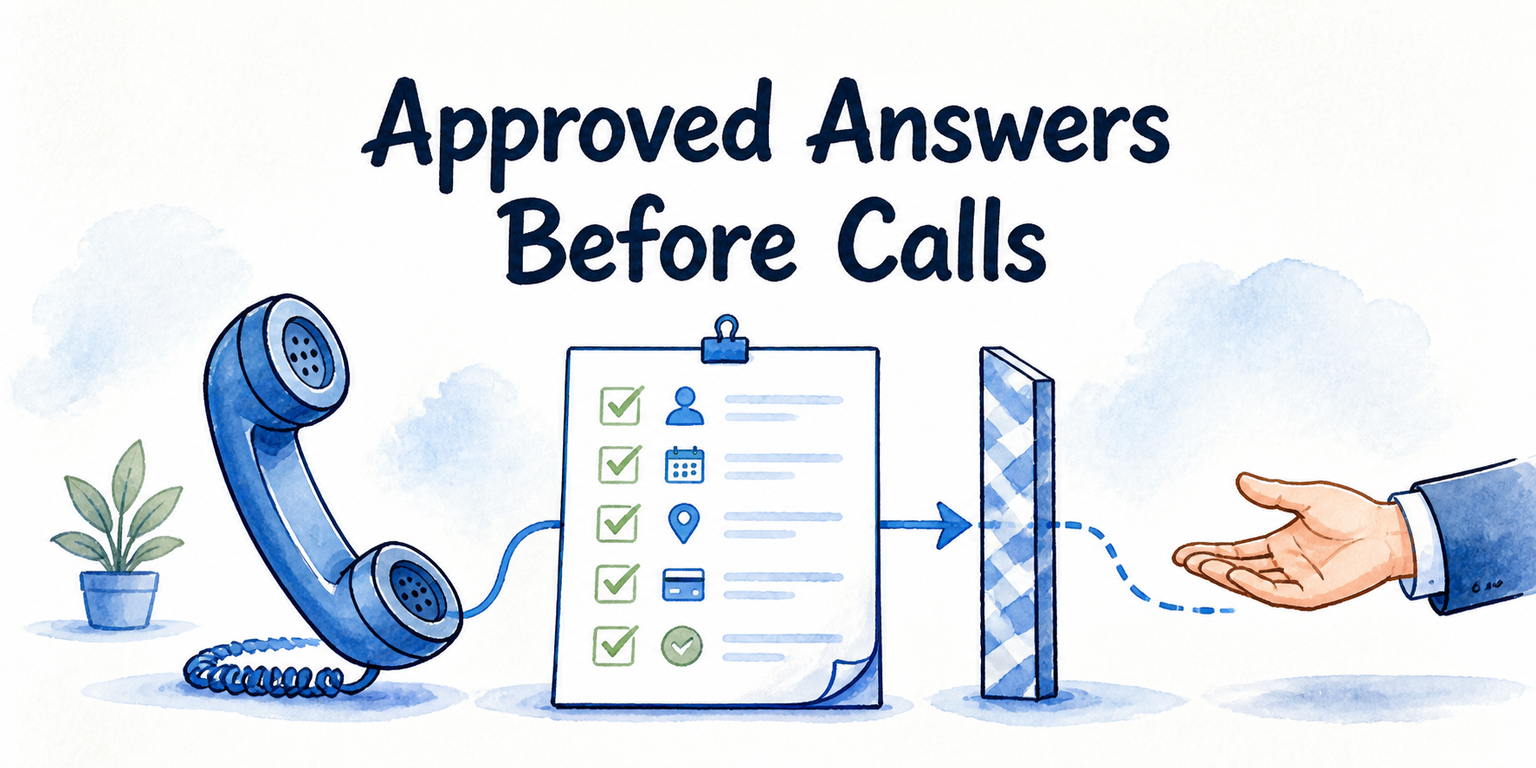
For every state, document the entry condition, expected result, acceptable evidence, and next state. Name the approved source for appointment information, the existing eligibility rule, the details that must be collected, the evidence of confirmation, the notification destination, and the fallback destination.
Do not redesign qualification rules during this test. Use the eligibility decision your business has already approved. If that rule is missing or disputed, the booking journey is not ready for acceptance testing.
A useful state-map row might read: “When an eligible visitor selects a currently available slot and supplies all required details, the system creates the appointment record, shows the approved confirmation, and records a notification to the assigned owner.” That statement gives the tester something observable to prove or disprove.
2. Run the Happy-Path Booking Test
Run the normal journey first. This establishes whether the complete path can work before you introduce exceptions.
Use a controlled page and test data that will not be mistaken for a real customer booking. Begin with an in-scope question whose approved answer is known. Check that the answer matches that source closely enough to support the next decision without introducing unsupported appointment guidance.
Next, apply the pre-approved eligibility result and continue as an eligible visitor. Select a slot currently presented by the booking interface, supply every required detail, and complete the journey.
Record evidence at each transition:
- Did the chatbot answer the initial question using the approved business information?
- Did the existing eligibility rule produce the expected route?
- Was the selected slot the same slot carried into the next step?
- Were all required details captured and associated with the intended appointment?
- Was an appointment record actually created?
- Did the visitor receive the approved confirmation?
- Did the notification reach the defined owner, or did the system record the expected notification state?
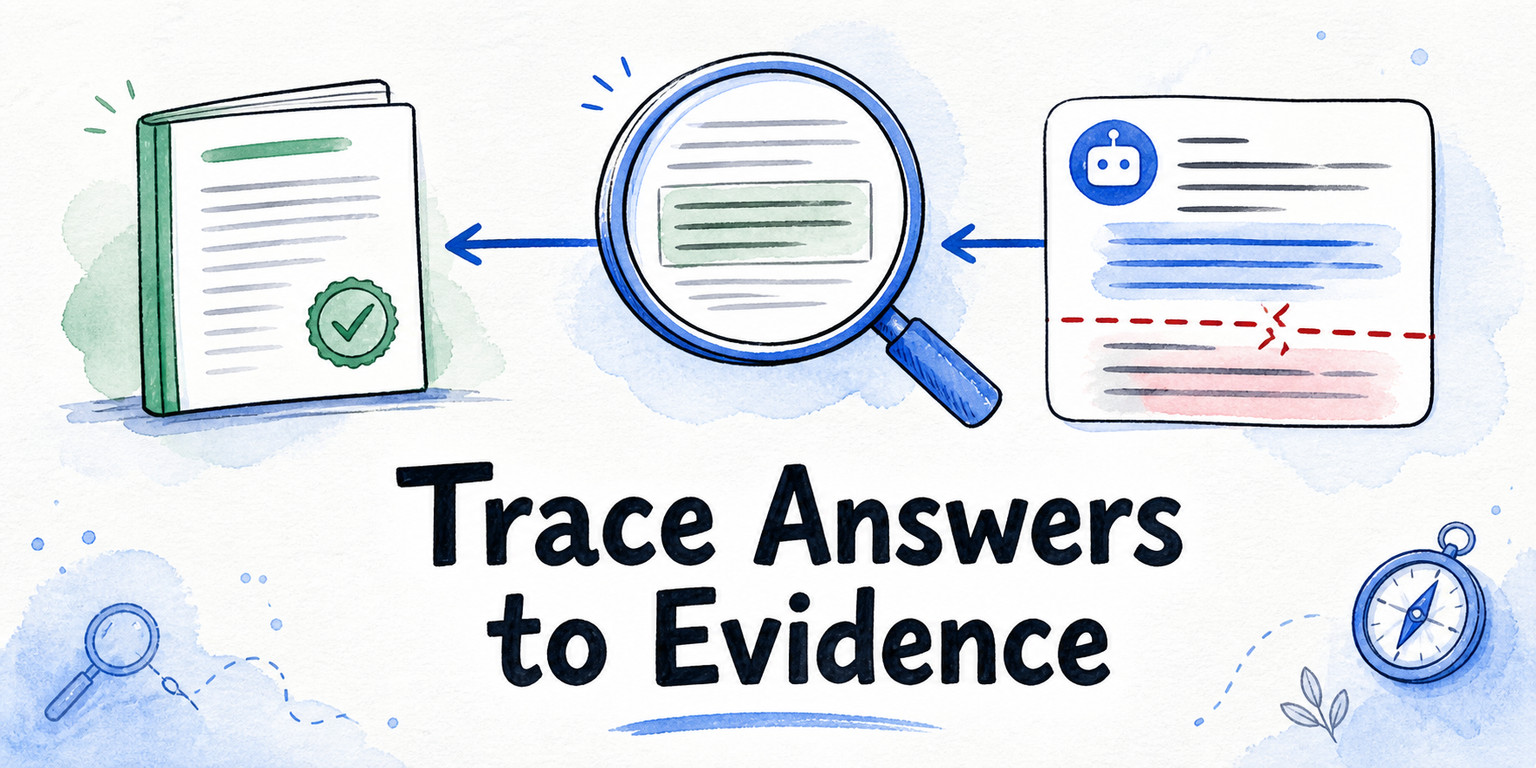
The central check is agreement. The conversation, calendar state, appointment record, confirmation, and owner notification should describe the same outcome. If the chatbot says the visitor is booked but the appointment record is absent, the test fails even if the conversation looked flawless.
For example, imagine an eligible visitor asks whether a particular service is available, chooses Tuesday at 10:00, supplies the required contact details, and sees a confirmation. This is a hypothetical test case; use your own approved answer, staged calendar, appointment record, and notification evidence when running it. The case passes only if every recorded state agrees with the visitor-facing result.
3. Test Paths That Should Not End in a Normal Booking
The happy path proves that booking can work. Failure-path tests prove that the chatbot knows when it must stop, reroute, or ask for missing information.
Run at least these scenarios:
- Unavailable slot: Choose a slot that becomes unavailable or attempt to continue with a choice the calendar no longer accepts. The chatbot must not represent it as confirmed. The expected terminal state may be a new slot request, a safe stop, or a human route—whichever your workflow approves.
- Ineligible visitor: Supply inputs that trigger the existing non-booking rule. Verify the approved alternative route without changing the qualification logic during the test. A normal booking confirmation is the prohibited result.
- Missing source: Ask an appointment-policy question that your approved material does not answer. The pass condition is the configured fallback or human route, not a plausible-sounding guess.
- Missing details: Leave a required field blank, enter input that fails the approved validation rule, or abandon the form. The flow must not imply that an appointment was completed.
- Handoff: Trigger the approved fallback and verify its destination. The receiving person should get the question and the relevant conversation context required by your workflow.
- Direct request for a person: Ask for human help without completing the booking. Confirm that the visitor receives a clear next step and that no false appointment state is created.
For each scenario, write down two things before running it: the expected terminal state and the false-positive state that must never appear. This prevents a friendly but incorrect response from being accepted as a pass.
A missing-source test, for instance, should not be judged by how reasonable the answer sounds. Judge whether the chatbot used the approved fallback and avoided creating a booking based on information the business has not supplied.
4. Repeat the Critical Path on Mobile
A desktop pass does not settle the mobile test. Repeat the happy path and the most consequential fallback path on a small screen while checking both usability and state continuity.
Confirm that:
- The chatbot opens and dismisses without trapping the visitor.
- Messages and any visitor disclosure remain readable.
- Slot controls can be viewed, selected, and changed.
- Required-field validation is visible near the relevant input.
- The on-screen keyboard does not hide the active field, primary action, or error message.
- Confirmation remains visible long enough to understand and record.
- The fallback or human-contact action is reachable.
- Closing, reopening, or navigating does not create a false completion state.
After completing the mobile journey, inspect the operational appointment record again. The date, time, visitor details, confirmation state, and notification result should match what appeared on the phone. A mobile interface that looks correct but creates the wrong appointment is still a failed booking path.
5. Log Defects by Broken State
“Booking did not work” is not a useful defect. Record the exact transition that failed so the right owner can repair and retest it.
Use a log with these fields:
| Field | What to record |
|---|---|
| Scenario | The test case and starting conditions |
| Expected state | The approved state that should have resulted |
| Observed state | What the visitor and operational records actually showed |
| Owner | The person responsible for the source, rule, calendar, interface, or notification |
| Severity | The business consequence and whether it blocks launch |
| Fix route | The source, rule, configuration, or interface that needs correction |
| Retest result | Pending, passed, or failed after the fix |
Attach useful evidence when available: a conversation reference, screenshot, appointment record, validation message, or notification record. Avoid a numerical score that hides the nature of the failure.
Classify each issue as a source gap, routing-rule defect, calendar-state defect, detail-capture defect, confirmation defect, notification defect, mobile defect, or fallback defect. This makes ownership clearer. A missing appointment policy belongs to the person who approves business content; an absent owner notification belongs with the operational path responsible for that notification.
For example: expected state—appointment confirmed and owner notified; observed state—visitor saw confirmation, but no owner notification was recorded; owner—booking operations; severity—launch blocker when notification is required; retest result—pending. The defect stays open until the same scenario is rerun successfully.
6. Choose Launch, Fix, or Pause
Do not invent a universal percentage of tests that must pass. A single disagreement between the visitor confirmation and the appointment record can matter more than several minor presentation defects.
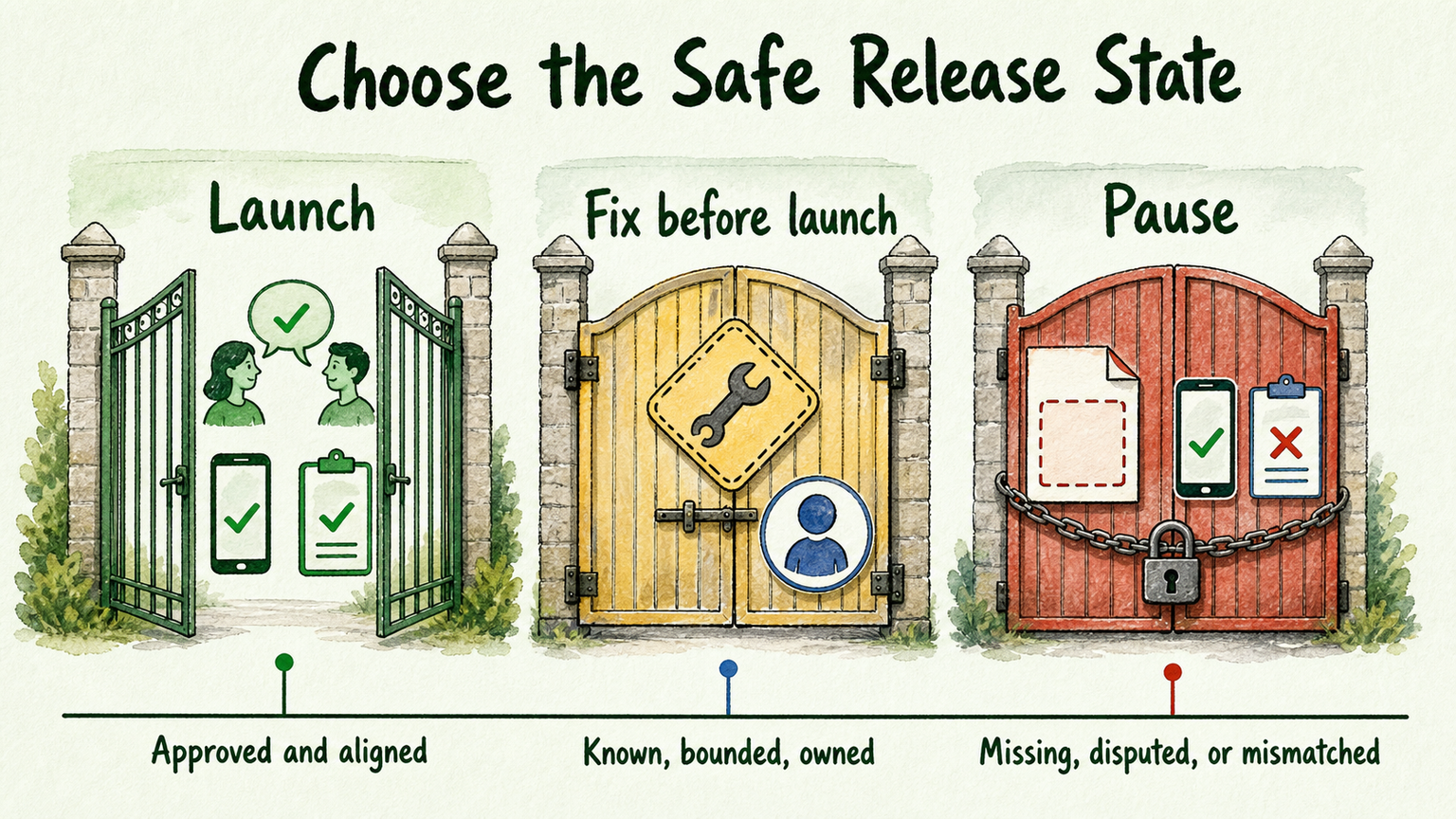
Launch when every required booking state and critical exception path behaves as approved, the mobile journey is usable, visitor-facing and operational records agree, and no required retest remains open.
Fix before launch when the expected behavior is known, the defect is bounded, an owner has accepted it, and the affected scenario can be rerun. Examples include an obscured mobile validation message or a misrouted notification with a clearly defined destination.
Pause when the approved source, eligibility decision, calendar expectation, confirmation definition, notification owner, or fallback destination is missing or disputed. Also pause whenever the chatbot can tell a visitor that an appointment is complete while the operational record says otherwise.
An unresolved core defect is not an acceptable risk simply because a launch date is close. If the team cannot state what should happen, it cannot prove that the booking flow works.
7. Test One Controlled Booking Path Before Expanding
Keep the first acceptance test narrow: one assistant, one visitor job, one controlled page, and one non-sensitive staged booking path. People should remain responsible for edge cases and high-stakes requests, with an accessible fallback when the automated journey cannot continue safely.
If you are evaluating InsertChat for this workflow, apply the checklist during a bounded trial rather than opening every booking path at once. Connect approved content, define the expected states, exercise the normal and failure journeys, and resolve each core defect before expanding the deployment.
Start for Free or begin a 7-day free trial, stage one booking journey, and let the records—not the fluency of the conversation—decide whether it is ready.