TL;DR
- There is no universal complete AI receptionist cost in the available evidence because each business must supply its call volume, labor rates, operating effort, connected-service charges, and budget threshold.
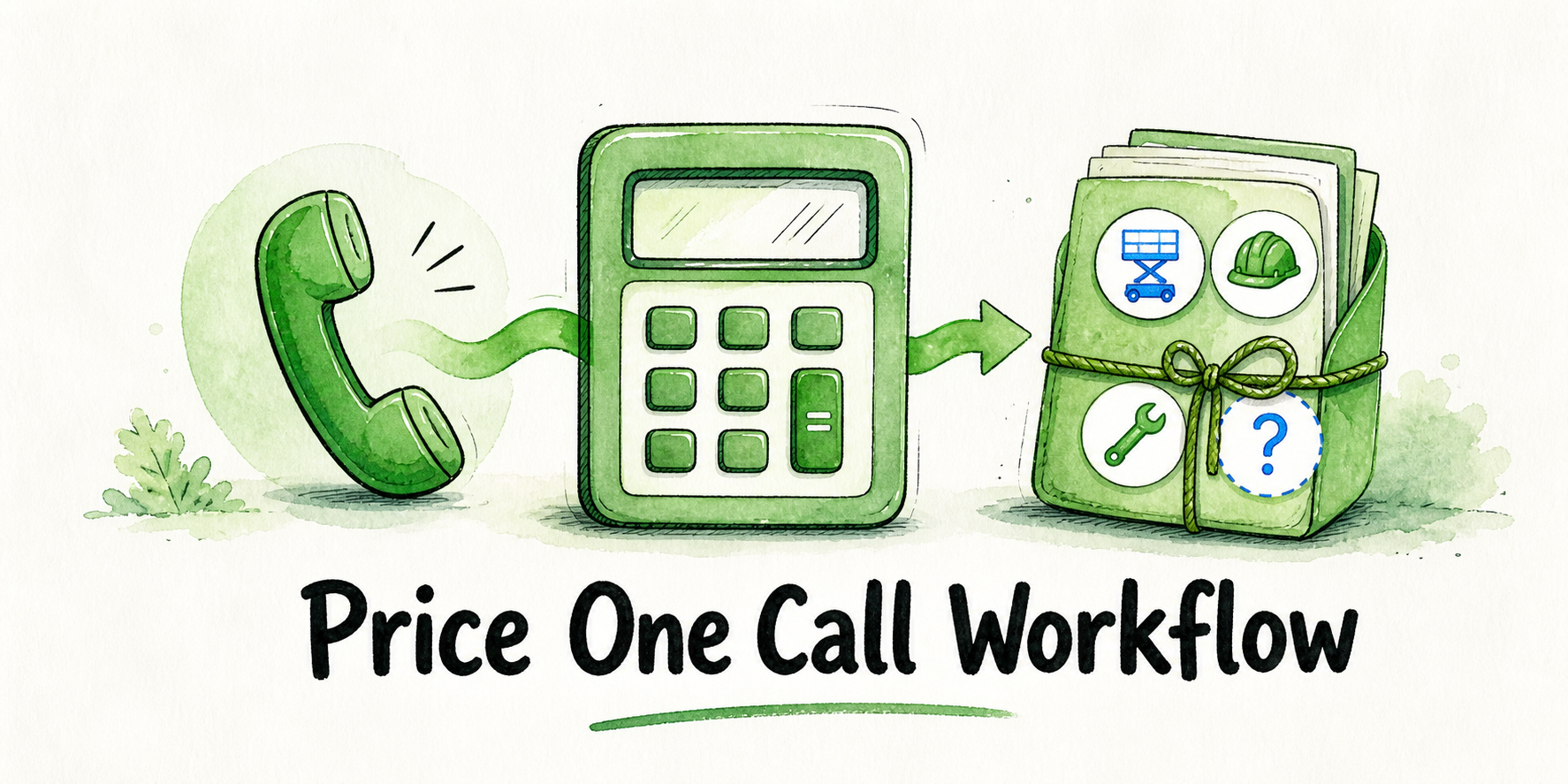
- Total workflow cost equals subscription, usage, setup, source preparation, testing, review, escalation, maintenance, and connected-service costs.
- A free trial can still consume paid staff time and incur charges from connected services.
- The official InsertChat page was checked on August 5, 2026. It confirms certain plan figures and capabilities, while usage conversion, phone packaging, trial inclusions, and conflicting entitlements remain unresolved.
- Start a bounded trial when ownership and funding are clear; narrow an expensive workflow; purchase when both burden cases fit; postpone when a material term or responsibility remains unresolved.
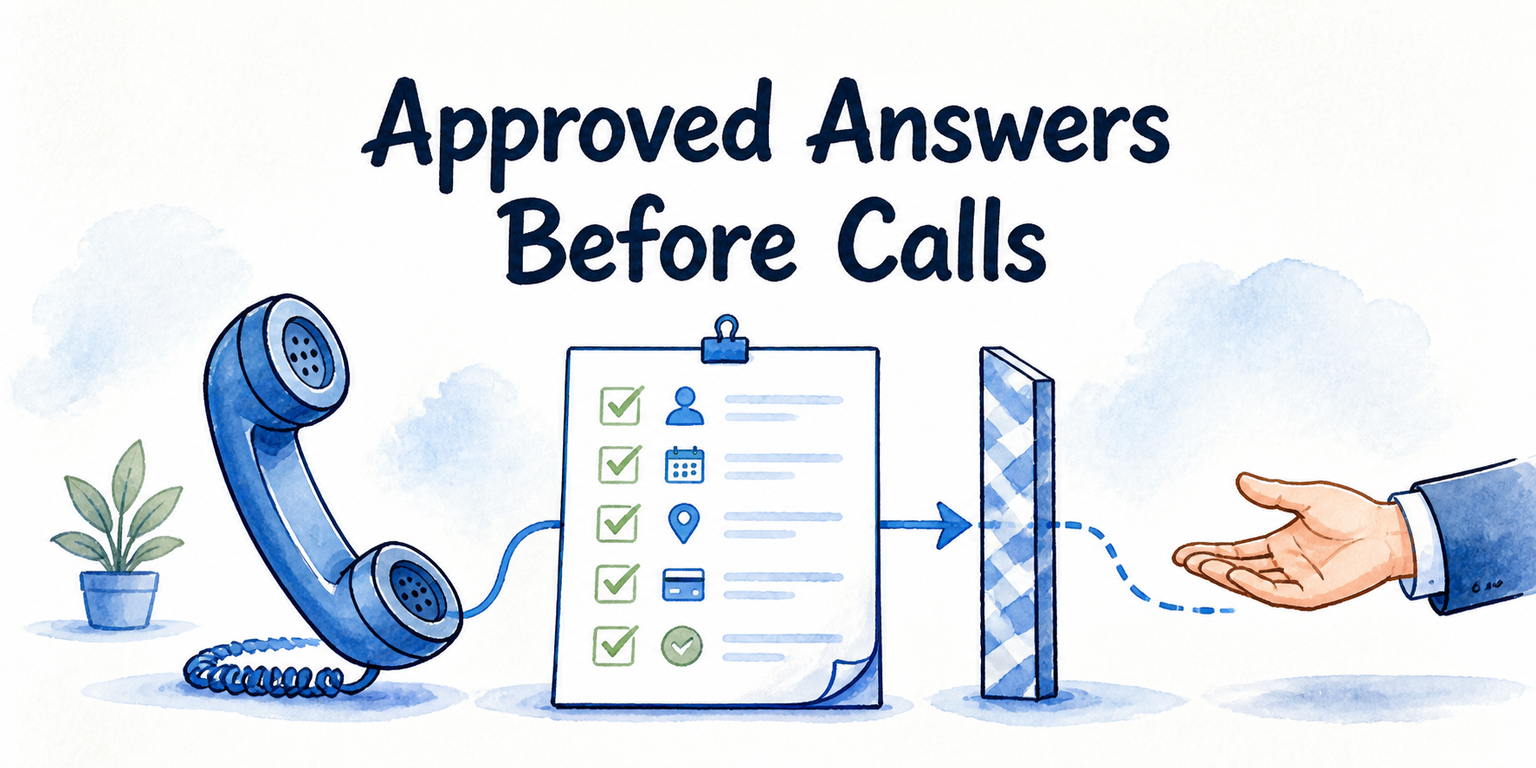
A visible monthly fee is not the full operating number. Use one bounded call job—such as answering an after-hours appointment inquiry, collecting contact details, offering a booking path, and escalating exceptions—to identify both vendor charges and the labor your business must supply, then enter those amounts in the worksheet below.
Key Takeaways
- Budget the workflow, not just the software plan.
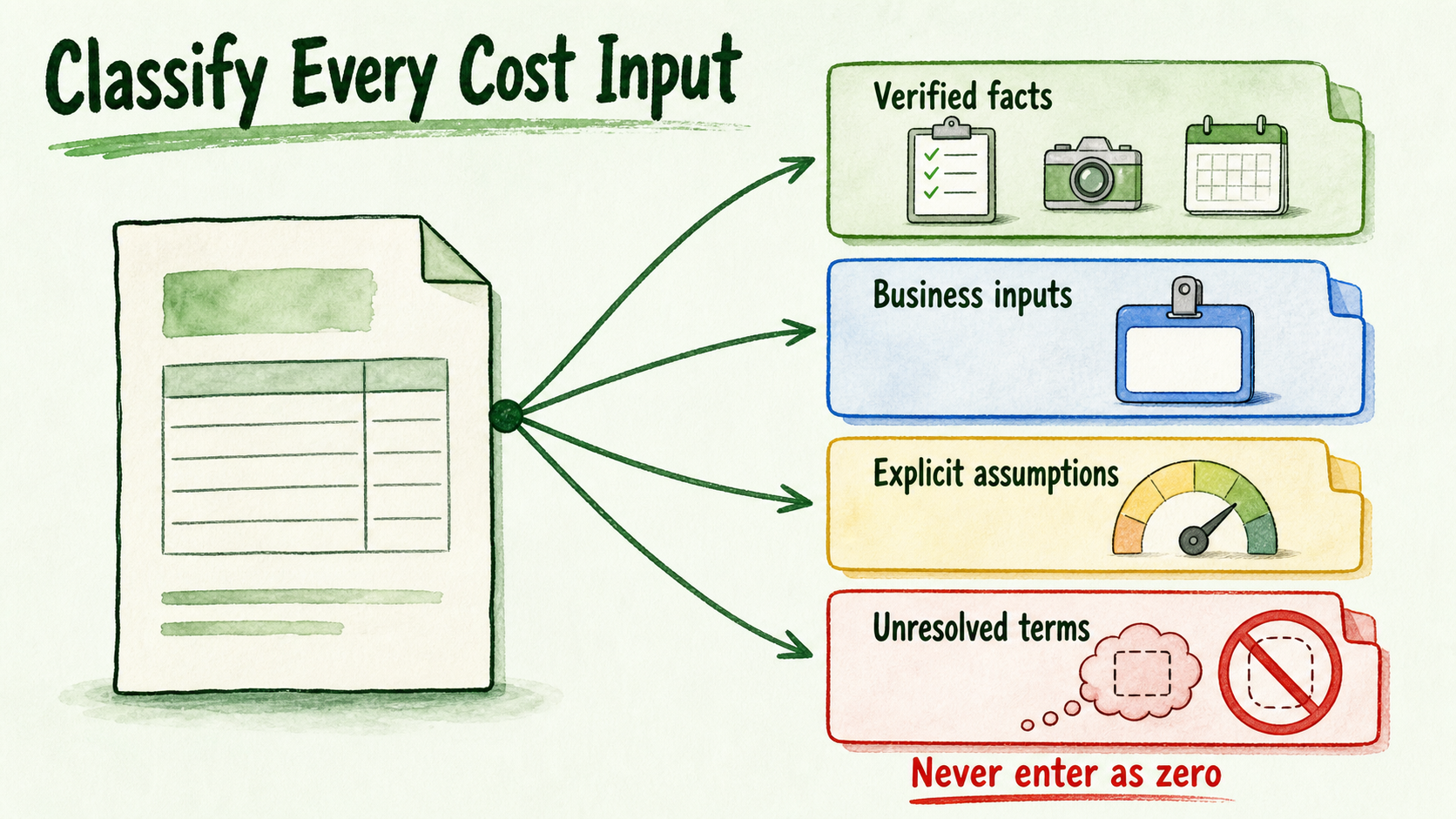
- Record verified facts, business inputs, assumptions, and unresolved terms separately.
- Compare an expected case with a high-burden case for the same workflow.
- Never turn an unanswered pricing question into a zero-cost assumption.
- Include internal labor and connected services in the trial budget.
What an AI receptionist actually costs
AI receptionist cost is the amount required to launch and operate a defined workflow. Its components are:
- Subscription fee: the recurring platform charge.
- Usage cost: charges associated with calls, conversations, minutes, credits, tools, or other activity.
- Setup cost: labor used to configure the assistant, call path, access, branding, and ownership.
- Source-preparation cost: time spent approving and organizing the information the receptionist may use.
- Testing cost: labor used to test routine calls, exceptions, transfers, and failed actions.
- Review cost: time spent inspecting conversations, outcomes, corrections, and recurring problems.
- Escalation cost: staff availability and handling time when a person must take over or follow up.
- Maintenance cost: updates to instructions, sources, integrations, and call behavior.
- Connected-service cost: calendar, CRM, automation, telephony, email, payment, or other provider charges.
A usage credit is a budgeting unit. It cannot be converted into a reliable phone cost unless the vendor defines what consumes credits, how phone activity is treated, what happens at the limit, and how any excess usage is billed.
The direct answer to “How much does an AI receptionist cost?” is therefore business-specific:
Total workflow cost = subscription + usage + setup + source preparation + testing + review + escalation + maintenance + connected services
Some costs occur once, some recur at a fixed amount, and others vary with activity or operating burden.
Build the four-column cost worksheet
Use four evidence columns alongside the cost-area label: verified vendor facts, business-specific inputs, explicit assumptions, and unresolved terms. Every vendor fact needs a source and verification date. Every business input and unresolved term needs a named owner.
| Cost area | Verified vendor facts, source, and date | Business-specific inputs and owner | Explicit assumptions and owner | Unresolved terms and owner |
|---|---|---|---|---|
| Platform | Enter the dated plan price, cadence, and confirmed allowances | Assistants, seats, and environments needed — owner: ___ | Likely future tier — owner: ___ | Conflicting or unclear entitlements — owner: ___ |
| Usage | Enter included credits and documented consumption rules | Calls, duration, actions, and seasonal variation — owner: ___ | Expected activity per period — owner: ___ | Phone treatment, conversion, rollover, and excess-usage billing — owner: ___ |
| Setup | Enter confirmed onboarding or support inclusions | Internal and contractor hours by role — owner: ___ | Rework and approval hours — owner: ___ | Vendor assistance or implementation charges — owner: ___ |
| Sources | Enter confirmed source types and limits | Policies, service pages, FAQs, and source owners — owner: ___ | Cleanup and update effort — owner: ___ | Upload limits or unsupported source types — owner: ___ |
| Testing | Enter confirmed testing facilities | Test paths and tester hours — owner: ___ | Correction and retest effort — owner: ___ | Paid usage during testing — owner: ___ |
| Review | Enter confirmed conversation or call-review surfaces | Review cadence, minutes, and labor rate — owner: ___ | Share of calls reviewed — owner: ___ | Storage, export, or analytics charges — owner: ___ |
| Escalation | Enter confirmed handoff or takeover capability | Coverage hours, handling time, and staff rate — owner: ___ | Escalation and failed-transfer frequency — owner: ___ | Live-takeover eligibility and usage treatment — owner: ___ |
| Maintenance | Enter confirmed support and applicable limits | Change frequency and owner hours — owner: ___ | Unplanned source or workflow changes — owner: ___ | Paid support or change charges — owner: ___ |
| Connected services | Enter confirmed included integrations | Calendar, CRM, phone, automation, email, and other bills — owner: ___ | Monitoring and recovery effort — owner: ___ | Provider usage, BYOK, and implementation billing — owner: ___ |
A verified fact is supported by a dated source. A business input comes from your records, invoices, labor costs, or staffing plan. An assumption is a visible estimate that can change during sensitivity testing. An unresolved term is an unanswered question and must not be entered as zero.
Verify the vendor facts before doing the math
The following commercial record reflects a check of the official InsertChat page on August 5, 2026. It distinguishes what the page stated from what remained unspecified or internally inconsistent on that date.
| Commercial field | August 5, 2026 verification record | Budget treatment |
|---|---|---|
| Pro price and cadence | $98 per month | Verified recurring platform figure for the displayed monthly option |
| Pro limits | 3 assistants, 1,000 approved sources, 3 workspace seats, and 5,000 credits per month | Verified displayed limits |
| Agency price and cadence | $198 per month | Verified recurring platform figure for the displayed monthly option |
| Agency limits in pricing section | 20 assistants, 5,000 approved sources, 5 workspace seats, and 10,000 credits per month | Verified as displayed in the pricing section |
| Annual billing | The page states that annual billing is available with two months free | Confirm the checkout total and commitment before using it in a budget |
| Credits | The page says credits budget usage across conversations, sources, and tools | Monetary conversion, event-level consumption, phone treatment, rollover, and excess-usage billing remain unresolved |
| Limit treatment | The page says customers receive a warning before a limit and may upgrade or reduce usage | Any monetary consequence beyond the displayed plan price remains unresolved |
| Phone number and AI call answering | The page presents real phone numbers and AI call answering as capabilities | Eligible plan, number charges, telephony usage, and geographic availability remain unresolved |
| Live takeover | The page presents live call takeover as a capability | Eligible plan and usage charges remain unresolved |
| Trial | A 7-day free trial is displayed | Included credits, phone access, connected-service treatment, conversion terms, and other trial limits remain unresolved |
| Cancellation | The page says plans can be canceled at any time | Data retention and post-cancellation access remain unresolved |
| Connected services and BYOK | Integrations and bring-your-own-key capability are displayed | Provider procurement, direct billing, implementation charges, and usage treatment remain unresolved |
| Agency assistant allowance | The pricing section states 20 assistants, while another Agency presentation states 150 | Treat the applicable allowance as unresolved until confirmed in writing |
| Custom domain | The Agency pricing section includes a custom domain, while the FAQ describes custom domains as typically available through enterprise options | Treat the applicable entitlement as unresolved until confirmed in writing |
This record confirms displayed prices, limits, and product capabilities; it does not establish the missing price consequences. Keep unresolved fields symbolic in the calculation or obtain written confirmation before approving a purchase.
Calculate an expected case and a high-burden case
Use the same bounded workflow in both cases. Supply values from your phone records, payroll costs, service invoices, staffing plan, and change history. Label every reader-entered number as an input or assumption.
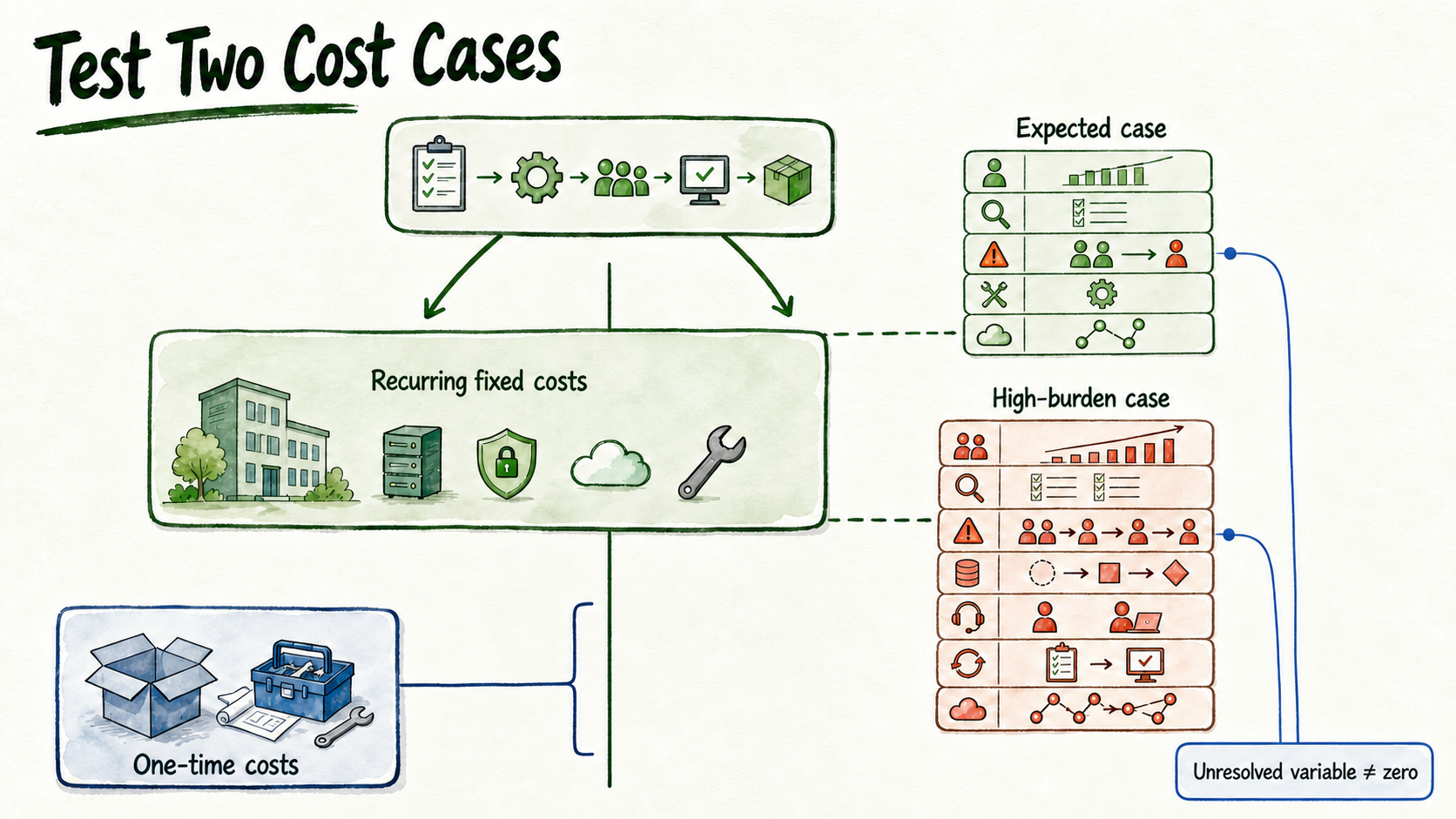
One-time cost subtotal
setup labor + source-preparation labor + initial testing labor + integration implementation
Recurring fixed-cost subtotal
subscription fee + fixed connected-service fees + scheduled maintenance allocation
Recurring variable-cost subtotal
usage charges + review labor + escalation labor + variable provider charges + correction and retest labor
Expected case
Expected monthly cost = recurring fixed-cost subtotal + expected usage + expected review + expected escalation + expected maintenance + expected connected-service usage
High-burden case
High-burden monthly cost = recurring fixed-cost subtotal + higher usage + higher review + higher escalation + additional source-change work + integration support + additional retesting
First-period view
Expected first-period total = one-time cost subtotal + expected monthly cost
High-burden first-period total = one-time cost subtotal + high-burden monthly cost
Beside each number, identify its status and owner—for example, review minutes per call: assumption; owner: support lead. If phone charges or credit conversion remain unresolved, retain named variables such as PHONE_USAGE_COST in both cases. The result remains incomplete until those variables are resolved; they are not zero.
The expected case represents routine operation using your normal assumptions. The high-burden case tests higher call activity, longer review, more escalations, source changes, integration support, or additional retesting without claiming that those conditions will occur.
See which workflow choices move the budget
Businesses using the same subscription can incur different operating costs because their workflows create different responsibilities.
Live takeover can require staff availability, failed-transfer handling, and post-call review. InsertChat displays live takeover as a capability, but its plan eligibility and price consequences were not specified in the checked page.
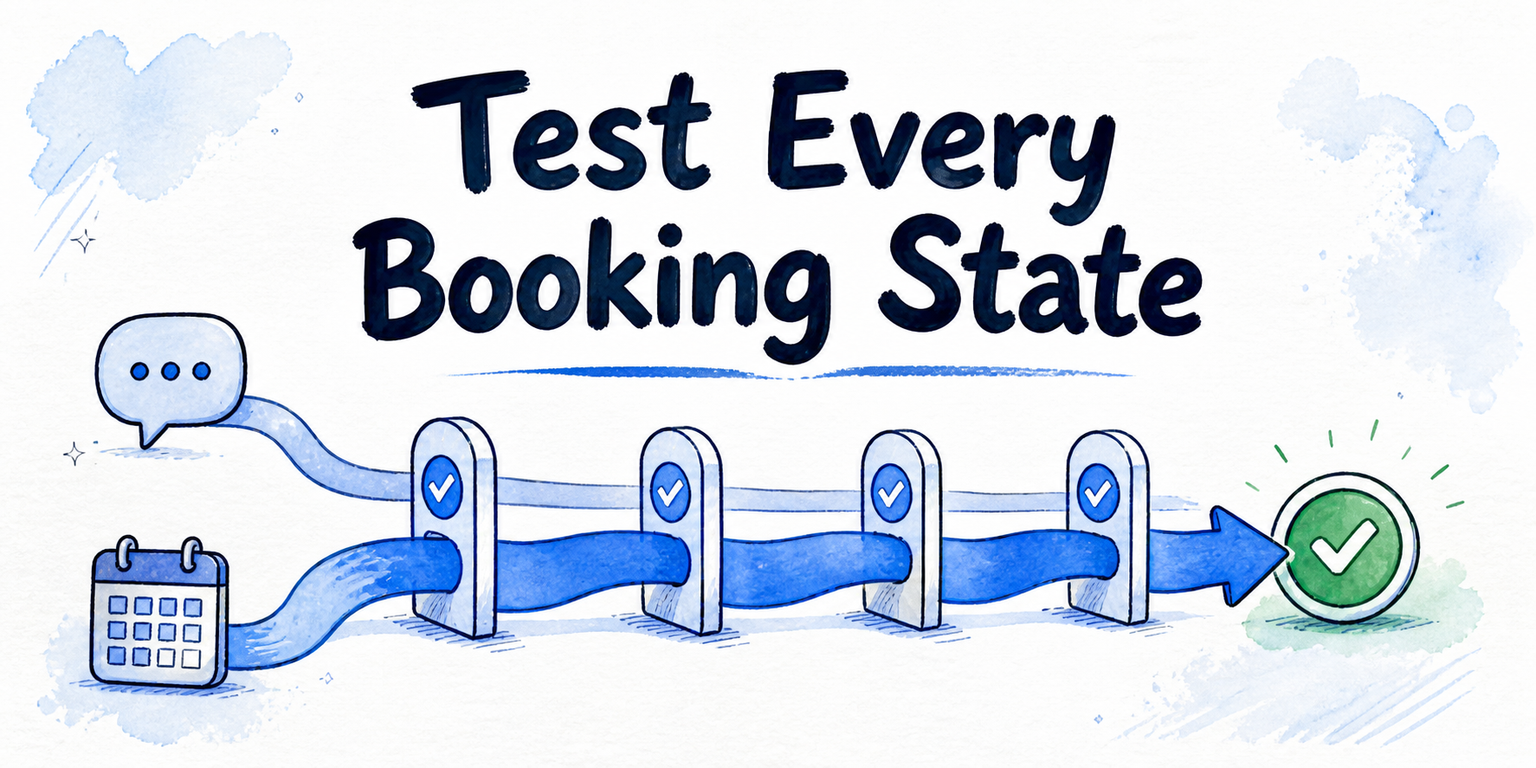
Booking can require a calendar connection, availability rules, exception handling, and maintenance when schedules or services change. Enter the applicable provider charge and staff effort rather than assuming booking is cost-free.
Lead capture requires field design, routing, follow-up ownership, and handling for incomplete or duplicate records. Any effect on call duration or provider usage belongs in the business-input or assumption column.
Integrations can add setup, provider charges, monitoring, credential maintenance, and failure handling. Record each connected service separately.
Source changes require an update owner and may create correction and retesting work. Base the allowance on the business's own change history.
Transcript or conversation review consumes reviewer time and can trigger corrections, source updates, and retesting. Define the cadence, reviewer, labor rate, and assumed review share.
A supported capability identifies a possible workflow component. It does not establish that the component is included in a particular plan or free of usage and labor costs.
Use the budget gate: trial, narrow, purchase, or postpone
Start a trial when the workflow is bounded and non-sensitive, approved sources are ready, one person owns the result, and review time plus connected services are funded. Use the trial to replace labeled assumptions with observed business inputs.
Narrow the scope when variable costs or operational burden push the high-burden case beyond your threshold. Remove optional actions, integrations, or coverage periods and recalculate the same core job.
Purchase when the dated commercial terms applicable to your workflow are confirmed, critical phone and usage questions are resolved, and both expected and high-burden totals fit the approved threshold. The operating owner must also accept the review, escalation, and maintenance load.
Postpone when a material price, phone entitlement, usage rule, source requirement, integration charge, or operating owner remains unresolved.
If the bounded workflow passes this gate, use Start for Free. Contact the vendor before committing when procurement, security, regional availability, custom deployment, or unresolved phone packaging affects the decision.