TL;DR
- Use an ai chatbot onboarding checklist after the client has approved the project and before implementation starts.
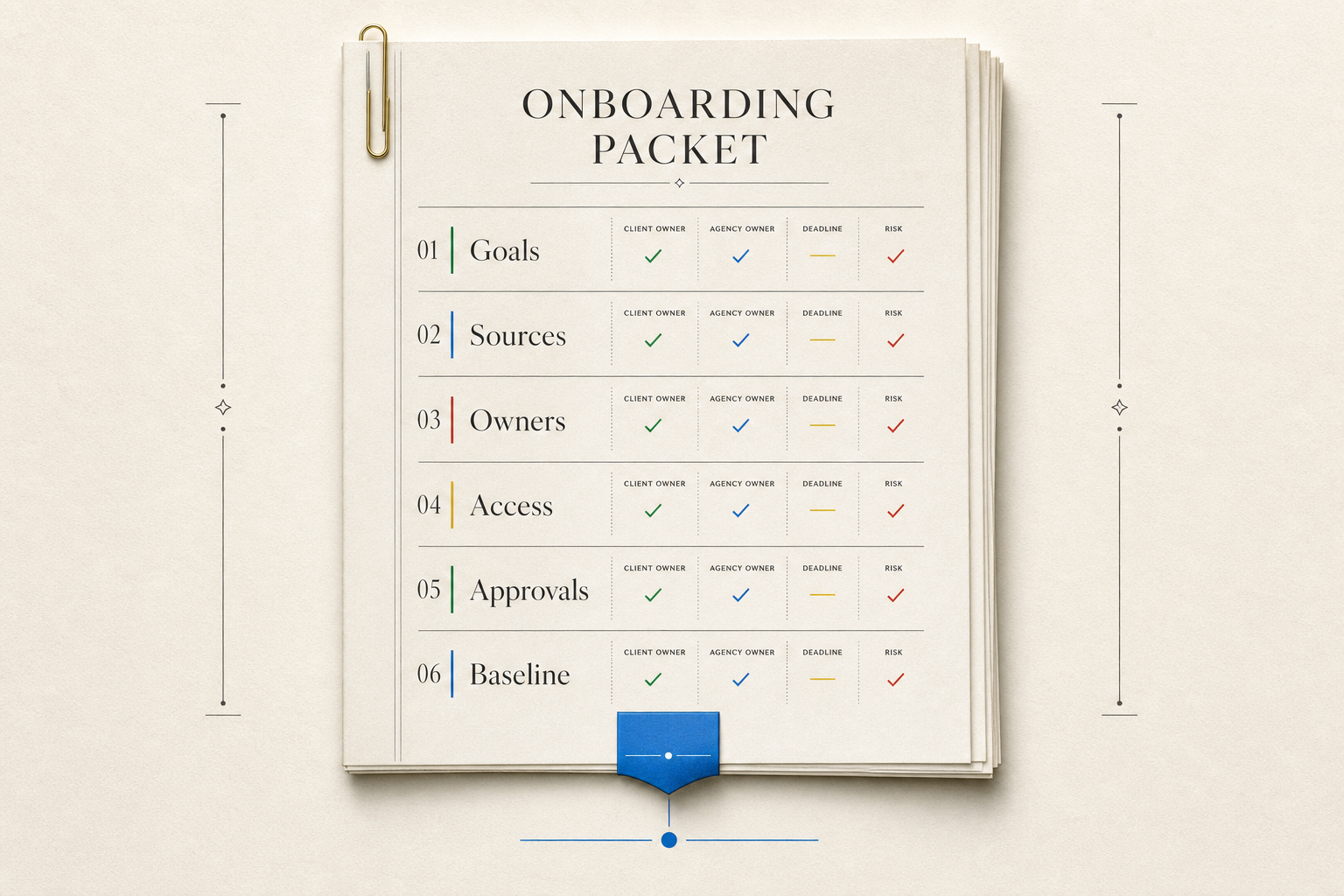
- Collect goals, approved source content, audiences, tone rules, forbidden answers, handoff contacts, approvals, access needs, and reporting baseline in one onboarding packet.
- Assign every input to a client owner and agency owner, with proof or source, deadline, and risk if missing.
- Pause only the build steps tied to missing inputs. Missing access may pause setup, while unclear goals or unapproved content can affect the whole build.
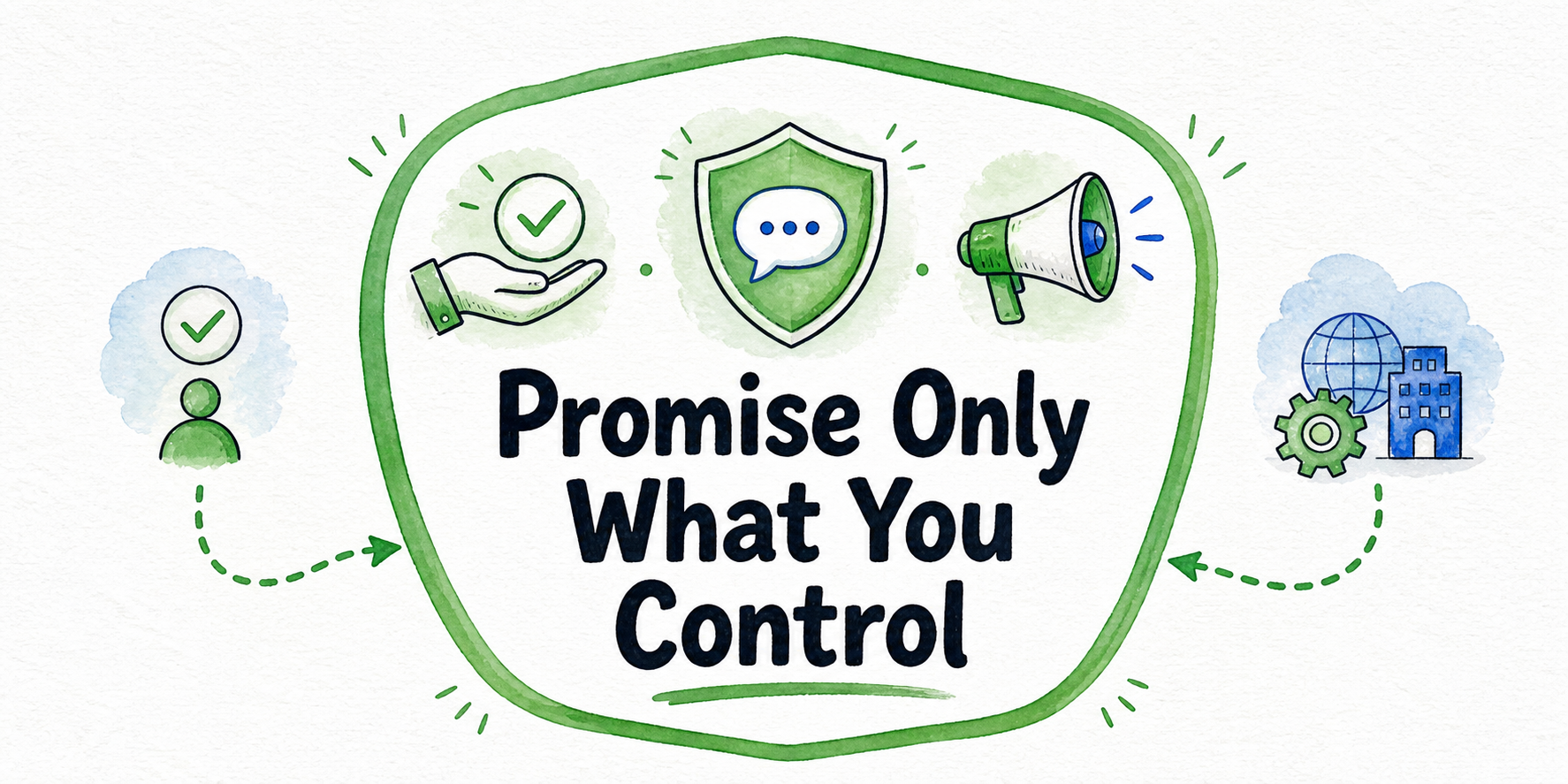
A client-approved chatbot project can still stall when the agency starts with half-confirmed inputs. The go-ahead proves the client wants the project, not that the implementation team has build-ready instructions. Onboarding turns approval into a working packet: what the assistant should achieve, what content it can use, who it serves, how it should sound, what it must not answer, where handoffs go, who approves decisions, and what baseline later reporting will compare against.
Key Takeaways
- The onboarding packet is the agency's bridge between approved scope and build work. It should request, confirm, assign, and document inputs before implementation starts.
- The minimum packet should include goals, approved source content, target audiences, tone rules, forbidden answers, handoff paths, approval owners, access needs, and reporting baseline.
- Each input needs an owner. If nobody owns source content, access, handoff rules, or approval, the agency has no reliable path for resolving blockers.
- Missing inputs create different risks. Some create delay, some create rework, and some create scope confusion because the agency has to guess what the client means.
- Source content should be collected as an onboarding dependency, not cleaned or rebuilt inside this checklist. Reporting baseline should capture the current state before launch, not define a monthly reporting model.
What The Onboarding Checklist Must Decide Before Build
The onboarding checklist should answer one practical question: can the agency start building from confirmed client inputs, or is the team about to fill gaps by assumption?
A useful build-start rule is simple: implementation can begin only for the parts of the chatbot where the goal, approved source, owner, access path, and approval path are documented. If one of those pieces is missing, pause the affected workstream or label it conditional.
This keeps onboarding separate from nearby work. Discovery has already tested whether the project is worth pursuing. Scoping has already set the basic project boundary. Onboarding now converts those decisions into artifacts the implementation team can use. It should not reopen every sales question, write a full estimate, define launch QA tests, or plan monthly optimization.
The checklist should decide what business outcome the chatbot supports, which visitor groups it serves first, which source materials are approved, which topics the assistant avoids or routes, which handoff path applies, which client roles can approve decisions, and which baseline facts should be captured before launch.
The tradeoff is speed versus certainty. A small agency may want to start setup immediately after kickoff. That can work for low-risk tasks such as creating a workspace, organizing assets, or preparing a tracker. It should not mean writing answer behavior from unapproved pages or guessing escalation rules. InsertChat's site context frames assistant work around approved website content, branded answers, leads, support, insight, and clear handoff paths. That same discipline belongs in onboarding: know what content and rules the assistant can use before turning visitor questions into behavior.
Client Inputs To Collect Before Kickoff
The core deliverable is an onboarding packet. It can live in a project doc, spreadsheet, client portal, or shared workspace. The format matters less than the fields. Each row should make ownership and risk visible.
| Input | Client owner | Agency owner | Proof or source | Deadline | Risk if missing |
|---|---|---|---|---|---|
| Primary chatbot goal | Business sponsor | Account lead | Approved brief, statement of work, kickoff notes | Before build start | Team optimizes for different outcomes |
| Target audiences | Marketing, sales, or support lead | Strategist | Audience notes, customer segments, top visitor types | Before conversation design | Answers may serve the wrong visitor |
| Approved workflow or use case | Business sponsor | Project lead | Approved scope summary | Before implementation | Build may drift into unapproved work |
| Source content inventory | Content owner | Implementation lead | URLs, PDFs, help docs, product pages, policy pages | Before content setup | Assistant may answer from missing or unapproved material |
| Source approval status | Content owner | Implementation lead | Approved, conditional, excluded, outdated, or unknown | Before answer behavior | Rework if client rejects used content later |
| Tone and brand rules | Brand, marketing, or communications owner | Conversation designer | Voice notes, example phrases, terms to avoid | Before response drafting | Assistant may sound off-brand |
| Forbidden answers | Legal, compliance, support, or business owner | Strategist | Topic list, escalation rule, risk note | Before answer behavior | Assistant may answer topics the client wanted routed |
| Handoff contacts | Sales, support, or operations owner | Implementation lead | Email, CRM owner, support queue, booking link, escalation path | Before handoff setup | Leads or support requests may go nowhere |
| Access needs | Technical owner | Implementation lead | CMS, CRM, calendar, support desk, domain, analytics access list | Before setup | Build waits on credentials or permissions |
| Approval owner | Client project sponsor | Account lead | Named approver and backup | Before behavior decisions | No one can resolve client-side decisions |
| Reporting baseline | Business sponsor or operations owner | Account lead | Current lead volume if known, support topics, existing form or chat data | Before launch | Later reporting lacks context |
This is not a full discovery questionnaire. The agency is not trying to requalify the client. If the client approved a lead capture assistant, the packet should not ask whether lead capture is the right use case again. It should ask who owns the lead path, which form or CRM receives the lead, which qualifying fields matter, which pages supply answers, and who approves the assistant's behavior.
Some fields are required before meaningful build work begins. Goals, source approval, handoff path, and approval owner belong in that group. Other fields may be conditional. If exact reporting baseline is unknown because the client has never measured chat or form volume, record it as unknown and note the source of that gap.
Source Content And Forbidden Answers To Request Without Auditing Everything
Source content is easy to under-collect. A client may say, “Use the website,” but that is not a build-ready instruction. The agency needs a source inventory and approval status, not a broad permission slip.
Request only the onboarding inputs: URLs the chatbot may use, documents it may use, the owner for each source set, approval status for each source, known gaps the client already recognizes, topics the chatbot should not answer from public content alone, and pages or claims the chatbot should ignore.
Stop there for this checklist. Do not turn the kickoff packet into a full content preparation workflow. Cleanup, contradiction handling, freshness review, and detailed gap analysis are separate tasks. Onboarding only needs enough information to decide what content is allowed into the build and who can resolve content questions.
Forbidden answers need the same practical treatment. Request a list of topics where the assistant must decline, route, or hand off. Examples might include pricing exceptions, legal advice, medical advice, account-specific troubleshooting, refund promises, warranty interpretation, eligibility decisions, or anything the client says staff must handle. A topic list plus routing rule is enough to start: “Do not answer custom discount requests. Route to sales.”
The caveat is that some clients will hand over content that exists but is not approved. Mark it conditional. The agency can organize the inventory, but answer behavior should wait until the client confirms whether that source is usable.
Owners, Access, And Approval Paths To Assign
A chatbot project can be blocked by a missing person as easily as by missing content. The onboarding packet should name the people who can provide access, answer questions, and approve choices.
Assign a business owner for the goal, a content owner for source materials and exclusions, a technical access owner for site and tool access, a handoff owner for leads or support routing, a tone owner for brand rules, an approval owner for behavior decisions, and an agency owner who tracks each dependency. InsertChat describes roles and access in the context of giving marketing, digital, agency, and client teams access to assistants, sources, conversations, and billing. For onboarding, the same idea helps separate who can view, edit, approve, and manage sources.
Access should be mapped to work, not requested as a generic bundle. If the assistant only needs approved website content and a handoff email at first, do not ask for wider access than the project needs. If the project includes CRM, support, ecommerce, calendar, webhook, or handoff workflows, name the owner for each connection and the condition that must be met before setup begins.
Approval paths need the same clarity. “The client will approve it” is not enough. Name the approver and a backup. If the approval owner is missing, the agency can prepare internal project structure, but it should not finalize answer behavior, tone rules, handoff routing, or forbidden-answer handling.
Reporting Baseline To Capture Before Launch
Reporting baseline is not the monthly report. It is the starting context the agency records before the chatbot goes live, so later reporting is not judged against a blank page.
Capture only the fields needed to understand the first report: current lead volume if known, current support request categories if known, existing website forms or inboxes involved in the workflow, the current conversion or handoff goal, the source of the baseline, the person who will review chatbot reports, and any reporting cadence already agreed.
Do not invent targets. If the client does not know current lead volume, write “unknown” and record who may verify it later. If support categories are anecdotal, label them as client-reported rather than measured. The goal is not to define every metric, build a dashboard, or explain attribution.
A simple baseline note is enough for many first builds: “Client currently receives contact form leads through the CRM, lead volume is unverified, common support topics are pricing and availability, report reviewer is the marketing director.” Later reporting can handle interpretation.
Missing Input Risk Table
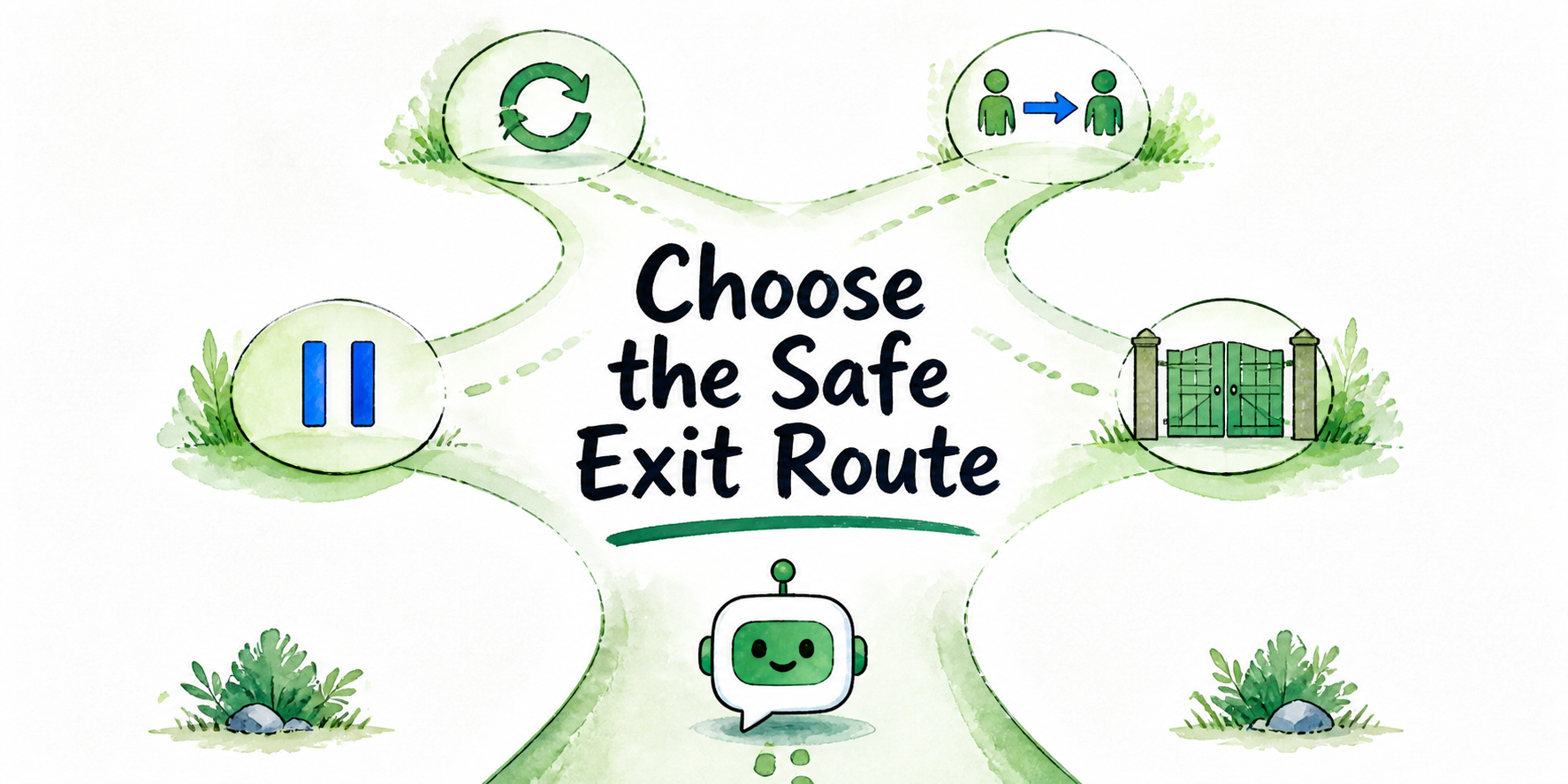
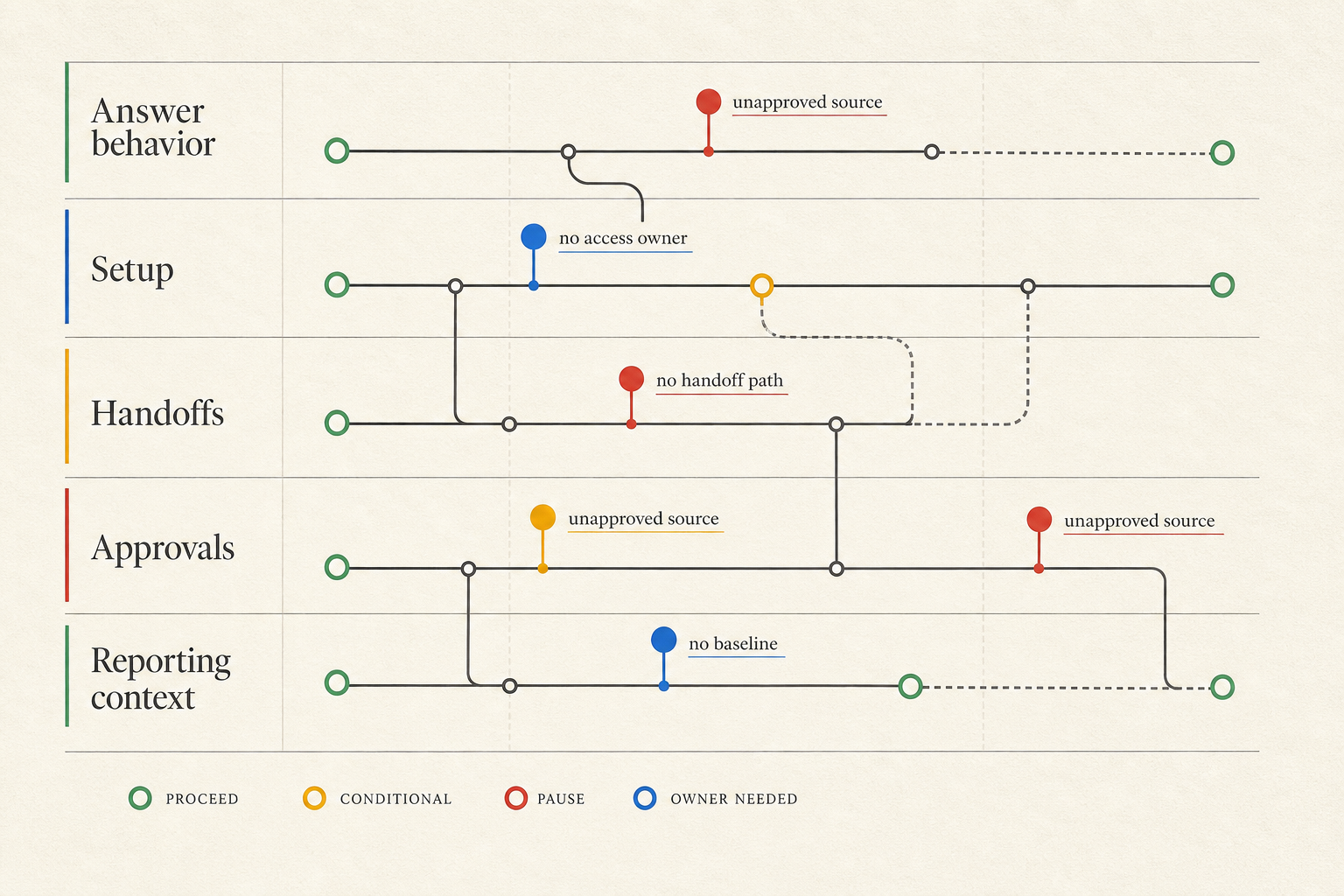
Use missing-input risk to decide what to pause. This keeps the agency from blocking the entire project for every small gap or pushing ahead when the missing input affects core behavior.
| Missing input | Likely risk | Recommended agency action |
|---|---|---|
| No approved goal | Team cannot judge which answers, handoffs, or baseline fields matter | Pause behavior design and confirm the goal with the business owner |
| No target audience | Assistant may answer for the wrong visitor type | Pause conversation assumptions and request audience priority |
| Unapproved source content | Assistant may use content the client later rejects | Mark content setup conditional and wait for approval before answer behavior |
| No forbidden-answer list | Assistant may answer topics the client expected to route | Request topic limits before drafting answer rules |
| Missing tone rules | Assistant may sound unlike the client brand | Use only neutral placeholder drafting until tone owner responds |
| Unclear handoff path | Leads or support requests may not reach the right team | Pause handoff setup and name the handoff owner |
| No technical access owner | Setup tasks wait on permissions | Start only non-access work and request a named access owner |
| No approval owner | Decisions stall or get reversed late | Pause final behavior choices until approver and backup are named |
| No reporting baseline | Later results lack context | Launch may proceed, but record the baseline as unknown and name the reviewer |
Not every gap blocks the whole project. Missing baseline data may not stop setup. Missing source approval usually should stop answer behavior. No approval owner can affect almost every meaningful decision because there is no clear path to resolve client-side uncertainty.
This table also improves client updates. Instead of saying “we are waiting on onboarding,” the agency can say, “We can prepare the workspace and organize source files, but answer behavior is paused until the content owner marks the approved pages.”
Scenario: Kickoff Packet For One Client Build
A small agency has approval to build a chatbot for a regional service business. The approved use case is simple: answer common website questions, capture qualified leads, and route service requests to the right inbox.
The agency records the goal: reduce repeat questions from website visitors and increase completed lead forms from service pages. The business owner is the client's operations director. The agency owner is the account lead.
The client sends the homepage, service pages, pricing overview, FAQ page, and a PDF service guide. The content owner marks the service pages and FAQ as approved, but the pricing overview is conditional because rates are changing. The agency records the pricing page as conditional and does not build pricing answer behavior from it yet.
For audience inputs, the client names two priority groups: new prospects comparing services and existing customers looking for scheduling or support information. The agency records prospects as first priority. Existing customer support is allowed only for general routing, not account-specific help.
For tone and forbidden answers, the client gives a short rule: professional, plainspoken, no jokes, no pressure language. The assistant should not promise same-day availability unless staff confirms it. The client also lists custom discounts, liability questions, account-specific billing, and emergency requests as routed topics.
For handoff and access, the sales manager owns new leads, the support manager owns service requests, and the web contractor owns site and form access. The approval owner is the operations director, with the marketing manager as backup.
The baseline is incomplete. The client says the contact form receives around 30 leads per month, but nobody has verified the number. The agency records it as client-estimated, names the CRM owner as the person who may verify it later, and captures the current handoff goal: send qualified prospects to sales with service type, location, and preferred contact method.
The resulting packet lets the agency start setup, source organization, tone drafting, and handoff planning. It also creates two conditional items: pricing answer behavior waits for approved pricing content, and baseline lead volume remains unverified until the CRM owner responds.
FAQ
What is included in an AI chatbot onboarding checklist?
An AI chatbot onboarding checklist should include the client-approved goal, target audiences, approved workflow, source content inventory, source approval status, tone rules, forbidden answers, handoff contacts, access needs, approval owner, and reporting baseline. It should also assign each input to a client owner and agency owner, with proof, deadline, and risk if missing.
Can build work start before every onboarding input is complete?
Yes, but only for workstreams that are not affected by the missing input. The agency can prepare project structure, organize files, or request access while waiting on other items. It should not build answer behavior from unapproved content, guess handoff routing, or finalize tone without the right owner.
What should agencies do when source content is not approved?
Mark the content as conditional, name the client content owner, and pause any answer behavior that depends on that source. The agency can still list the URLs or documents in the packet, but it should not treat them as approved material until the client confirms their status.
Who should own chatbot onboarding on the client side?
One business owner should own the overall decision, but several client roles may own specific inputs. Content, technical access, handoff routing, tone, and approval may come from different people. The agency should name each owner so blockers do not disappear into a general client task.