TL;DR
- Give every call type two rules: a bounded caller-facing promise and a separately owned internal action.
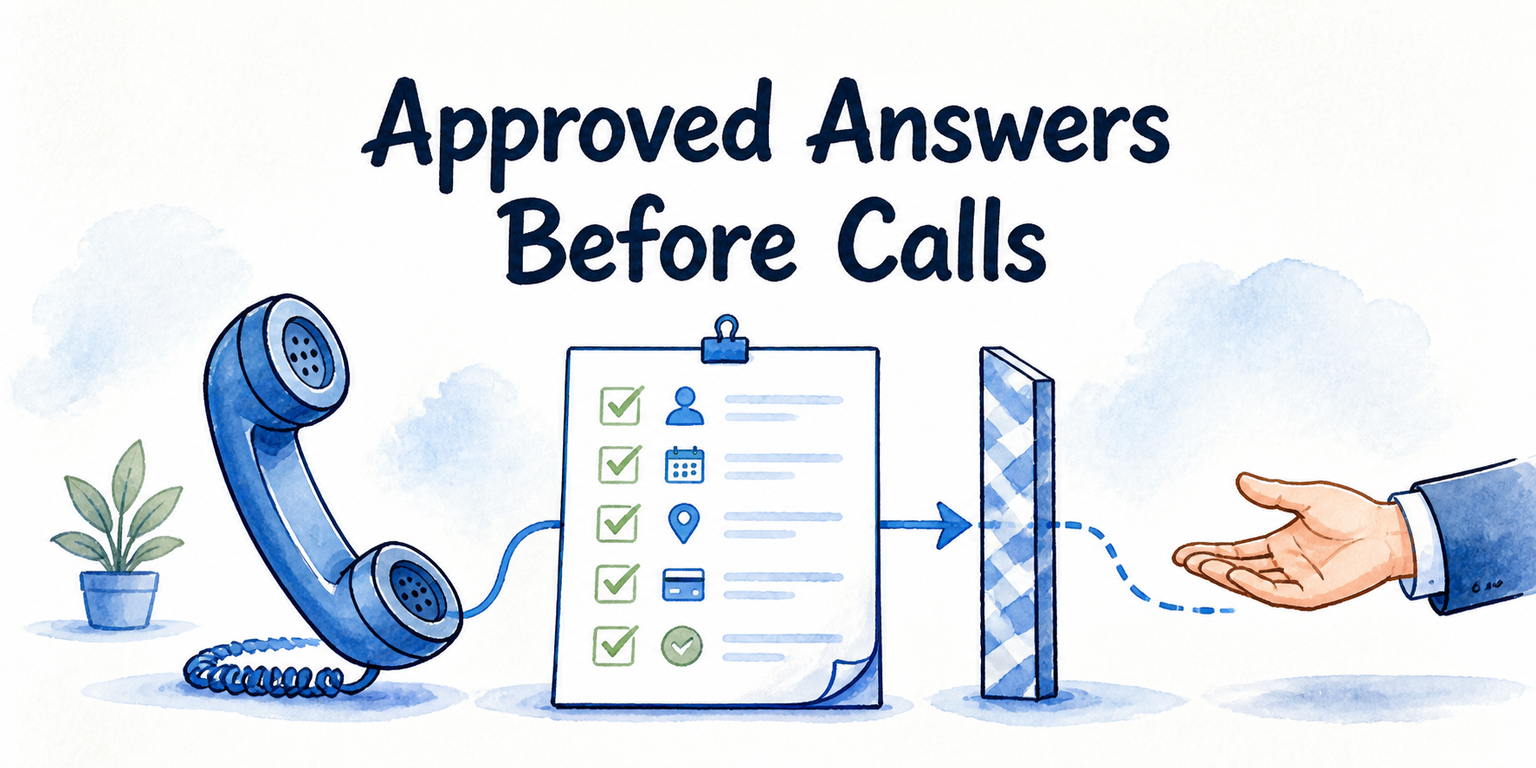
- Answer factual questions only from current, approved business information. Capture and route anything that requires judgment, an exception, or an unsupported commitment.
- Define each escalation with an observable trigger, primary owner, backup owner, transfer-failure behavior, required context, and caller wording.
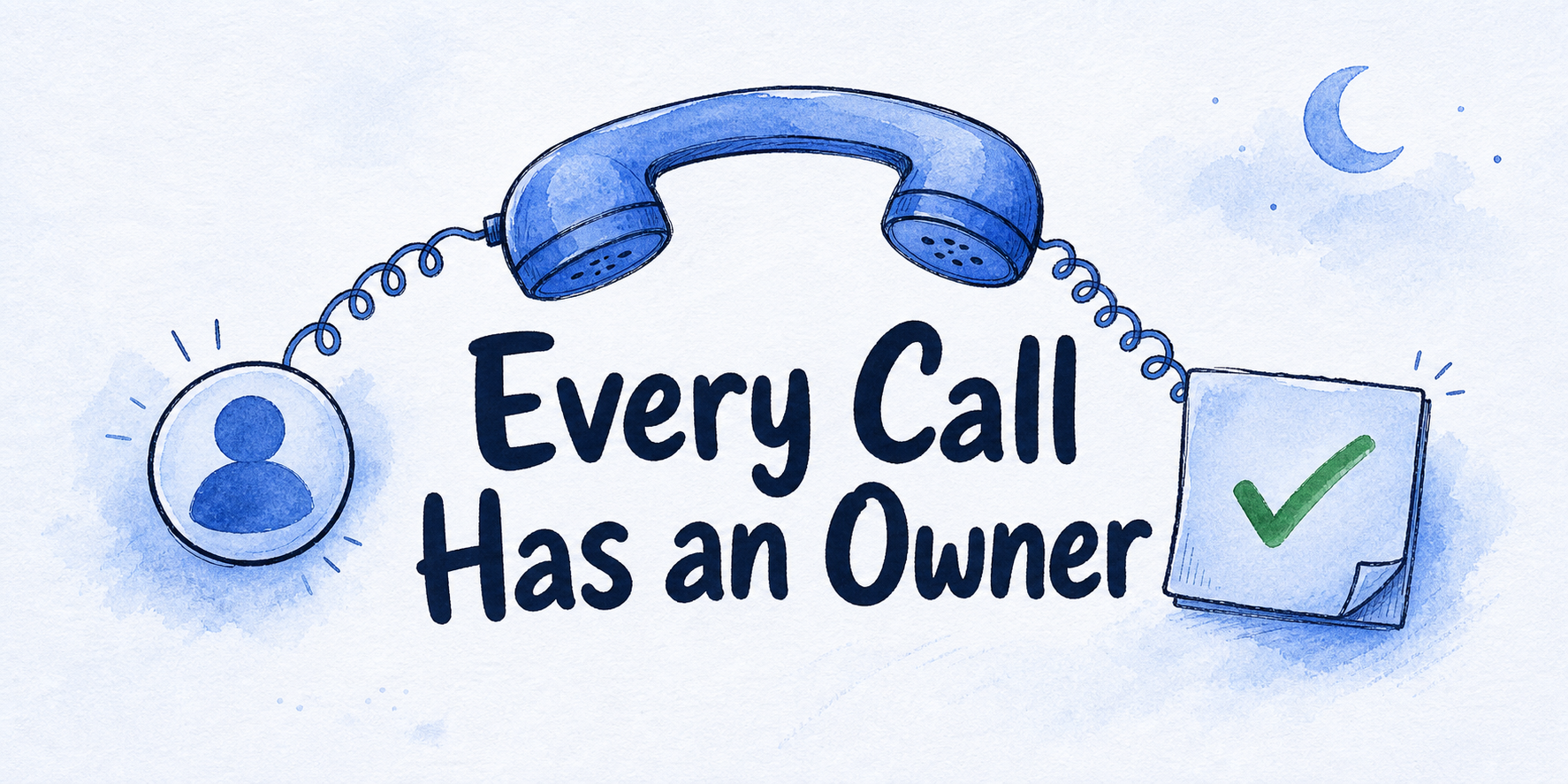
- Assign a follow-up owner and use only a response commitment the business has approved.
- Review transcripts, transfers, ownership, and outcomes before expanding beyond a narrow set of dependable calls.
A caller reaches your business after closing, receives a polished answer, and hangs up expecting a callback. The script sounded helpful, but nobody was assigned to call. A useful after-hours policy prevents that gap by connecting every statement made to a caller with a named action, owner, and fallback.
Key Takeaways
An after-hours call-handling policy is a two-part operating rule. It states what the caller may safely be told, then assigns the task that must happen inside the business.
A complete policy names the caller intent, approved knowledge source, permitted answer, required details, escalation trigger, live-takeover rule where applicable, follow-up owner, and call outcome. Both halves need a fallback. If an answer is unavailable, the script needs uncertainty language. If a transfer or workflow fails, the action needs another destination.
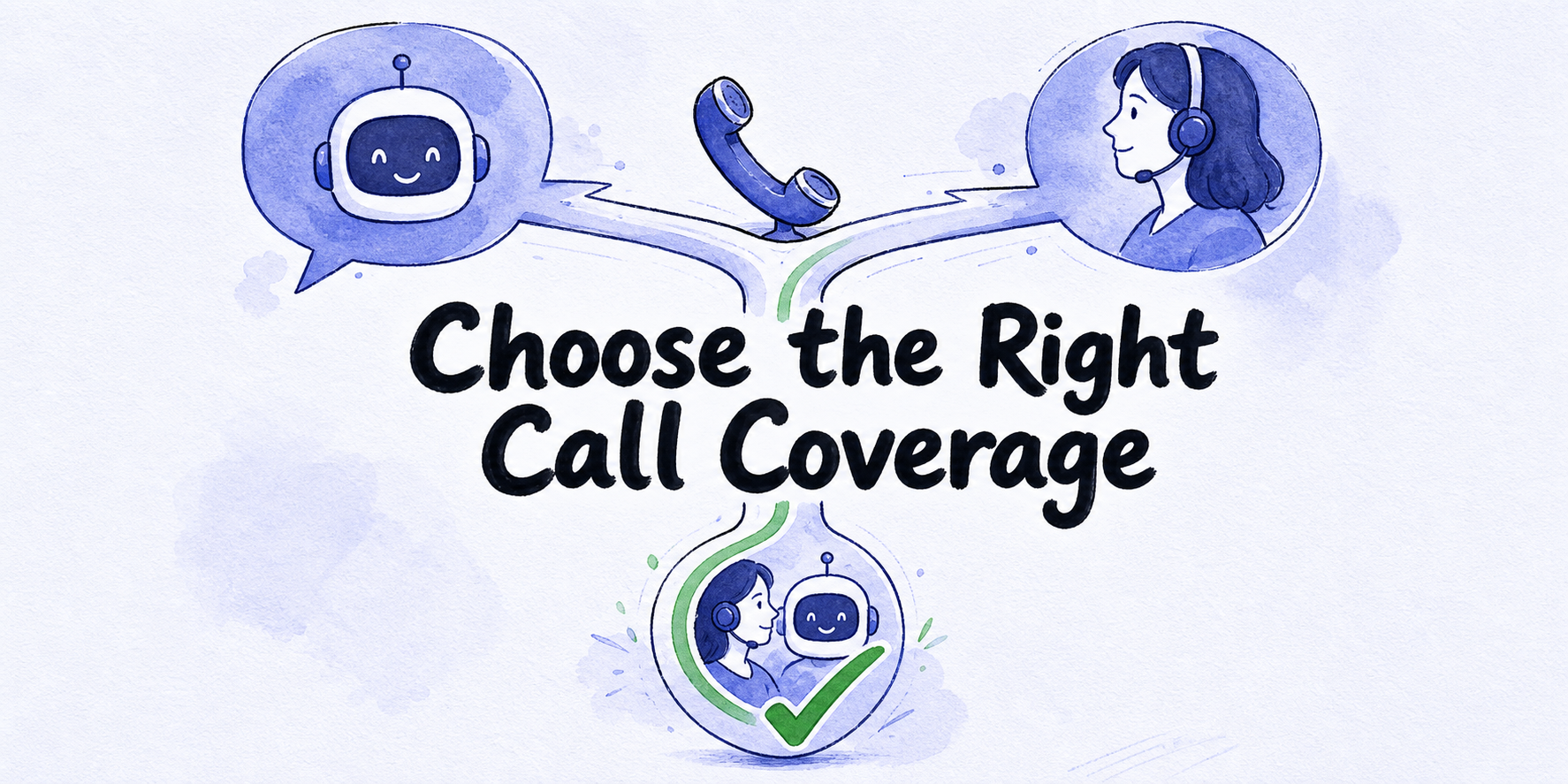
This policy assumes the business has already chosen its coverage model. Deciding between AI, human, or hybrid coverage is a separate decision. The work here begins after that choice and defines how the selected handler must behave.
Inventory the calls your policy must handle
Start with caller intent, meaning the immediate reason for the call. Do not group every after-hours contact under “take a message.” Different intents require different facts, permissions, owners, and closing language.
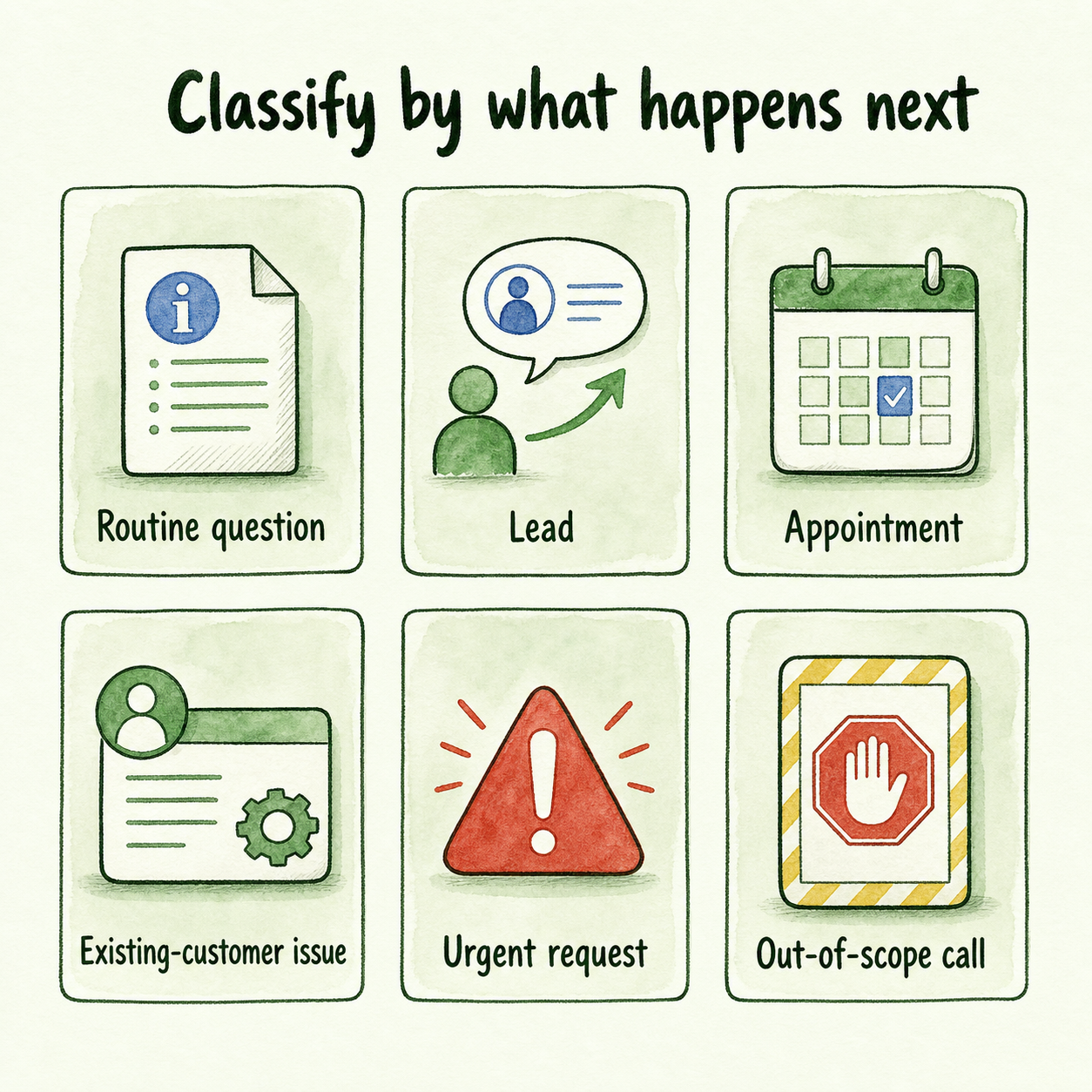
Use these six classes as the first rows of your policy:
- Routine question: The caller asks for published information such as opening hours, service areas, preparation instructions, or a standard policy.
- Lead: A prospective customer asks about services, fit, availability, or the next step toward a quote or consultation.
- Appointment: The caller wants to request, confirm, change, or cancel a booking.
- Existing-customer issue: The caller needs help with an order, account, current service, complaint, or previous appointment.
- Urgent request: The caller describes a condition that matches a business-approved urgency trigger.
- Out-of-scope call: The request concerns an unsupported service, prohibited topic, wrong business, or action outside the handler’s authority.
Classification should reflect what must happen next, not merely the topic. “Are you available tomorrow?” may be a routine question if published availability can be stated. It becomes an appointment request if a slot must be held, or a lead if staff must first confirm service fit.
For each class, collect representative caller wording from your own call records and staff. Document the business’s actual after-hours mix, operating hours, staff availability, legal constraints, and promised response process. Without those decisions, a script can acknowledge the caller but cannot responsibly promise a specific outcome or time.
Give every call a promise and an internal action
The caller-facing promise is the exact statement about what is known and what will happen next. The internal action is the transfer, booking step, ticket, routing event, or assigned follow-up that must occur afterward.
Keeping these fields separate exposes two common failures. The caller may hear a reassuring commitment even though no employee owns the work. The routing may work correctly while the caller receives an inaccurate answer or unsupported deadline.
Use this fillable matrix for every call type:
| Policy field | What to record |
|---|---|
| Call type and intent | The recognizable request that activates this row |
| Approved knowledge source | The current page, FAQ, policy, document, or product information that controls the answer |
| Caller-facing promise | The approved answer, limitation, next step, and response commitment |
| Internal action | The transfer, capture, booking request, ticket, or follow-up task |
| Required context | Only the details the next owner needs to act |
| Escalation trigger | An observable phrase, condition, request, uncertainty, or failed action |
| Primary and backup owners | Named roles that can accept the work after hours |
| Failure behavior | What happens if the answer, action, or transfer cannot be completed |
| Call outcome | Answered, captured, transferred, fallback used, assigned, or unresolved |
For a routine question, the promise may state a fact from an approved source. The internal action may simply record the outcome. For a lead, the promise may say that the inquiry will be passed to the sales owner. The internal action must create that handoff with complete contact details.
Immediate answers are useful when the source is current and the requested action stays within an approved rule. They become risky when availability, eligibility, pricing, exceptions, or account details require confirmation. In those cases, narrow the promise: acknowledge the request, collect the minimum useful context, and explain the approved next step without guessing.
Build scripts and escalation paths from the policy
A reusable script should provide consistent structure while allowing each policy row to supply the facts, trigger, and next action. Assemble it from these blocks:
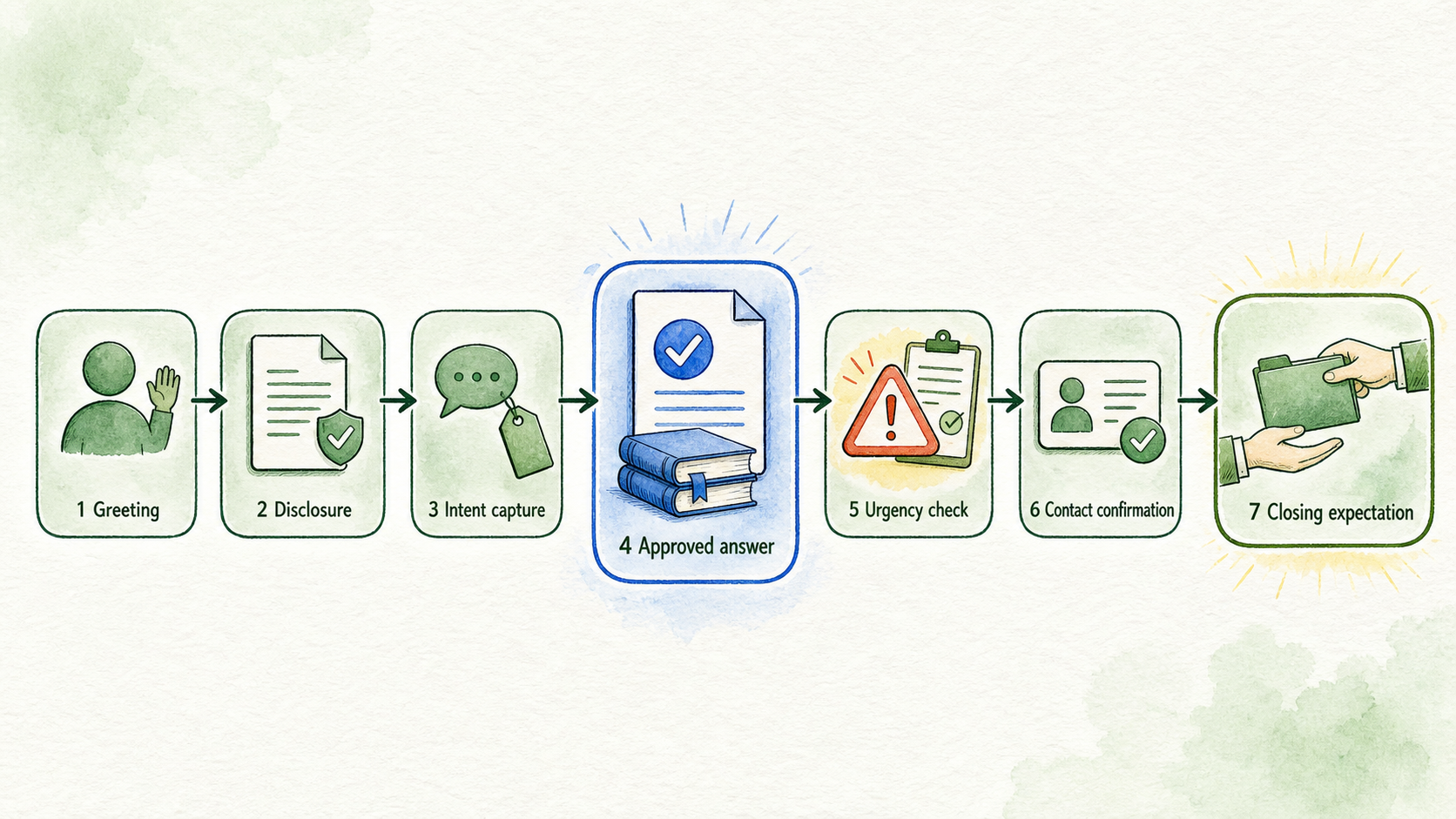
- Greeting: Identify the business and acknowledge that the call is arriving after normal staffed hours.
- Disclosure: Use only disclosure, recording, consent, or automated-assistant wording approved for the business and applicable jurisdiction.
- Intent capture: Ask what the caller needs, then map the answer to one policy row.
- Approved answer: State only information supported by the named source. If the information is unavailable, say that a designated person must confirm it.
- Urgency check: Ask the business-approved questions tied to observable escalation triggers. Do not improvise medical, legal, financial, safety, or emergency screening.
- Contact confirmation: Capture and repeat back the caller’s name, reliable contact method, and the details required by that specific workflow.
- Closing expectation: State the action being taken and only the response commitment approved for that row.
An adaptable closing might read: “I have recorded your request and contact details for [owner role]. The team’s approved next step is [action]. You can expect [reviewed commitment].” If no commitment has been approved, the script should not substitute a convenient estimate.
Every escalation needs seven operating elements: an observable trigger, primary owner, backup owner, transfer-failure behavior, captured context, caller-facing wording, and an approved response commitment. “Transfer urgent calls” is incomplete because it does not define urgent, name a destination, or explain what happens when nobody answers.
A usable record might specify that an approved trigger starts a transfer to the designated duty role. If that person cannot accept the call, the backup role is tried. If both attempts fail, the handler captures the required context, creates the approved follow-up task, and tells the caller exactly which next step has been initiated. Never imply that a transfer succeeded when it did not.
Fast escalation can protect a sensitive path, but vague triggers may repeatedly interrupt on-call staff. The business owner should review trigger wording against real calls. Regulated, medical, legal, financial, safety, emergency, and other high-consequence paths also require appropriate sector and professional review before publication or use.
Apply, review, and approve the workflow
The following matrix uses three clearly labeled hypothetical calls. Replace every fact, trigger, owner, destination, and commitment with approved business rules.
| Hypothetical call | Caller-facing promise | Internal action and fallback |
|---|---|---|
| 1. Service-and-availability lead: A prospective customer asks whether the business provides a service and has availability after closing. | Answer the service question only from approved service information. Say that availability requires confirmation unless a connected, authorized calendar can provide a final answer. | Capture the requested service, relevant location or timing, name, and contact method. Assign the sales owner. If delivery fails, route to the backup inbox or task queue and mark the outcome unresolved until ownership is confirmed. |
| 2. Appointment awaiting confirmation: A caller requests a specific appointment. | State that the request has been captured but is not confirmed unless the business rules and current configuration permit final booking. | Record the requested service, date, time, contact details, and any approved eligibility fields. Send it to the scheduling owner. If the calendar action fails, create the approved fallback task and avoid claiming the slot is held. |
| 3. Sensitive or urgent request: A caller uses wording that matches a reviewed escalation trigger. | Say that the request needs the designated person and that a transfer will be attempted. Use approved fallback wording if the transfer fails. | Attempt live transfer to the primary owner, then the backup. Preserve the caller’s wording, contact details, trigger, prior answers, and transfer result. If nobody accepts, activate the reviewed high-consequence fallback and state only the approved response commitment. |
After calls begin, keep the review loop narrow and operational. For a sample of calls, ask:
- Did the transcript stay within approved sources and wording?
- Did the transfer work, or did the correct fallback activate?
- Did the follow-up owner receive enough context and complete the assigned action?
- Was the call outcome recorded accurately?
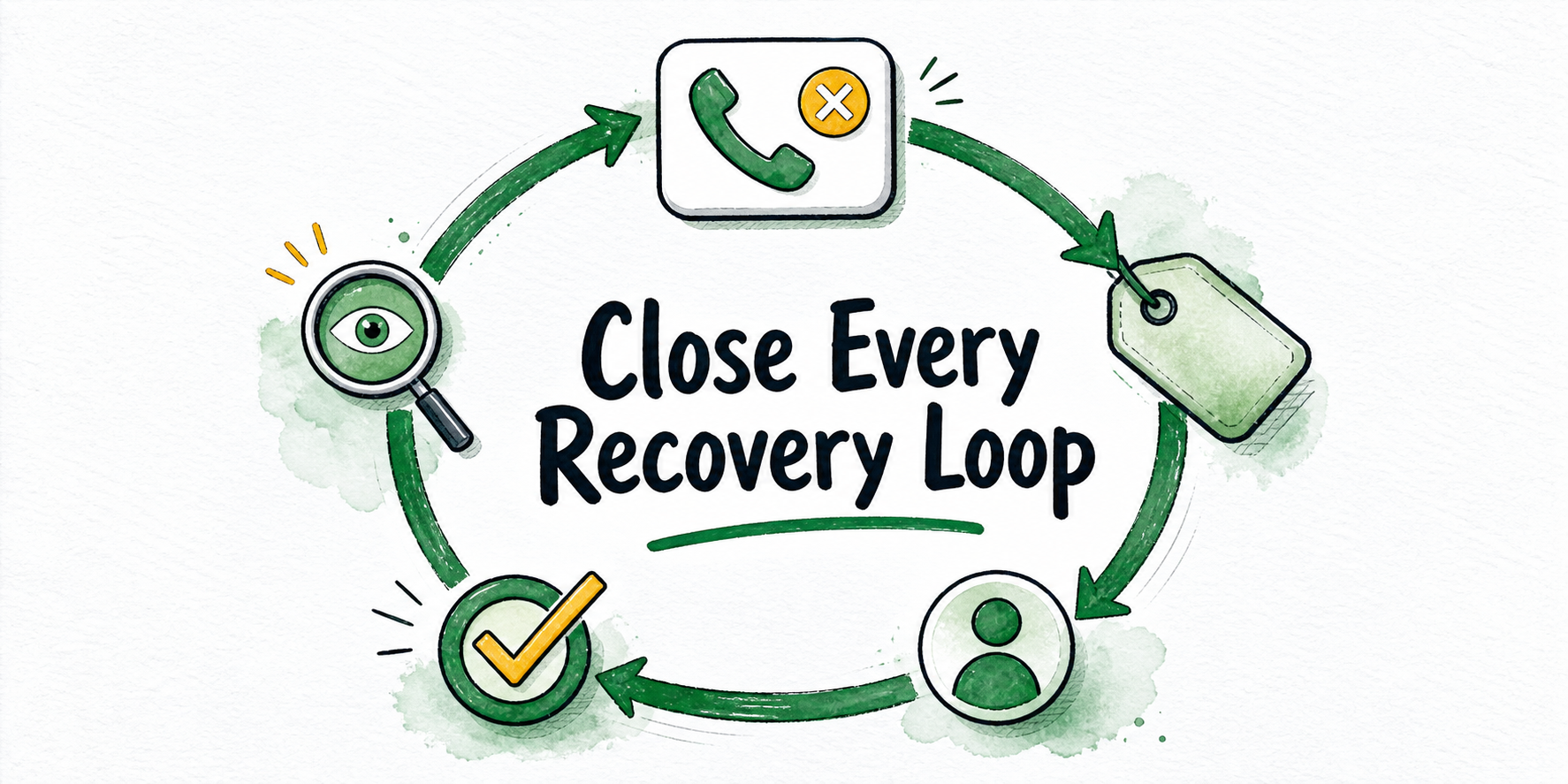
Use the findings to revise source content, script language, required fields, triggers, routing, or ownership. These checks show whether the policy was followed. They do not establish recovered revenue, return on investment, or a universal response standard.
Once the policy is approved, InsertChat can be evaluated as one possible configuration path. Its current documentation describes AI phone agents on real phone numbers and live human takeover, plus lead capture, booking, support handoff, webhooks, CRM-related workflows, and ticket creation. These capabilities depend on the intended plan, region, phone setup, integrations, and destination systems, so verify them immediately before publication and configuration. InsertChat product documentation
InsertChat also describes a knowledge base that can use approved website pages, documents, FAQs, policies, product data, and support material. Those sources still need business ownership and timely updates. InsertChat Knowledge Base
Approve, revise, or defer the workflow before starting a trial. Approval requires current sources, documented call classes, reviewed urgency triggers, primary and backup owners, transfer fallbacks, legal and privacy constraints, and response commitments. If those fields are complete and the required product configuration is verified, start with a narrow set of non-sensitive calls and inspect every resulting handoff. If they are incomplete, fix the policy before adding phone coverage.
FAQ
How quickly should an after-hours caller receive a response?
There is no universal commitment that fits every business. Choose a time only after confirming staff availability, the responsible owner, the call type, and any contractual or legal constraints. Until then, use a reviewed placeholder in the policy and avoid publishing a specific deadline.
What if the business has no written urgency rules?
Do not ask the handler to invent them. Collect representative calls, define observable triggers with the business owner, name the people authorized to respond, and obtain qualified review for high-consequence topics. Keep those paths out of the initial workflow until the rules and fallbacks are approved.
Should a caller’s request for a person always trigger takeover?
It can be an escalation trigger if the business approves that rule. The policy must still define who receives the call, which context travels with it, and what the caller hears if nobody is available.
Can one script handle every after-hours call?
One script structure can provide the greeting, intent capture, answer boundary, detail confirmation, and closing pattern. The facts, permitted actions, urgency checks, owners, fallbacks, and commitments must come from the relevant policy row. Broad scripts are unsafe when different calls require different authority or professional judgment.